CyberPlay editorial team · Published · Updated · 8 min read
Guide and exercises in English
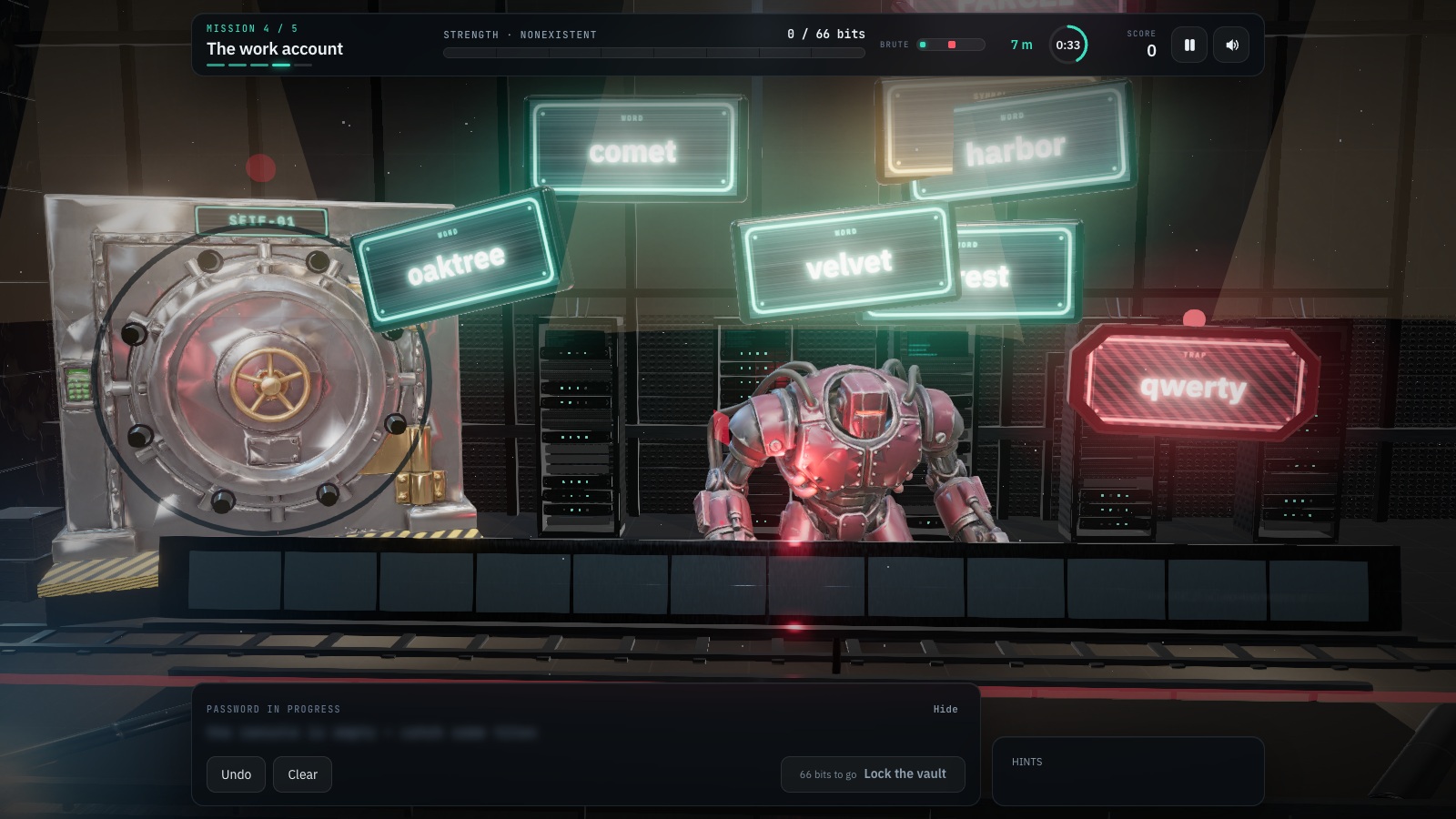
A passphrase is a password made from words. It can be easier to remember, but length alone does not make it unpredictable, unique or safe to share. For work accounts, use your organisation’s approved password manager to generate and store a different password for each separate account. Where you must remember a secret, use the approved method for creating a long, unpredictable passphrase.
The useful comparison is how a secret is chosen and protected, rather than whether it contains symbols or words. This guide explains predictable patterns, reuse, current NIST guidance and recovery. Every example is invented for discussion. Never paste an actual password into an article exercise, chat, survey or game.
What you’ll take away
- A long reused password can expose several accounts.
- Unrelated randomly selected words differ from a quotation or personal sentence.
- Use the approved password manager and protect its recovery route.
- Password rules, MFA and passkeys solve different parts of account protection.
1. Start with the account practice you can change
List the account categories you use, without writing down their secrets: work email, a separately managed supplier portal and a personal shopping account, for example. Identify where the same password has been reused. Replace reuse through the approved account-change process, starting with work accounts and accounts that can reset access to others.
An organisation’s single sign-on service is different from independently reusing its password on unrelated websites. SSO delegates sign-in through a configured identity system; copying the same secret into a separate supplier site does not create that protection. When a portal asks you to create another password, use a new unique value unless IT confirms an approved SSO flow.
2. Compare a passphrase with a predictable pattern
Length gives room for more possible choices, but people often select from a small, predictable set. A favourite song lyric, the company slogan or four words describing your family can be long while still being guessable. Adding the current year and an exclamation mark does not remove the underlying pattern.
For a memorised passphrase, independently chosen random words are useful because the selection process avoids an obvious relationship. Use the employer-approved generator or method rather than choosing a phrase from this page. For accounts you do not need to memorise, a manager can create long random passwords and handle typing them.
| Fictional approach | What matters | Better next step |
|---|---|---|
| Company name plus season and year | The pattern is predictable and easy to vary across accounts. | Generate a fresh unique secret with the approved manager. |
| A long quotation | Length does not remove a familiar sequence. | Use an approved random selection method. |
| The same random password on two sites | One disclosed secret can be tried on both. | Create separate secrets for separate accounts. |
| Independently selected words used once | Selection and uniqueness matter; word count alone is not a guarantee. | Meet policy and protect the secret and its recovery route. |
3. Understand why reuse defeats a strong starting choice
Imagine a fictional employee has a long password for an old hobby site and reuses it for a separately managed work tool. If the hobby-site password becomes known, an attacker can try that exact value against the work account. There is no need to guess the long password again. Small changes such as adding the service name can also leave a recognisable pattern.
A password manager reduces the memory burden of independent passwords. Keep work credentials in the approved work vault or managed profile, respecting the organisation’s rules about synchronisation and sharing. Do not export the vault to an unprotected file or copy work secrets to a personal account simply to make them available on another device.
Section sources: Managing your passwords
4. Read current NIST password guidance in its proper scope
The final 2025 NIST SP 800-63B-4 guidance sets a minimum of 15 characters for passwords used as a single authentication factor. It permits an eight-character minimum when the password is used only within multifactor authentication. For covered verifiers, NIST recommends a maximum permitted password length of at least 64 characters. It requires blocking commonly used or compromised values, permitting password managers and avoiding arbitrary composition rules or routine forced changes without evidence of compromise.
These are requirements and recommendations for systems within the standard’s scope, not a universal law or a promise that every 15-character string is secure. They concern centrally verified passwords, not every device-unlock PIN. Follow the organisation’s current policy and raise incompatible restrictions with IT rather than bypassing them. A compromised password still needs changing through the trusted recovery process.
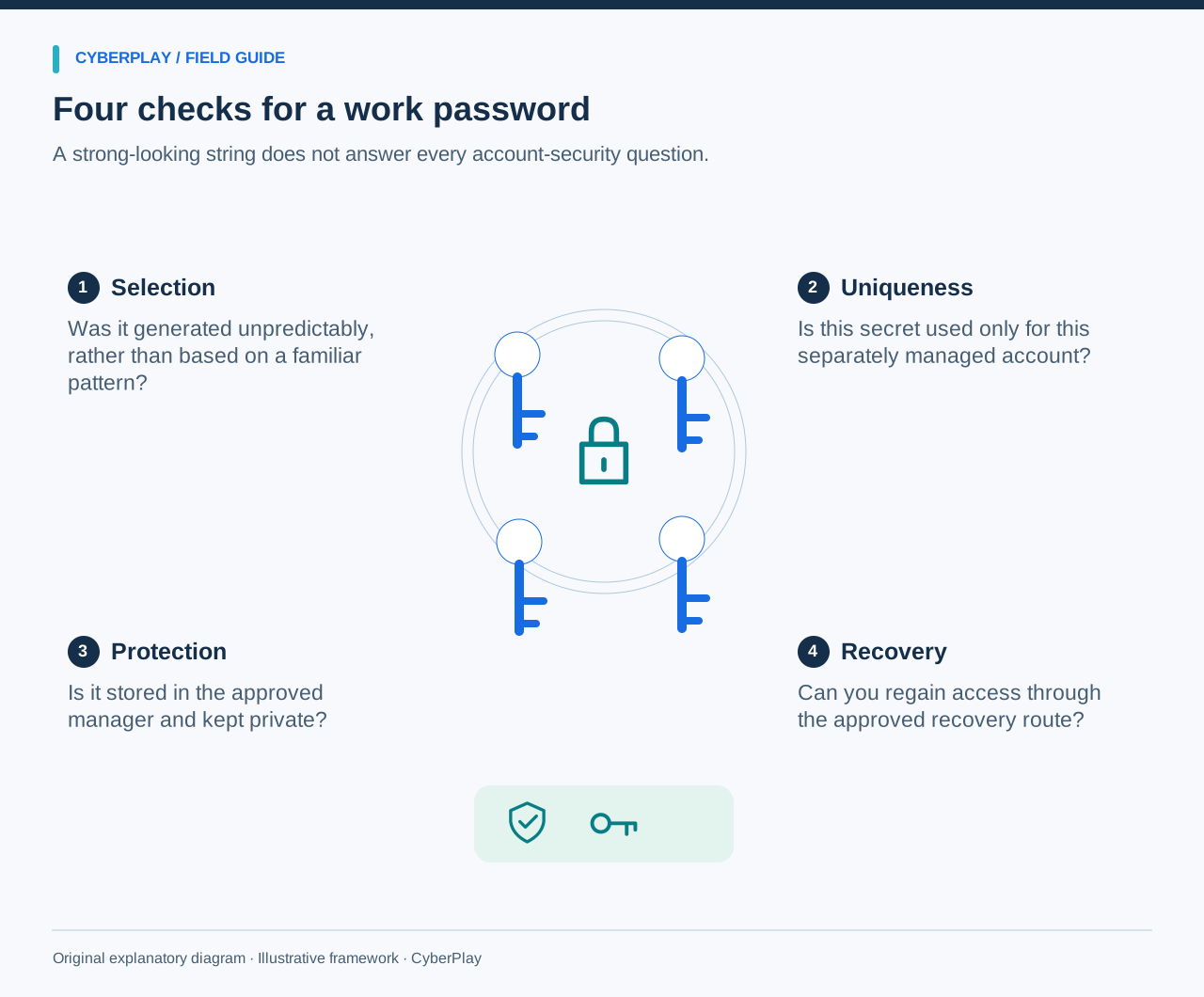
Section sources: Digital Identity Guidelines: authenticator and verifier requirements, SP 800-63B-4
5. Build a repeatable password-manager workflow
Open the genuine account settings through a known portal, then use the approved manager to generate and store a unique value. Check that the saved entry belongs to the correct service and work account. Follow the service’s confirmation steps and verify the saved entry through a normal sign-in. If something fails, use the known support route rather than sending the secret to a colleague.
Autofill can help connect an entry with its intended website. Missing autofill is a reason to inspect the address and entry, not proof of a phishing page: configuration, a changed domain or a locked vault can also explain it. Conversely, successful filling does not authorise every action on that website. Keep paying attention to what the page is asking you to do.
- Install or enable only the manager approved for work.
- Use its generator for each separately managed account.
- Check the saved service address and username.
- Keep the vault locked when it is not in use.
- Share access only through the organisation’s approved process.
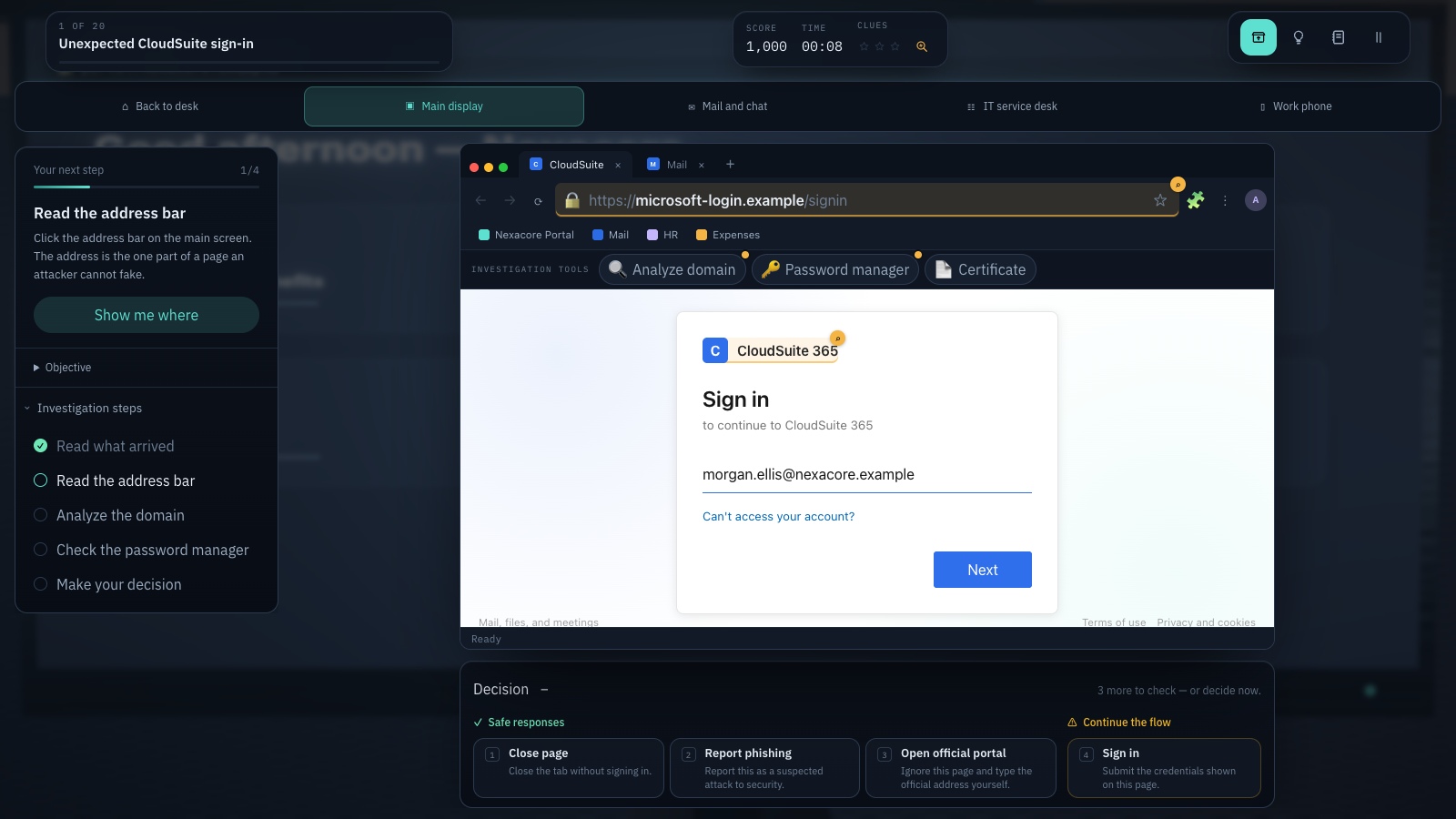
Expand image · Game screenshot · English interface
- Inspect the registrable domain
Read the registrable domain carefully; familiar words elsewhere in an address do not establish its owner.
- Use your known portal
Reach the service through a known portal and consider the context from your approved password manager.
Section sources: Managing your passwords
6. Add MFA or passkeys without confusing their roles
A password can be stolen even when it is long and unique. MFA introduces another factor, while a FIDO/WebAuthn passkey uses a different authentication mechanism bound to the service. Use the method approved and supported by your organisation. Do not disable an existing second factor because the password manager reports a high strength score.
One-time codes and push approvals can still be phished or manipulated. Only approve requests from a sign-in you initiated, and do not disclose codes to someone claiming to be support. Passkeys also need an approved enrolment and recovery plan; introducing one does not make a lost device or an unexpected account-change request irrelevant.
Section sources: Digital Identity Guidelines: authenticator and verifier requirements, SP 800-63B-4
7. Use Password Builder to recognise patterns
Password Builder presents falling word tokens and traps across missions, including a work-account challenge and a master vault. The player collects words and encounters lessons about predictable choices, work-versus-home reuse, password managers and two-step verification. Use the debrief to explain a choice rather than treating arcade performance as the learning objective.
This guide, the CyberPlay interface and Password Builder are available in English. The picture shows actual gameplay with English text. The game’s strength points and crack-time displays are teaching heuristics, not a validated estimate for your accounts. Do not enter real credentials, copy a displayed phrase into production or infer that the game configures a password manager or passkey for you.
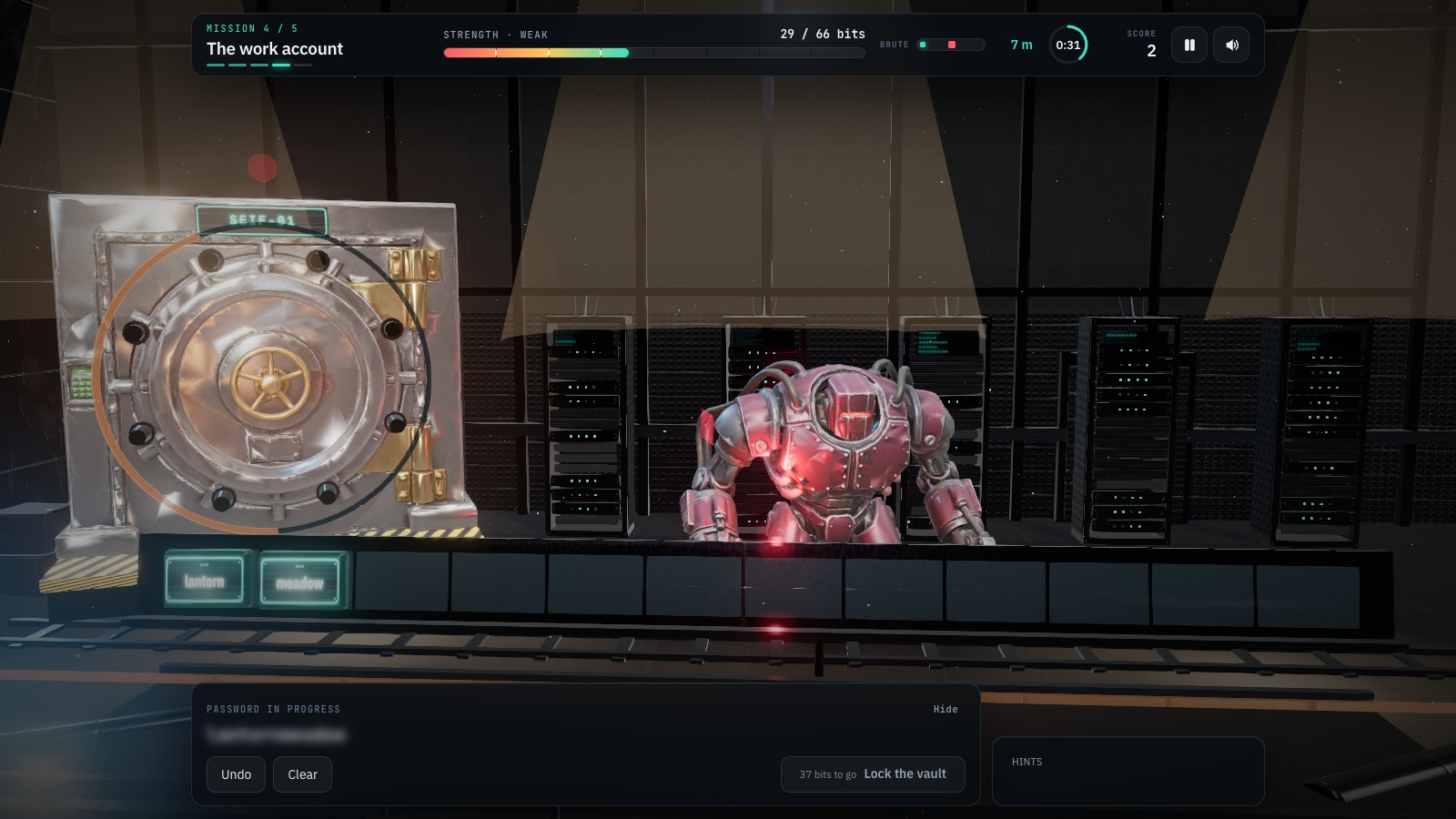
Expand image · Game screenshot · English interface
- Avoid predictable reused credentials
Avoid predictable choices and reused credentials; follow your organisation's requirements when creating a work account password.
- Interpret the strength meter
Treat the meter as illustrative; use an approved password manager when creating real work credentials.
8. Practise with an account decision, not a real password
After the game, replace the falling words with a fictional workplace choice. Ask learners to name the problem and describe a safe workflow. This checks whether they can apply uniqueness and approved storage outside the game, without collecting sensitive information.
9. Protect the route back into the account
Check how you will recover the work vault or account if a device is lost. Follow company rules for recovery codes, spare authenticators and helpdesk verification. Keep recovery material protected and available through the approved method; placing the only recovery information inside the account it unlocks can create a circular dependency.
Review old work access through the normal offboarding or account-management process. If a manager warns that a password may be exposed, open the service independently and follow the approved change procedure. A warning is a prompt to act on the affected account, not an invitation to upload the whole vault to an unfamiliar checker. Confirm with IT how to report an unavailable recovery method before it becomes urgent.
- Different secrets for separately managed accounts.
- Approved storage for work credentials and recovery material.
- MFA or passkeys where the organisation supports them.
- A known support route for lost access or exposure warnings.
- A later fictional scenario to check whether the habit transfers.
Section sources: Creating secure passwords and protecting accounts
Practise this decision in English
Use Password Builder to rehearse the decisions explained in this guide. The guide, CyberPlay interface and this game are available in English.
Play Password BuilderSources and further reading
- Digital Identity Guidelines: authenticator and verifier requirements, SP 800-63B-4 — NIST. Accessed 2026-09-13
- Managing your passwords — UK National Cyber Security Centre. Accessed 2026-09-13
- Creating secure passwords and protecting accounts — CERT Polska. Accessed 2026-09-13
Keep exploring
- Unexpected MFA request? What to do when you did not sign in
Received an MFA prompt you did not initiate? Learn when to deny it, verify a support call, report an accidental approval and practise the decision in English.
EN · 8 min read - How to spot a fake login page—even when it uses HTTPS
Check a login page’s real address, password-manager signals and request context. Learn why HTTPS is not proof of trust, with an English practice exercise.
EN · 8 min read - Security awareness training for employees: how to choose a programme
Choose security awareness training for employees with practical scenarios, accessible delivery and a clear pilot that checks learning, reporting and programme fit.
EN · 9 min read - Prompt injection training for employees: check what your AI assistant can do
Teach employees to check AI actions, protect work data and report mistakes. Pair CyberPlay Courses with Data Dash practice and a practical approval checklist.
EN · 8 min read - Session and device-code phishing: why a real login page is not enough
Compare session-cookie theft, device-code phishing and OAuth consent. Learn the safe employee action with CyberPlay Courses and Find the Fake Login.
EN · 8 min read - Deepfake voice fraud training: verify the request before money or access
Build a callback routine for AI voice scams, executive impersonation and helpdesk requests. Connect CyberPlay Courses with practical game scenarios.
EN · 8 min read