Password Builder — Cybersecurity Game
A 3D security-awareness mini-game in nine languages: assemble a passphrase out of falling pieces, let the weak patterns drop, and lock the vault before BRUTE reaches the door. Five missions, targets from 36 to 78 bits of strength, and three age profiles that change the wording, the examples and the pace.
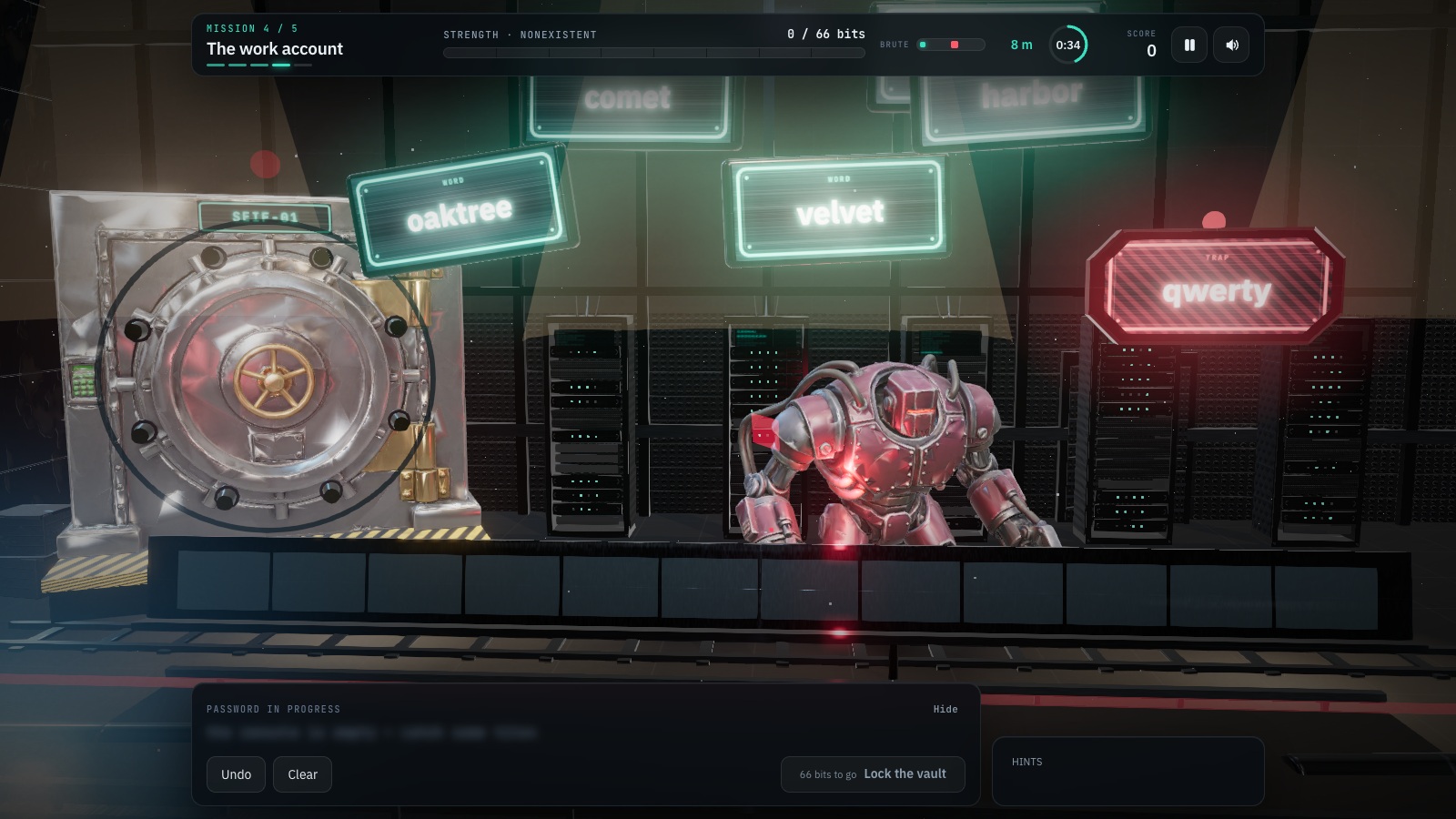
Password Builder is a free browser-based cybersecurity game. A 3D security-awareness mini-game in nine languages: assemble a passphrase out of falling pieces, let the weak patterns drop, and lock the vault before BRUTE reaches the door. Five missions, targets from 36 to 78 bits of strength, and three age profiles that change the wording, the examples and the pace.
Difficulty: Beginner. Estimated play time: 15 minutes.
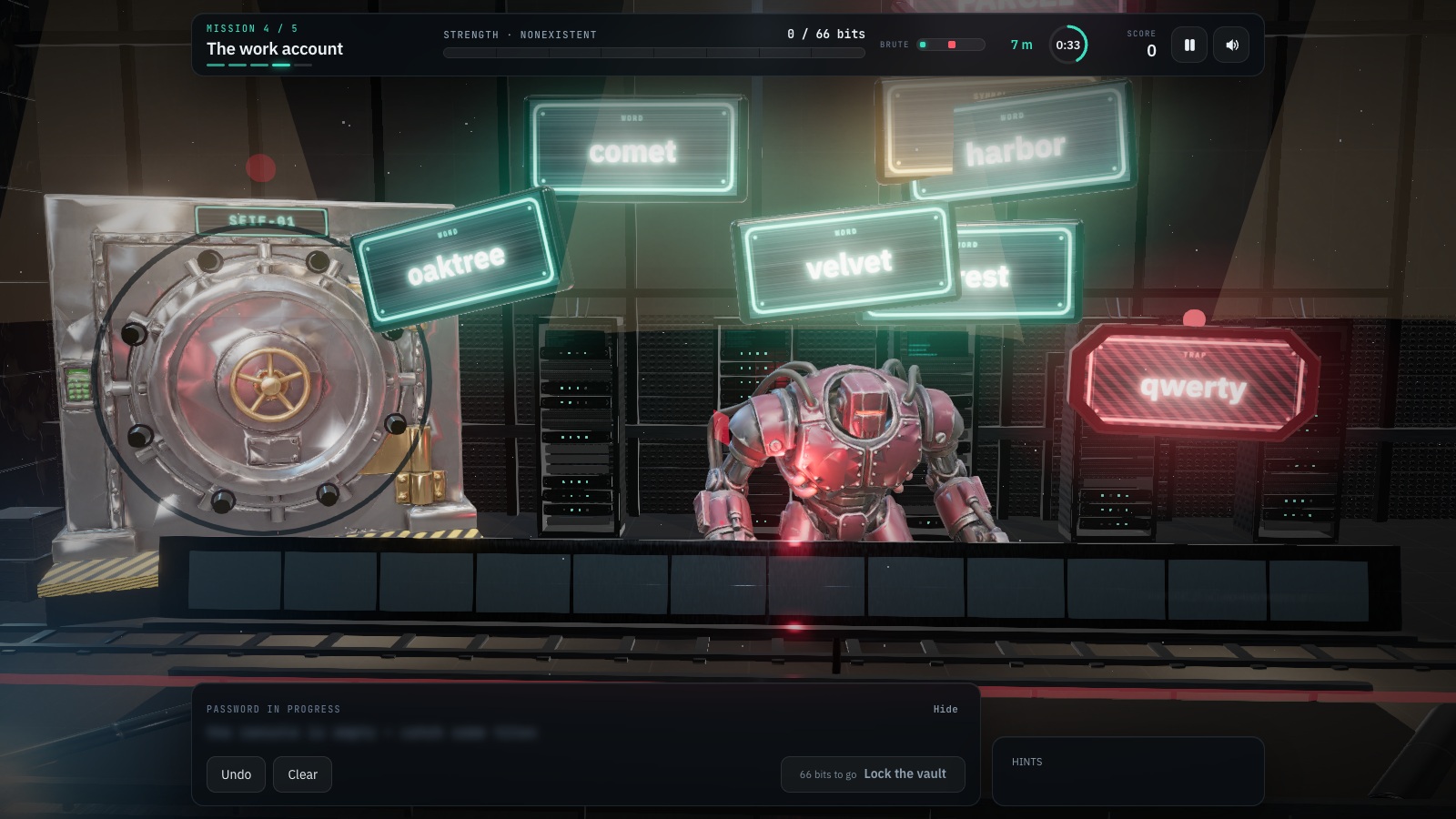
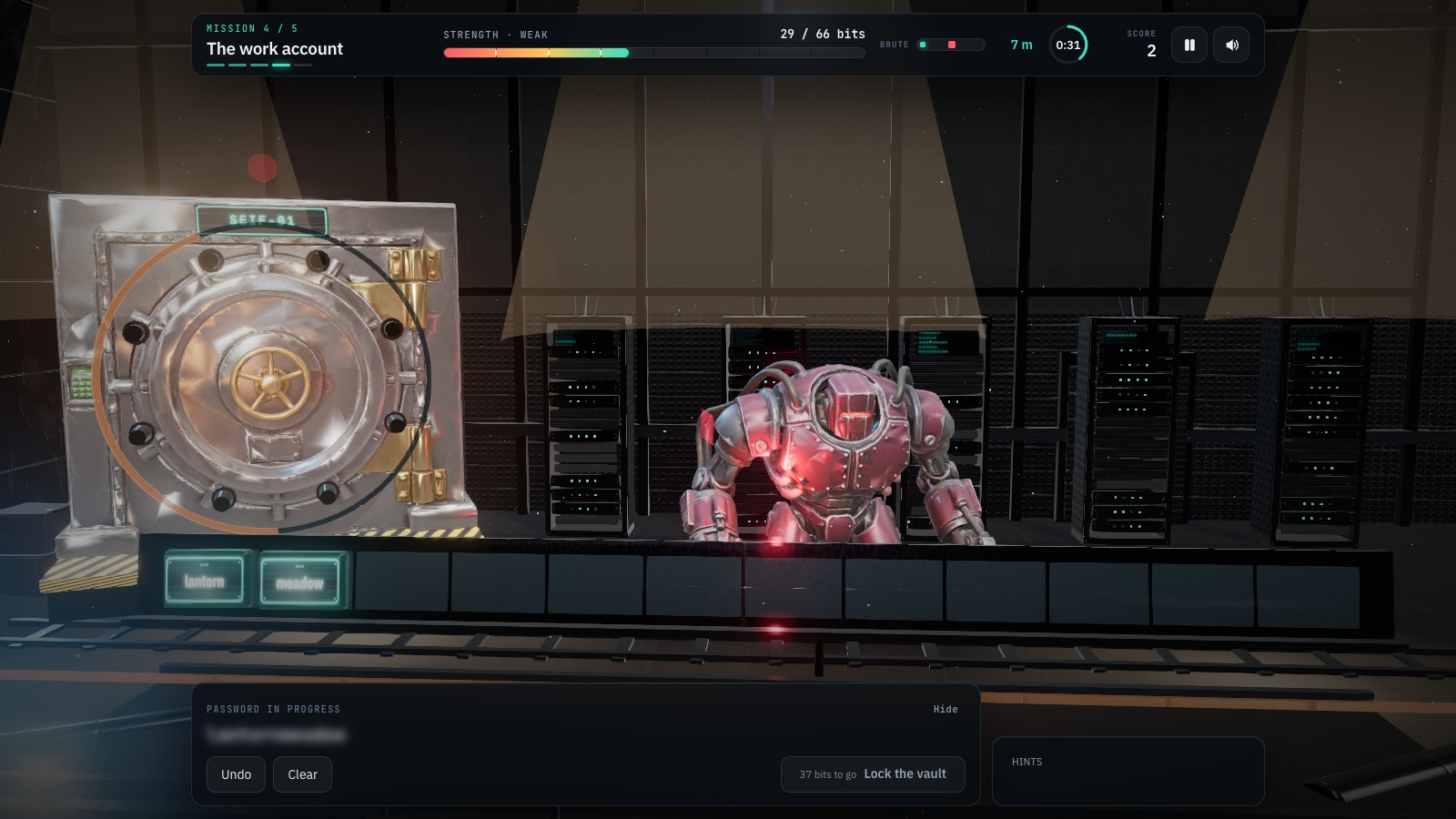
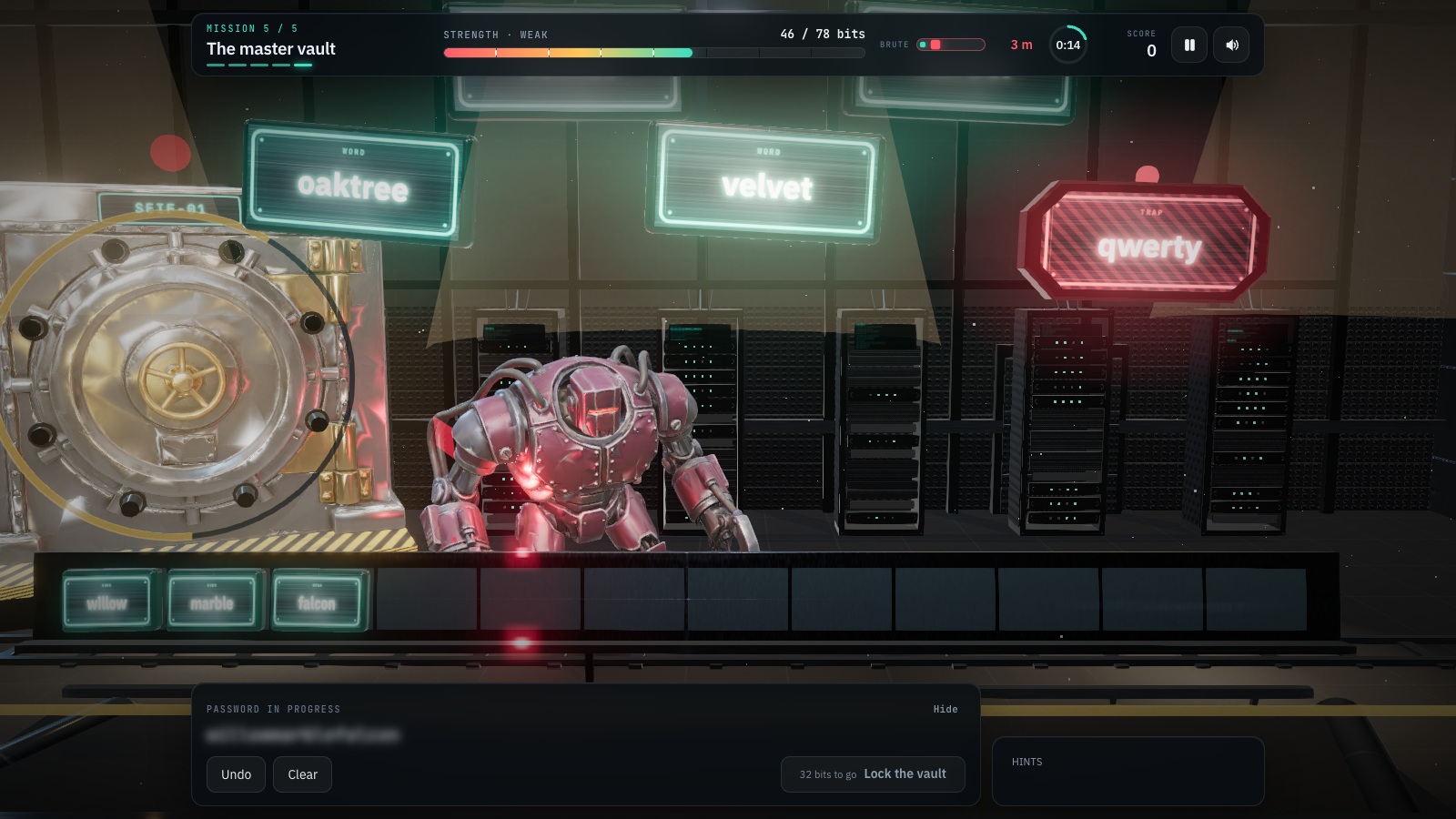
Five missions, each with an entropy target and a clock: The first vault (36 bits, 90 s), The email account (48 bits, 85 s), The bank vault (58 bits, 80 s), The work account (66 bits, 78 s) and The master vault (78 bits, 75 s). Pieces fall down six lanes; click a good one and it is appended to the passphrase — twelve slots in all. The game costs them the way an attacker would: a rare word is worth about 11 bits, a group of digits about 7, a symbol about 4.
The red and pink pieces are the actual lesson, and they change with the language: password, 123456, qwerty, p@ssw0rd, welcome1, admin, john1999, summer2024, company2023 in English, azerty and motdepasse in French, passwort and qwertz in German, contraseña in Spanish, zaq12wsx in Polish — plus phishing lures that arrive from mission three on: INVOICE, PARCEL, BANK, BONUS. Catching one costs you bits, breaks your streak and moves BRUTE 12% closer to the door, and the game says on the spot why that string is weak in that language. From mission three someone also reads over your shoulder and the password blurs.
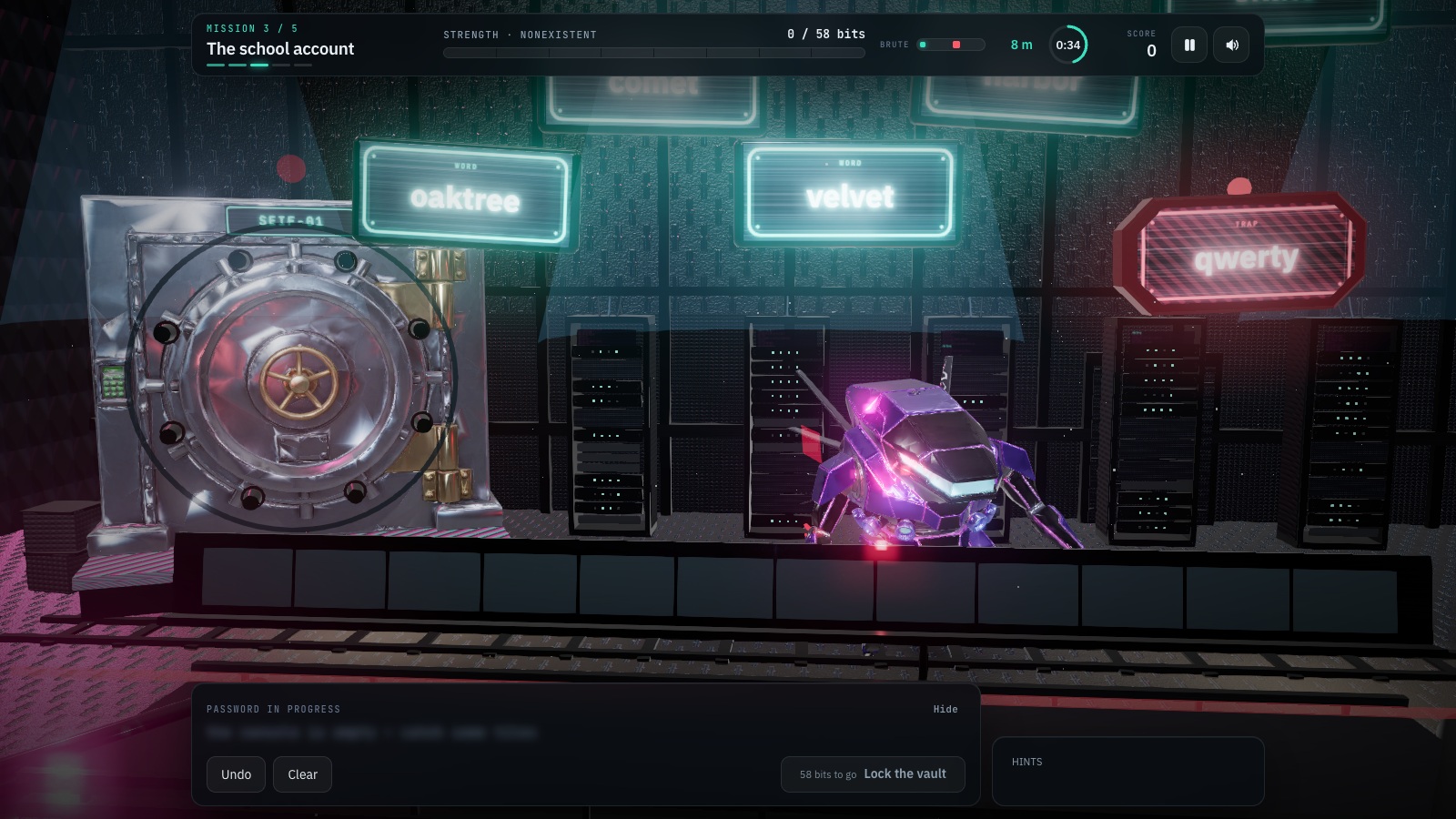
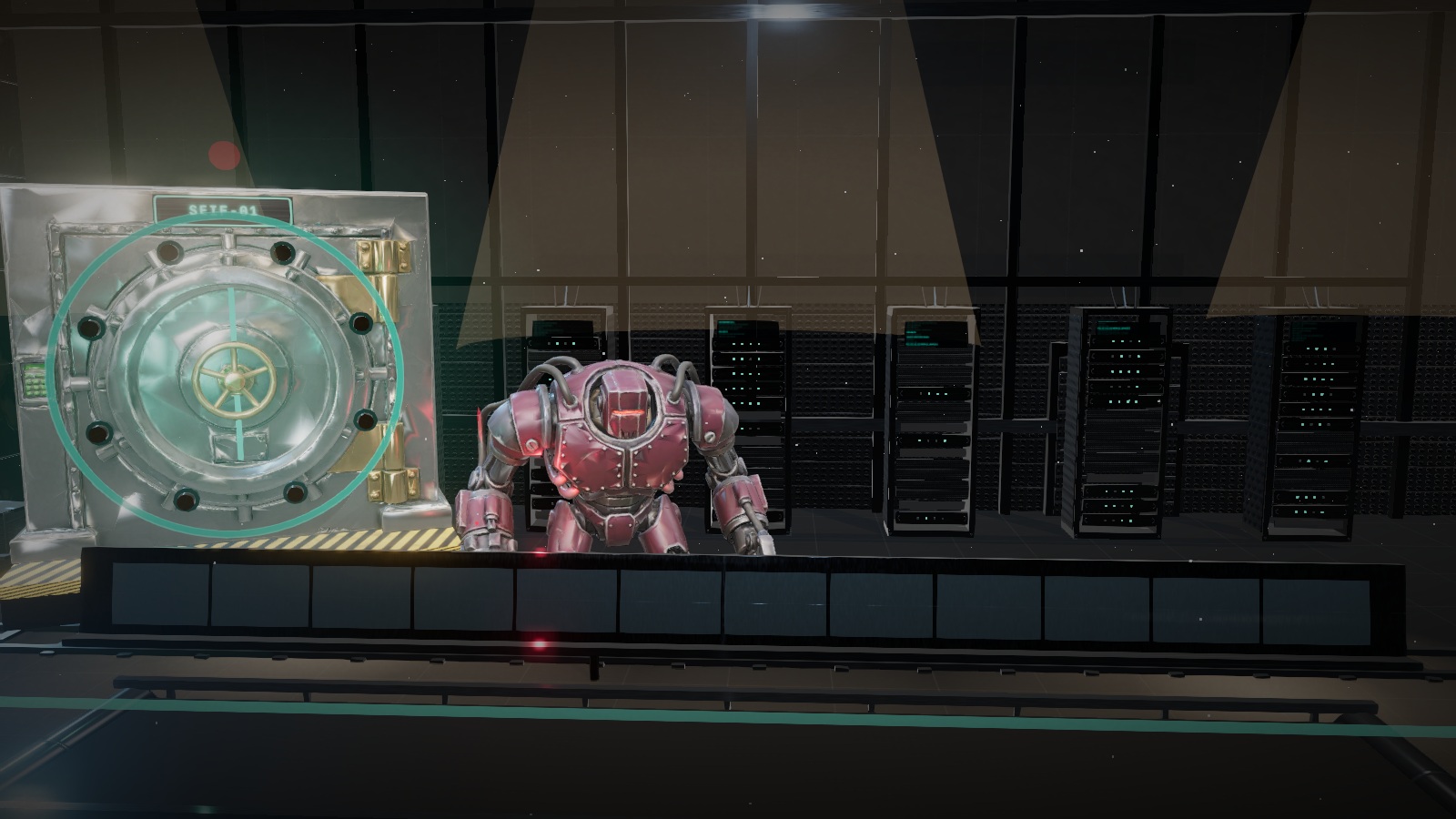
On first launch the game asks who it is for: under 18, 18–50, or over 50. That choice changes the missions, the traps, the lures, the quiz, the pace — 50+ gets 45% more time and pieces falling at 60% speed — the text size, and the whole 3D scene: concrete and brushed steel for adults, hexagonal carbon and magenta neon for teens, lime plaster, brass and oak panelling with cream tiles for 50+. Age group and language are separate choices: the difficulty numbers are shared across all nine languages, so nobody gets an easier game for reading it in their own.
Every mission ends in a debrief built from the round you just played: what went well, what it cost — naming the exact trap and why it is weak — and the full points breakdown (strength × 2, seconds left × 2, +40 for a clean round, longest correct streak × 6). Between missions comes one question about digital hygiene, worth 35 points. The run closes on a rank, a diploma drawn in the browser, and the same advice at every age: use a free password manager.
Interface, missions and instructions come in all nine platform languages, and each one carries its own vocabulary rather than a translation of somebody else’s: the falling word tiles and the weak passwords on the red ones are the words and the leaked passwords of that country, so a French player learns to avoid azerty and motdepasse while a Polish one learns to avoid zaq12wsx and haslo. Nothing leaves the browser — the age profile, the settings, the local history and the diploma are all generated and kept on the device.
What you will learn
- Entropy, briefly — more bits means more attempts for the attacker
- Four unrelated words beat any short “P@ssw0rd1”
- Recognise the classic traps: name + year, qwerty, 123456 — already in the attack dictionaries
- Do not reuse: one leak from an obscure site opens your e-mail and your bank
- Two steps and a manager: a unique password per site, a password manager, two-factor verification
How to play
- Click the falling pieces to add them to the password — there are twelve slots on the rail above the console.
- Steer clear of the red and pink ones: common passwords, years, keyboard runs, leetspeak and phishing lures.
- Fill the power meter to the mission target, then press “Lock the vault”. The button always responds: if you are short it tells you exactly how many bits are missing and where to get them.
- Read the debrief after each mission — what went well, what it cost, and how the points were added up.
- Answer the digital-hygiene question that follows for a 35-point bonus.
Platforms and languages
- Platforms: Desktop, Tablet, Mobile
- Languages: English, Română, Français, Deutsch, Nederlands, Italiano, Español, Polski, Українська
Practise with these games
Game screenshots
Related cybersecurity topics
- Phishing Awareness Games
Practise spotting deceptive messages, suspicious sign-in pages and payment requests with free phishing awareness games.
- Password & Account Security Games
Learn about unique passwords, password managers, multifactor authentication and fake login pages through interactive security games.