CyberPlay editorial team · Published · Updated · 8 min read
Guide and exercises in English
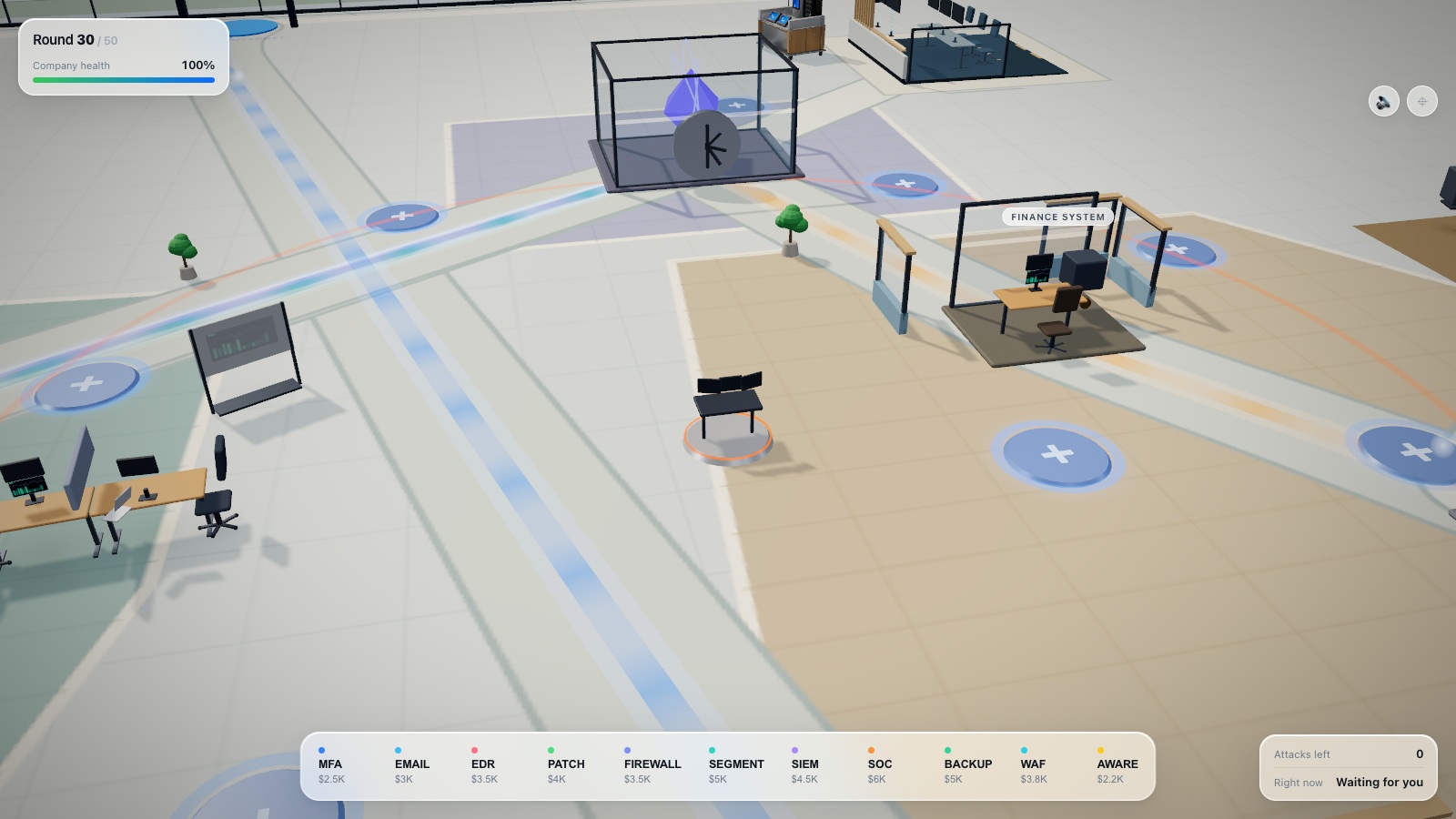
Security awareness for manufacturing has to fit the way work happens: shifts change, terminals are shared, contractors arrive, production targets create pressure, and a suspicious request may reach someone far from a desk. A programme designed only around office email will miss important decisions.
Start with the tasks people actually perform and the boundaries they must respect. This guide provides an original workforce matrix and discussion exercises for programme owners. General awareness practice can support good decisions, but it does not replace specialist operational technology training, machine safety procedures, or the authority of the site’s incident-response team.
What you’ll take away
- Design for shifts, shared devices and employees without individual work email.
- Teach who can authorise access, media use and operational changes.
- Practise escalation without making changes to live production equipment.
- Pair general security games with site-specific procedures and specialist training.
Map the points where people grant trust
Walk through a typical shift with an operator, supervisor, maintenance representative and office colleague. Identify where someone accepts a file, grants access, signs into a terminal, handles a visitor, or acts on a supplier instruction. Ask what information the person has at that moment and who can help if the request is unusual.
Use the walkthrough to build a small set of learning objectives. “Recognise a USB risk” is less useful than “Route an unexpected removable device through the approved media process.” Record practical constraints as well: gloves, hearing protection, limited network access, shared screens, language needs and short handover windows. These constraints should shape delivery, not become reasons to exclude a group.
Give each role a relevant task
The same theme can require different actions. An operator may need to recognise and escalate an unexpected prompt. Maintenance may need to confirm an approved work order and access arrangement. Procurement may need to verify a supplier’s changed bank details. Supervisors need to support a pause and find the responsible specialist.
Use the matrix below to discuss coverage with each function. It is a programme design aid, not a declaration that a general awareness platform provides all the listed specialist training. Mark which activities are delivered by security, operations, the training team or an external provider so responsibility remains visible.
| Audience | Situation | Decision to practise | Delivery option |
|---|---|---|---|
| Operators | Unexpected request at a shared terminal | Pause and use the site escalation route | Shift briefing with printed scenario |
| Maintenance | Supplier brings a file or device | Confirm the approved transfer and access process | Supervised procedure walkthrough |
| Supervisors | A security check delays urgent work | Escalate without bypassing safety or authorisation | Facilitated discussion |
| Procurement and finance | Supplier changes payment instructions | Verify through an established contact | Message exercise or relevant game |
| Reception and contractors | A visitor requests restricted access | Confirm host and permissions | Visitor-workflow role play |
Practise a safe shared-terminal handover
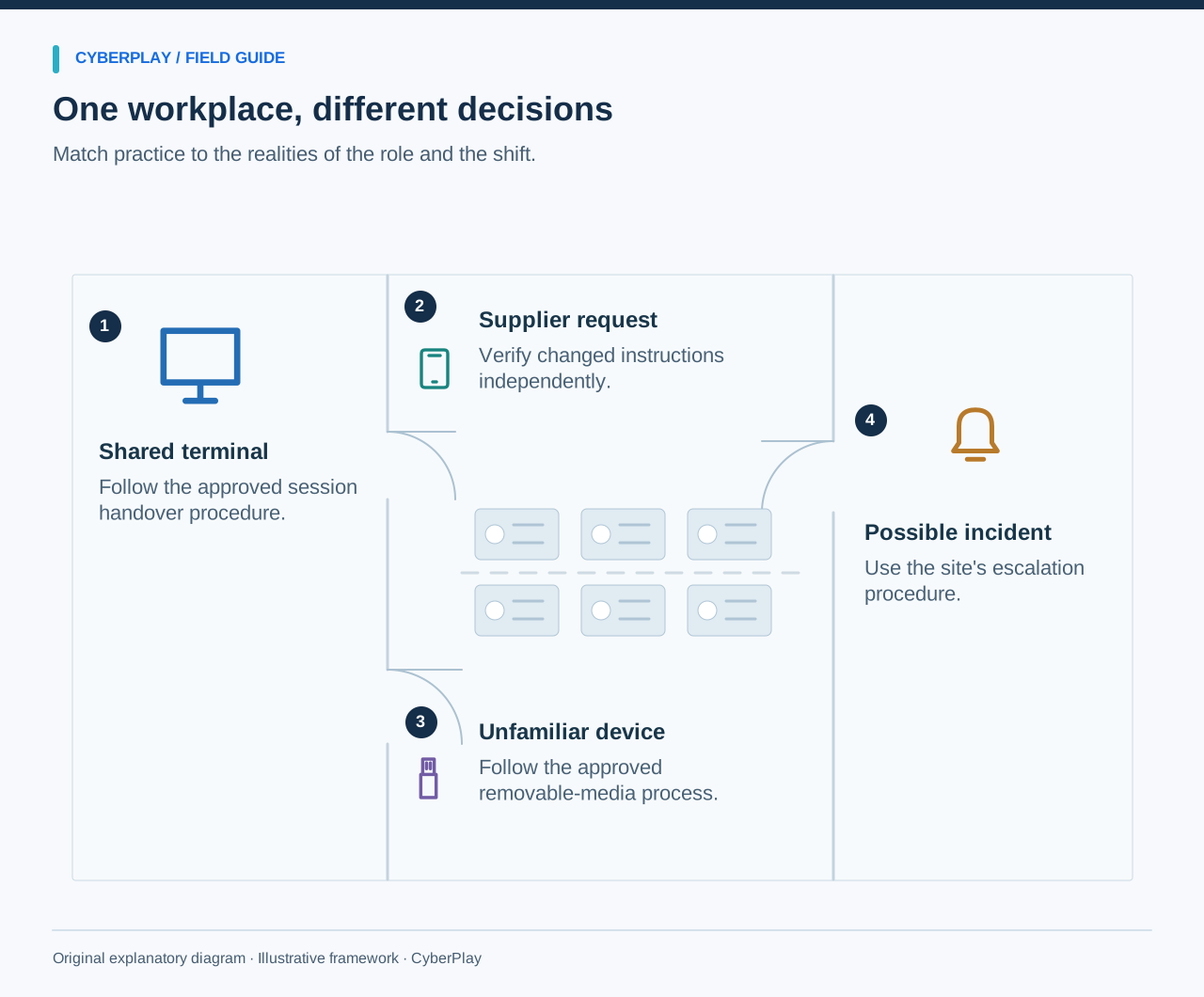
Build the exercise around the site’s approved sign-in and handover procedure. One person finishes a task; the next needs to continue; the first is called away unexpectedly. Ask what should happen to the session, credentials and unfinished work. Do not assume that an office screen-lock shortcut is appropriate for every control interface.
A facilitator can use a paper terminal diagram or a training environment. The learning objective is to recognise the boundary between a shared device and shared identity. If operational systems use constrained account arrangements, have the responsible owner explain the approved method and its safeguards. Employees should know how to report a problem without inventing a workaround during a busy shift.
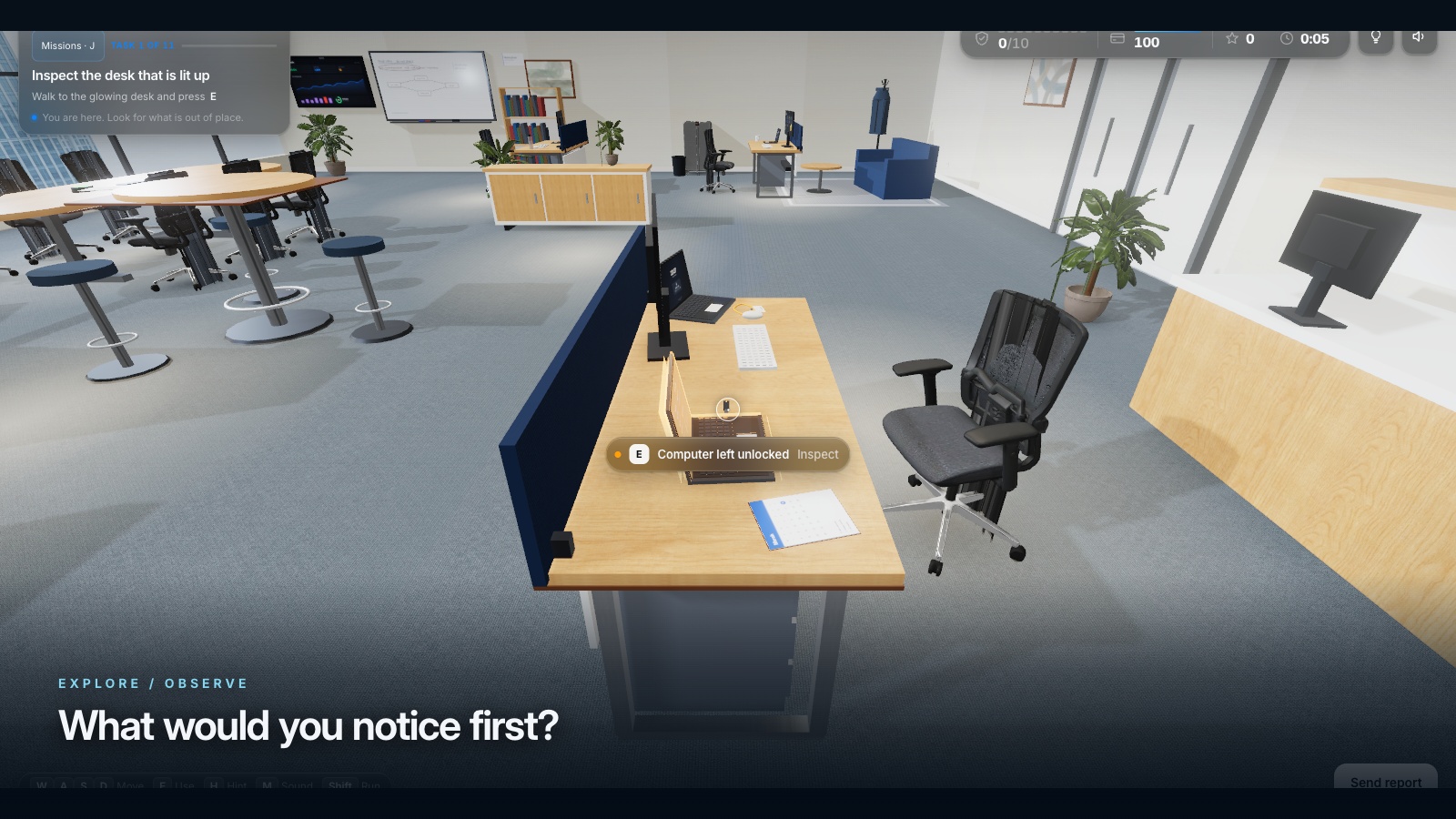
Expand image · Game screenshot · English interface
- Secure an unattended screen
Lock an unattended office screen using the approved method before leaving the workstation or changing tasks.
- Protect papers and badges
Keep sensitive papers and access badges protected, following the workplace's storage and handling procedures throughout the day.
Make removable-media decisions concrete
NIST SP 1334 addresses portable storage media in operational technology environments, where an infected device can threaten operations or safety. Its emphasis on physical and technical controls reinforces the need for an approved media process, not employee improvisation.
For awareness training, use a labelled prop or a picture rather than a functioning unknown USB device. Present a supplier who says the file is needed urgently for maintenance. Ask who can approve the transfer, which equipment may be used, and how approval is recorded. “Scan it on any available computer” is not an acceptable universal answer; the site’s process and authorised technical owner determine the handling.
Section sources: Reducing the Cybersecurity Risks of Portable Storage Media in OT Environments
Rehearse a supplier request under production pressure
This original discussion exercise is intended for a training room or briefing, using fictional people and no live equipment. Invite maintenance and supervision to answer together because a gap between their assumptions is often more useful to discover than an individual wrong answer.
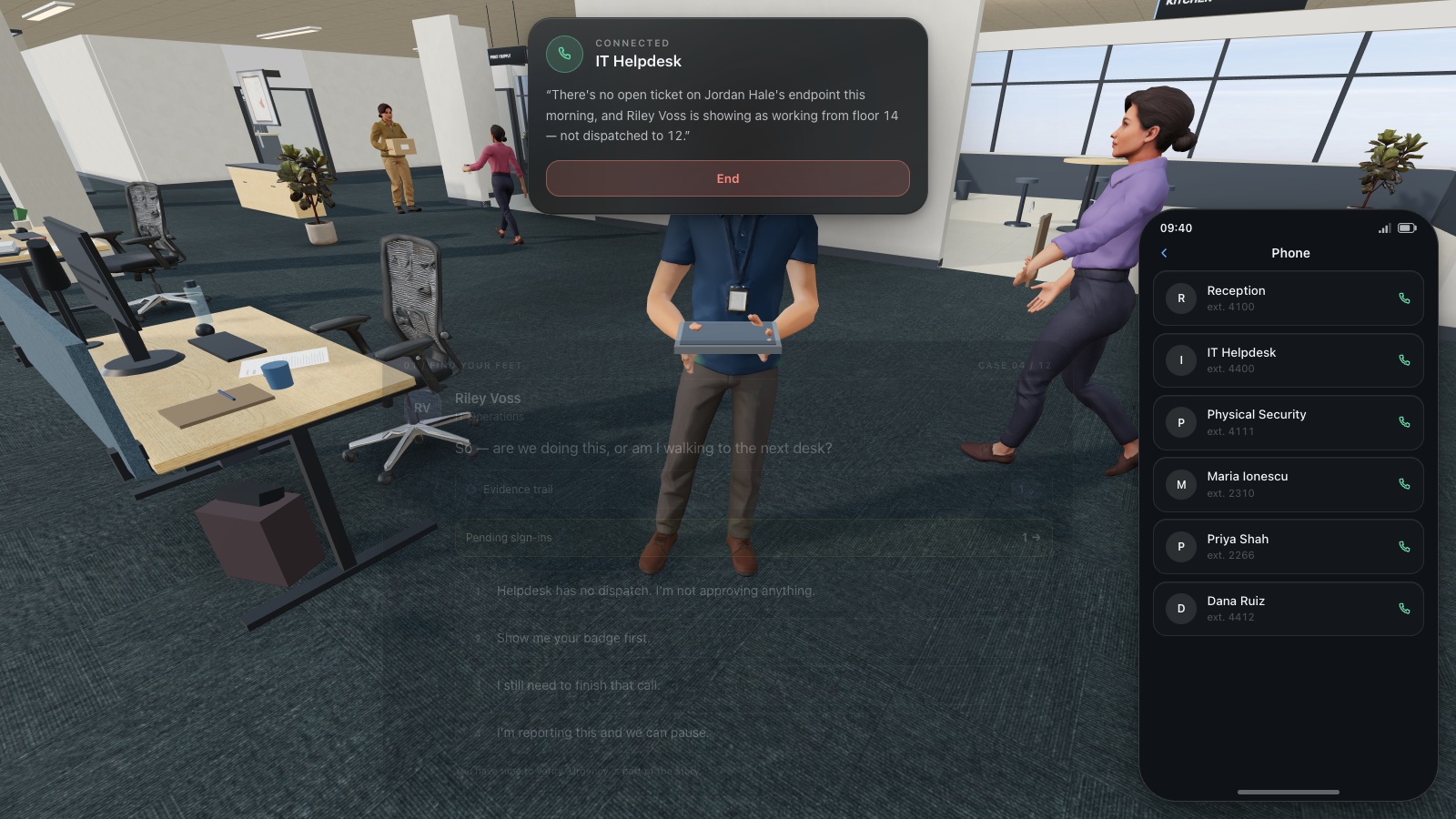
Expand image · Game screenshot · English interface
- Find the existing directory
Use the organisation's established helpdesk directory to find a trusted contact before continuing a sensitive request.
- Do not reuse supplied numbers
A number supplied by the caller is part of the request and cannot independently verify it.
Reach every shift without assuming everyone has email
Plan delivery with supervisors and workforce representatives. Offer equivalent sessions across shifts and a route for temporary staff or people absent that week. A short briefing can introduce the decision, followed by an individual game on a suitable device or a group scenario with the same objective. Avoid relying on a poster as the only evidence that everyone received instruction.
Reserve a safe place and time for participation. A production task and a training challenge should not compete for attention. Where devices are shared, consider how users access their own learning records and finish the session without exposing another person’s information. Keep attendance and unresolved questions together so the next shift receives the same corrected instruction.
Use clear language and realistic visual material
A factory workforce may include people who are fluent in operational tasks but less comfortable with the language used by the corporate security team. Show the actual type of request, explain the expected action in plain language, and ask participants to demonstrate their understanding. Translation should cover instructions and feedback, not just a title slide.
Use approved photographs or simplified illustrations that avoid exposing badges, personal details, screen contents or sensitive layouts. Make text large enough for the room and provide printed or accessible text alternatives. A diagram should show the decision route clearly: request received, authority checked, approved process followed, uncertainty escalated. Decorative circuit boards rarely help someone find the right colleague.
Teach incident reporting within operational boundaries
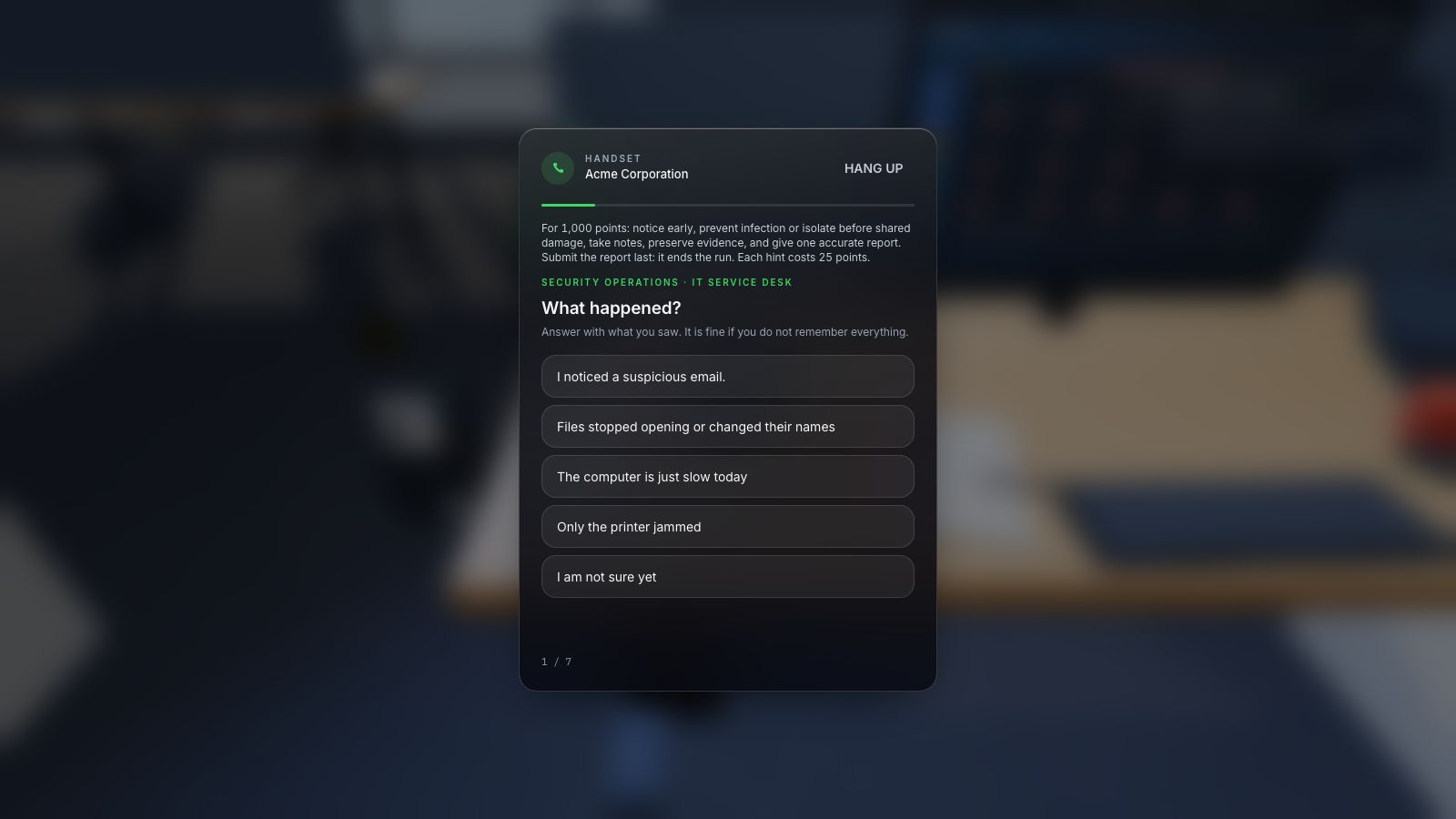
In a manufacturing scenario, reporting should include what was observed, the affected location or device, the time, and any action already taken. Employees should follow the site’s incident and safety procedures. A generic awareness session should not tell them to disconnect, reboot or shut down equipment without authorised direction.
Rehearse an unavailable primary contact. Who receives the report at night, during a weekend or when email is down? Show the approved alternative route and make sure it can be found from the relevant workplace. A practical test can be a discussion with the duty supervisor rather than a live incident notification; agree the exercise boundary before starting.
Expand image · Game screenshot · English interface
- Include time and device
Report the observed symptoms, when they appeared, and the affected device through the organisation's approved reporting route.
- Distinguish observation from diagnosis
Separate direct observations from suspected causes so responders can investigate without treating an early guess as fact.
Connect awareness to the wider risk programme
NIS2 Annex II includes specified manufacturing subsectors, with scope determined by the directive’s rules and national implementation. Manufacturing status alone should not be used to declare every factory in scope. Have the responsible function assess the entity and its activities.
NIST SP 800-50r1 offers a lifecycle approach to learning programmes. For this programme, use incident lessons, procedure changes and workforce feedback to revise your exercises. Keep specialist competence development separate from general awareness coverage, while linking both to the same operational risks. A game result can support a training record; it cannot establish that an industrial control system is secure.
Section sources: Directive (EU) 2022/2555, Articles 20 and 21 · Building a Cybersecurity and Privacy Learning Program, NIST SP 800-50r1
Use the first month to close one practical gap
In week one, map the trust decisions and verify the escalation contacts. In week two, run the supplier-media discussion on each shift. In week three, offer an appropriate general awareness game or equivalent activity. In week four, revisit the scenario with a different contractor and record whether the approved route is understood. These are suggested steps, which you can adapt to production schedules.
Choose CyberPlay practice for a relevant general decision, such as recognising a deceptive request or checking access. Pair it with the site’s own process and a debrief led by someone who understands the operational constraints. The immediate outcome should be concrete: an employee knows what to do, and the organisation has made that action possible.
Put the decision into practice
Explore the relevant CyberPlay games, choose a suitable challenge, and discuss how its decisions connect to your own workplace procedures.
Explore practice gamesSources and further reading
- Reducing the Cybersecurity Risks of Portable Storage Media in OT Environments — NIST. Accessed 2026-09-13
- Directive (EU) 2022/2555, Articles 20 and 21 — EUR-Lex. Accessed 2026-09-13
- Building a Cybersecurity and Privacy Learning Program, NIST SP 800-50r1 — NIST. Accessed 2026-09-13
Keep exploring
- NIS2 security awareness training: a practical programme and evidence checklist
Plan NIS2 security awareness training by role, connect activities to risks, and keep useful evidence. Includes management and employee training distinctions.
EN · 8 min read - Security awareness training topics: choose by role and workplace risk
Choose employee security awareness topics by role and workplace risk. Use a practical curriculum matrix for phishing, accounts, data, physical access, AI and reporting.
EN · 9 min read - Ransomware tabletop exercise for non-technical teams: a facilitator guide
Run a ransomware tabletop for non-technical teams with fictional injects, clear roles, escalation decisions, continuity questions and a downloadable facilitator pack.
EN · 8 min read - Invoice fraud: how to verify a supplier’s bank-account change
Prevent invoice fraud with an independent supplier callback, bank-detail comparison and approval record. Includes a practical finance worksheet and game exercise.
EN · 8 min read - Clean desk and clear screen: a practical security checklist
Use a clean desk and clear screen checklist for papers, printouts, badges and devices. Practise classifying information and choosing secure storage or disposal.
EN · 8 min read - Cyber security awareness for universities: a course plan
Build university cyber security awareness with student induction, staff and research pathways, CyberPlay Courses, practical games and a campus reporting exercise.
EN · 10 min read