CyberPlay editorial team · Published · Updated · 8 min read
Guide and exercises in English
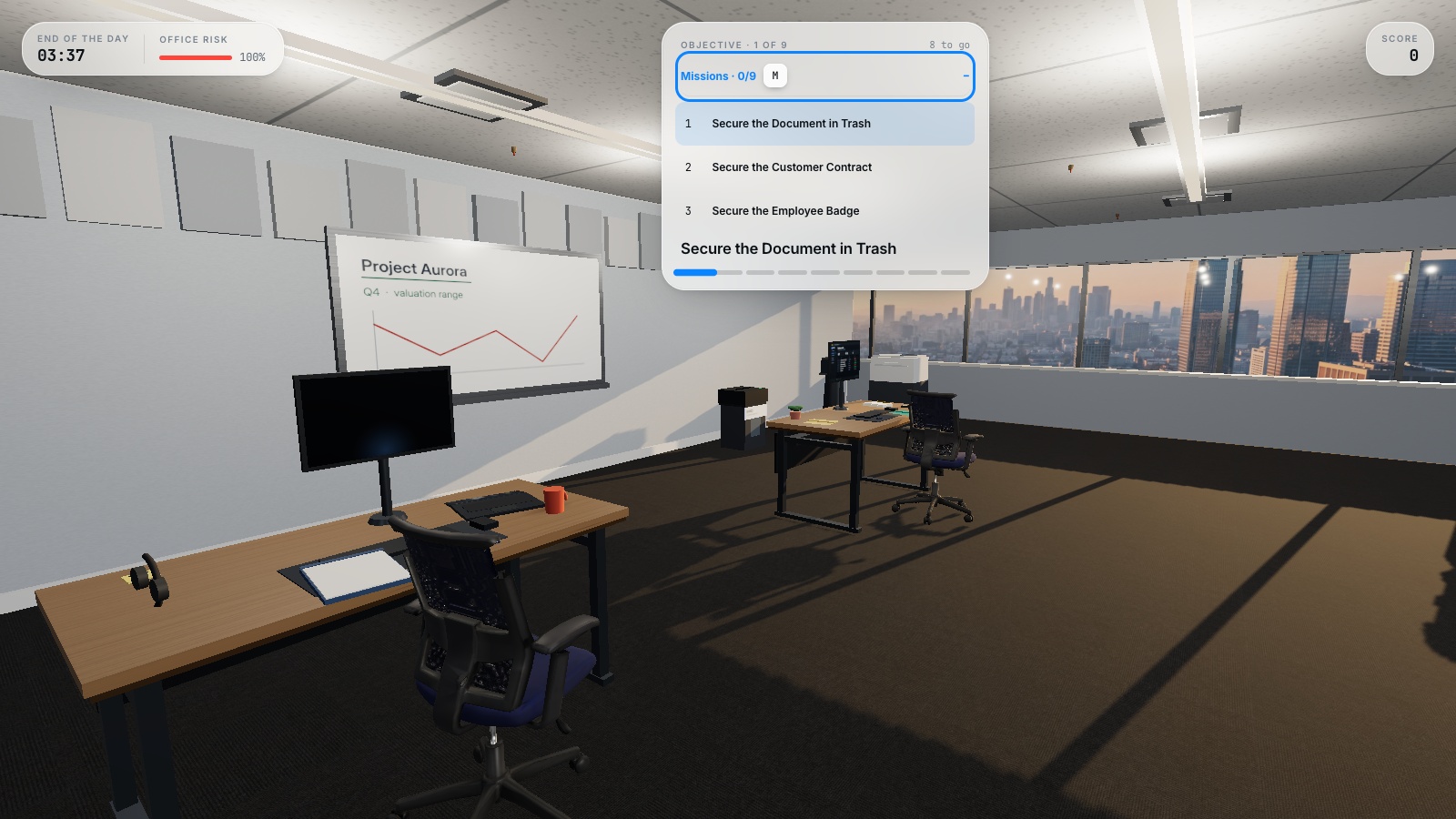
A clean desk and clear screen routine protects information and access when you step away from work. Lock your ordinary office screen, collect sensitive printouts, secure papers and portable devices, and keep access badges under control. A clear desk does not have to be empty; harmless objects can remain while protected information goes to the right place.
This guide provides a leaving-your-desk checklist, an original sorting exercise and a practical way to teach the decisions through Clean Desk Challenge. Apply your organisation’s information classifications and retention rules. The purpose is sound information handling, not a tidy-desk competition or a promise of legal compliance.
What you’ll take away
- Judge an object by its information and access value, not its colour or untidiness.
- Lock an ordinary office screen before leaving; automatic locking is a backup.
- Use approved storage and disposal routes, respecting retention or preservation requirements.
- Teach what people may handle themselves and what belongs with the authorised owner.
1. Use a five-point leaving-your-desk check
Start with the moment that often gets missed: a short interruption. A delivery arrives, a colleague asks for help, or a meeting moves to another room. Make the check work for these ordinary pauses as well as the end of the day. The actions should be achievable with the storage and controls the organisation actually provides.
- Lock the screen on the ordinary office workstation; check other visible displays.
- Collect your sensitive printouts from the printer and nearby output trays.
- Put protected papers in the approved secure location.
- Take or secure your badge, phone and other portable work devices.
- Clear exposed notes and use the approved route for items ready for disposal.
2. Decide what the object exposes
A blue folder can contain a public brochure or payroll data. A coffee mug can be clutter without being an information-security problem. Ask what someone could learn, change or access by reading or using the object. Labels help, but the employee should also recognise when the contents do not match the label.
Your organisation may use terms such as public, internal or confidential, with specific handling instructions for each. These labels are examples, not a universal classification scheme. If ownership or sensitivity is unclear, protect the item from casual viewing and contact the authorised owner without opening unrelated records to investigate.
3. Protect the screen while work continues
Locking limits access to an active session, while positioning a screen limits casual viewing. They solve different problems. Check monitors facing corridors or windows, meeting-room displays, shared desks and the camera’s view during calls. A privacy filter may help with viewing angles, but it does not replace session locking.
The ICO’s physical-security toolkit recommends clear-desk and clear-screen processes, suitable device positioning and automatic screen locking. Its guidance is a control reference, not a certificate that this checklist makes an organisation compliant. For operational or safety-critical terminals, follow the approved handover procedure; do not apply ordinary office advice as an instruction to stop a process.
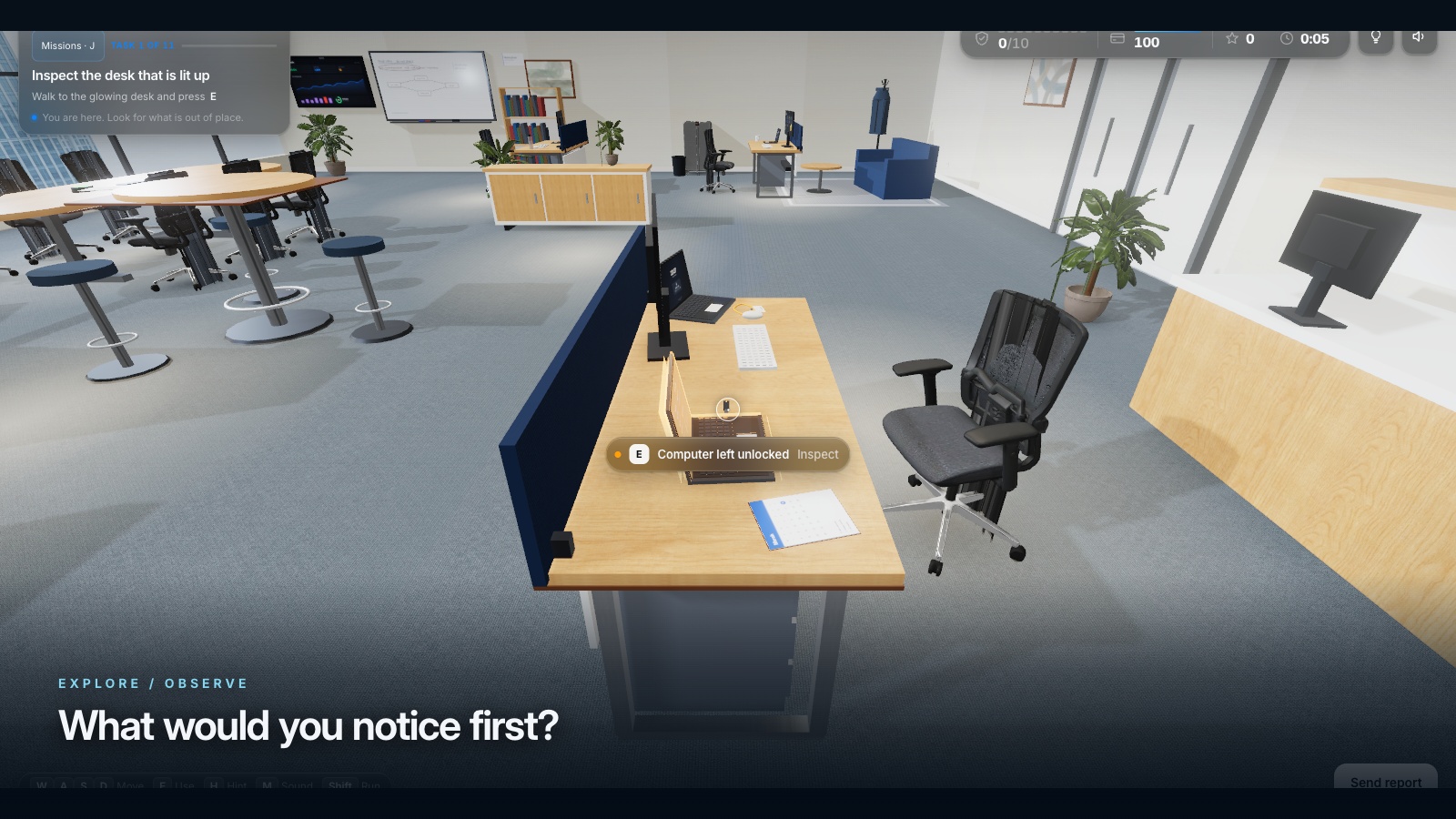
Expand image · Game screenshot · English interface
- Secure an unattended screen
Lock an unattended office screen using the approved method before leaving the workstation or changing tasks.
- Protect papers and badges
Keep sensitive papers and access badges protected, following the workplace's storage and handling procedures throughout the day.
Section sources: Physical security: information and cyber security toolkit
4. Follow the document beyond your own desk
The printer, scanner output tray and meeting table are part of the information-handling route. Collect work you sent for printing, use the approved secure-release function when provided and check that every required page arrived. Avoid sending a second copy just because you have not yet walked to the printer.
For an exercise, consider a fictional customer contract marked confidential. Reading its purpose and classification is more useful than reacting to the folder’s appearance. If you find another team’s sensitive printout, use the approved return or reporting process. Do not photograph its contents into an informal group chat to ask who owns it.
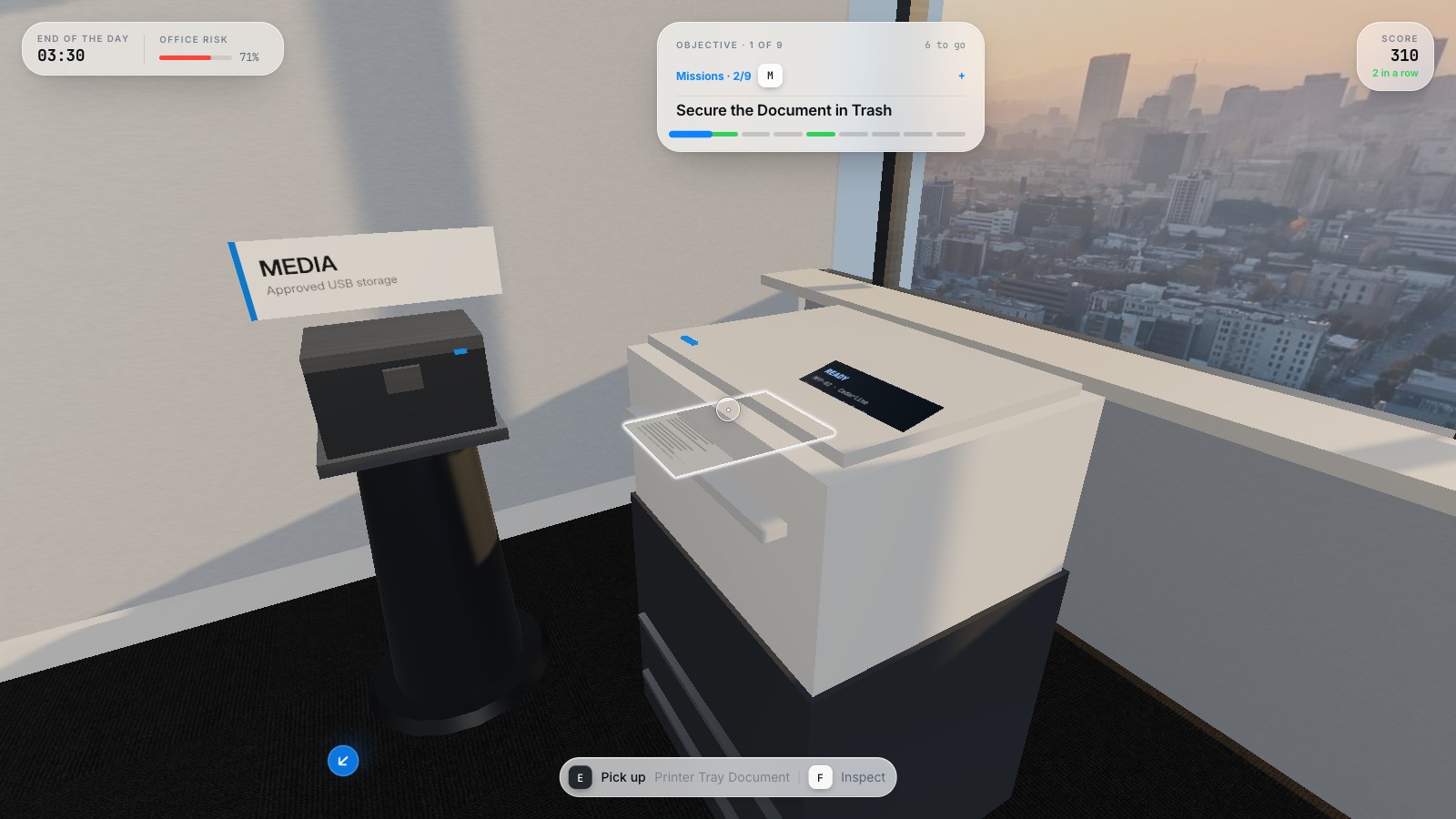
Expand image · Game screenshot · English interface
- Collect sensitive printed documents
Collect sensitive printouts promptly and check the output area before leaving shared printing facilities unattended.
- Use approved confidential disposal
Place unwanted sensitive documents in the organisation's approved confidential-disposal process, rather than an ordinary waste bin.
5. Include things that grant access
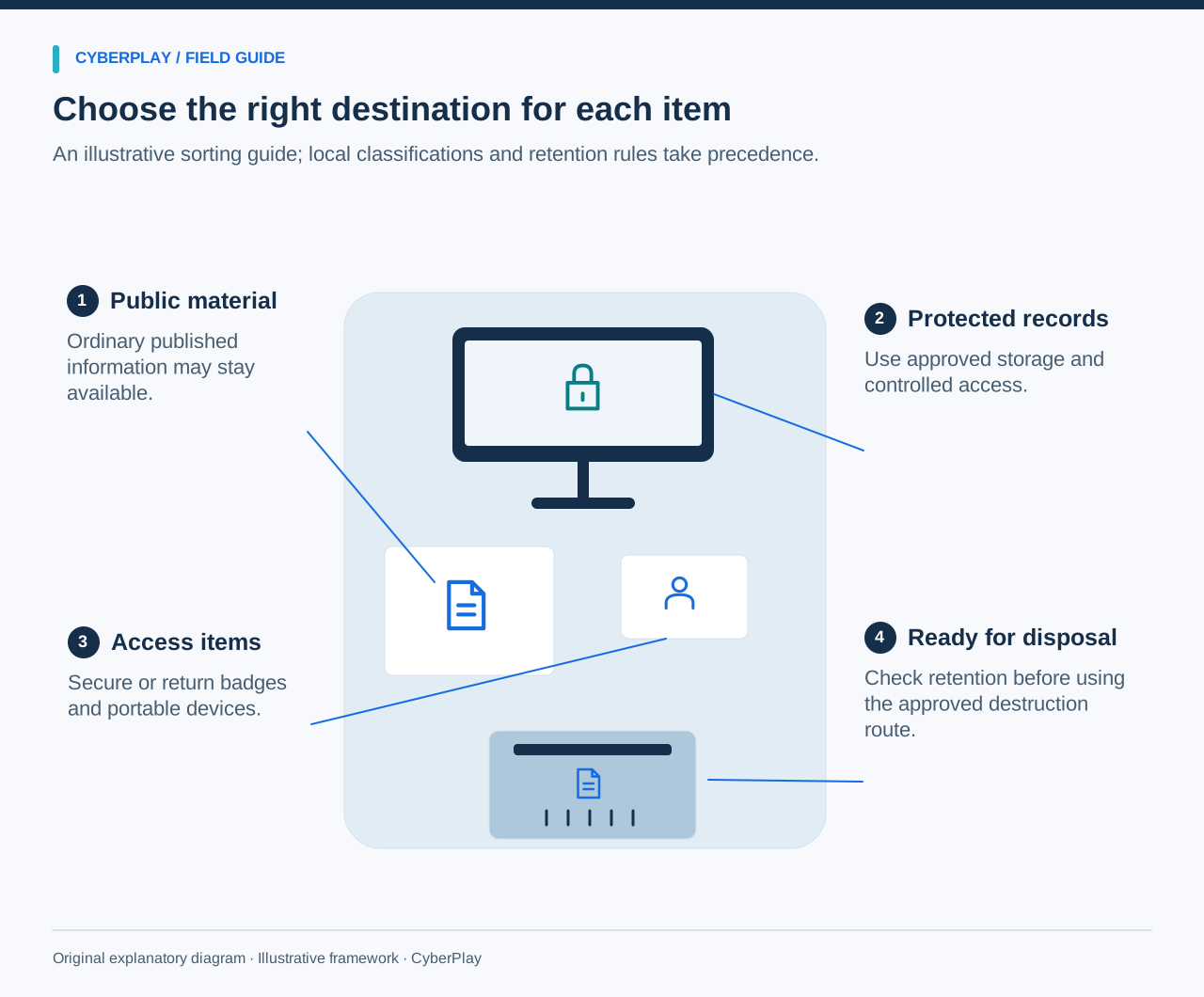
A badge, unlocked phone or removable device can have an access value even if no readable document is visible. Keep your badge with you or in its approved storage location. Report a lost badge through the established route so the responsible team can assess access; finding it later does not cancel the need to follow that process.
A colleague’s equipment needs an owner-aware response. Use an established screen-lock procedure if authorised, but do not read their messages, guess a passcode or move equipment to an undisclosed hiding place. NCSC device advice stresses local procedures and prompt reporting of lost or stolen devices. A team reminder should identify the right contact.
Section sources: Device security advice for end users
6. Secure disposal is a decision, not a reflex
A document being old, duplicated or left on a desk does not mean it may be destroyed. Check its owner, retention requirements and any instruction to preserve records. If it must remain, put it in approved storage. If disposal is authorised, use the specified confidential-waste or destruction process.
Ordinary recycling, personal shredders and office waste bins are not interchangeable by default. Follow the organisation’s arrangements, including who manages containers and collection. The same reasoning applies at home: keep work papers secure until an approved return or disposal option is available rather than inventing a convenient route.
Section sources: Information management: information and cyber security toolkit
7. Sort this fictional shared desk
Treat the following table as an original discussion worksheet, not a record of a real office inspection. For each item, name the information or access at stake and explain the next action. Include an owner or policy question where the facts are incomplete. A correct answer can be “check with the authorised owner”.
| Item found | What matters | Appropriate action |
|---|---|---|
| Published annual report beside a mug | The report is intentionally public; the mug exposes no account. | Leave harmless items alone unless ordinary workspace rules say otherwise. |
| Payroll printout at a shared printer | Personal pay information is visible to people who may not need it. | Secure it using the approved return process and notify the responsible owner. |
| Old signed customer contract | Retention and ownership remain relevant even if the copy looks unused. | Check the records rule before storing or disposing of it. |
| Unlocked colleague’s work laptop | The active session permits actions as that colleague. | Follow the authorised locking or reporting procedure without inspecting their work. |
| Visitor badge after the meeting | The badge may still provide access. | Return it through the visitor-management process. |
8. Practise inspection in Clean Desk Challenge
The Finance Department scenario mixes payroll, banking information, an invoice, public material and harmless desk objects. A blue folder’s contents can vary. Inspect first, then choose the appropriate handling action. Ask the learner which fact justified the decision and whether the same action would be right for a different classification.
CyberPlay’s interface, guides and assessments are available in English and eight other supported languages. Clean Desk Challenge declares all nine in the catalogue; consult its game page when assigning practice. These pictures show English gameplay. Scores and exposure values belong to the simulation and should not be presented as measured real-world breach reduction.
9. Turn the checklist into a workable team routine
Agree where protected papers go, how printer mistakes are reported, who owns visitor badges and what to do when secure storage is full. A reminder without those answers leaves people to improvise. Run a short demonstration using fictional records and ask a colleague to explain the steps back in their own words.
Revisit the exercise with a changed desk rather than the same memorised screenshot. Note whether the learner distinguishes harmless items, secures exposed information and asks an appropriate question when retention is unclear. Discuss obstacles openly. Avoid collecting photos of real customer or employee information as training evidence.
10. Report what was exposed without spreading it
If someone may have accessed protected material, report the observation promptly through your organisation’s route. State what type of item was involved, where it was found, the relevant time and what action you took. Do not send a complete copy of the sensitive contents unless the authorised team requests it through a suitable channel.
The response team decides how to investigate and whether further action is required. Finding an unlocked screen does not prove misuse, and seeing a confidential page does not establish the full impact. Accurate facts, secure handling and a clear handover are more useful than guessing the seriousness or quietly hiding the evidence.
Practise handling information at a desk
Inspect documents and everyday objects in Clean Desk Challenge, then explain which items need protection and which can remain. Check the game page for supported languages.
Explore Clean Desk ChallengeSources and further reading
- Physical security: information and cyber security toolkit — UK Information Commissioner’s Office. Accessed 2026-09-13
- Device security advice for end users — UK National Cyber Security Centre. Accessed 2026-09-13
- Information management: information and cyber security toolkit — UK Information Commissioner’s Office. Accessed 2026-09-13
Keep exploring
- Security awareness activities for employees: 12 practical exercises with debriefs
Run 12 practical security awareness activities with clear objectives, suggested timings, equipment, accessible alternatives and useful workplace debriefs.
EN · 10 min read - Security awareness for manufacturing: training for shifts and shared devices
Build manufacturing security awareness around shifts, shared terminals, suppliers and escalation. Includes a workforce matrix and a safe discussion exercise.
EN · 8 min read - Home-office cybersecurity: a practical checklist for remote employees
Use this home-office cybersecurity checklist to protect work devices, Wi-Fi, documents and meetings, with practical decisions and a remote-working game exercise.
EN · 8 min read - Security awareness courses: build a programme that connects learning with practice
Build a security awareness programme with short video courses, realistic games and knowledge checks. See role-based examples and what each result can prove.
EN · 8 min read - Human risk management: how organisations turn evidence into action
Learn what human risk management means, how it helps organisations and where CyberSense learning insights fit. A practical guide with examples and an exercise.
EN · 8 min read - Security awareness training topics: choose by role and workplace risk
Choose employee security awareness topics by role and workplace risk. Use a practical curriculum matrix for phishing, accounts, data, physical access, AI and reporting.
EN · 9 min read