Phishing Detective 3D — Cybersecurity Game
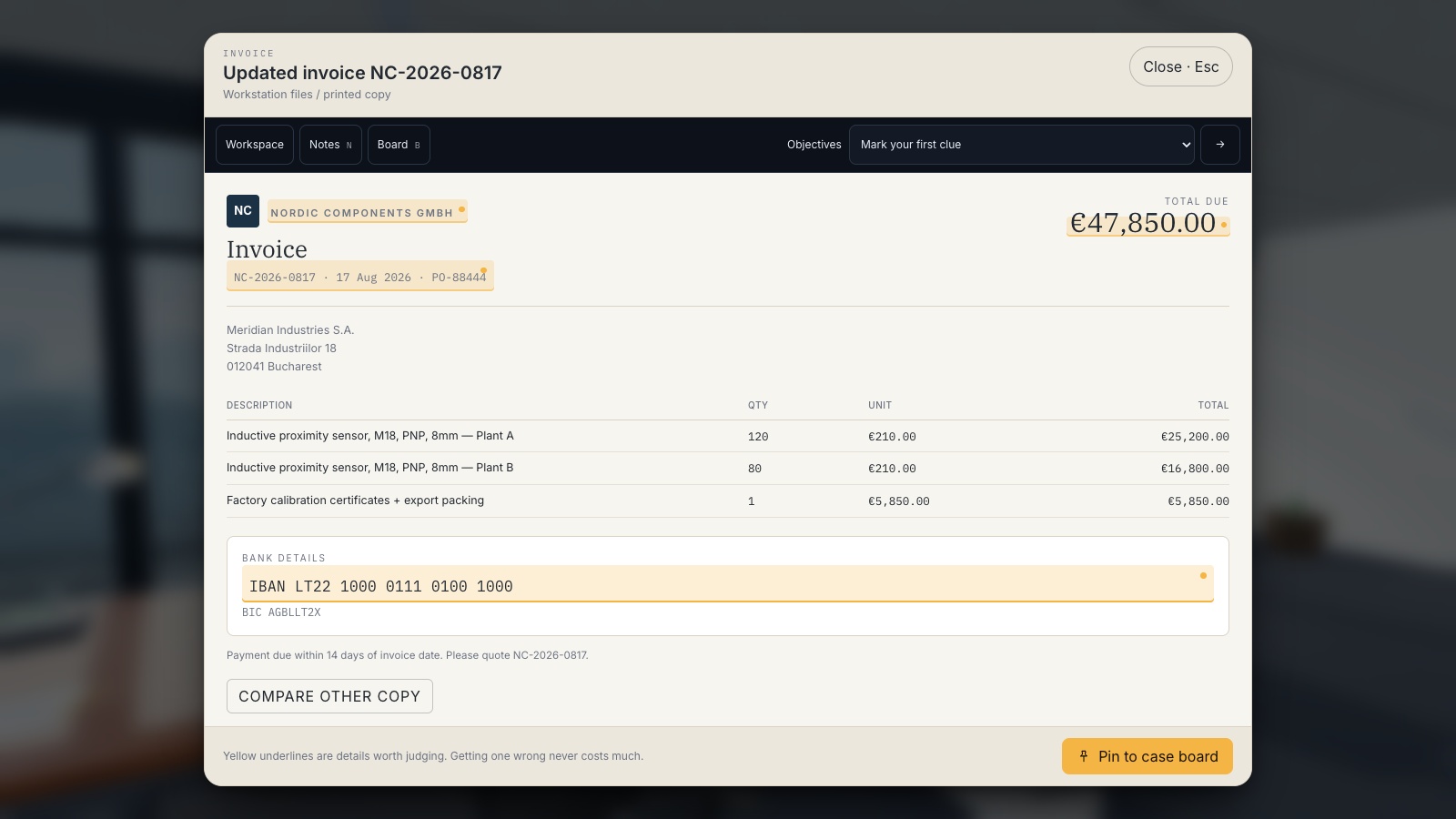
A first-person cybersecurity awareness game: work a suspected account compromise from the office floor, read the evidence, and file the case. A €47,850 supplier payment is frozen — reconstruct how the request reached Finance, and prove it.

Phishing Detective 3D is a free browser-based cybersecurity game. A first-person cybersecurity awareness game: work a suspected account compromise from the office floor, read the evidence, and file the case. A €47,850 supplier payment is frozen — reconstruct how the request reached Finance, and prove it.
Difficulty: Intermediate. Estimated play time: 15 minutes.
You are Alex Rusu, IT Support at Meridian Industries — a 450-person manufacturer in Bucharest. Finance has suspended a €47,850 payment after a supplier reported that their bank details were never changed. Nobody expects you to be a forensics expert. They expect you to look carefully and write down what you find.
Six chapters pace the case rather than handing you a checklist: The report · The link that isn’t · Permission, not password · Someone else is inside · Follow the money · Close the case. Each opens with a premise and closes with a recap of what it taught.
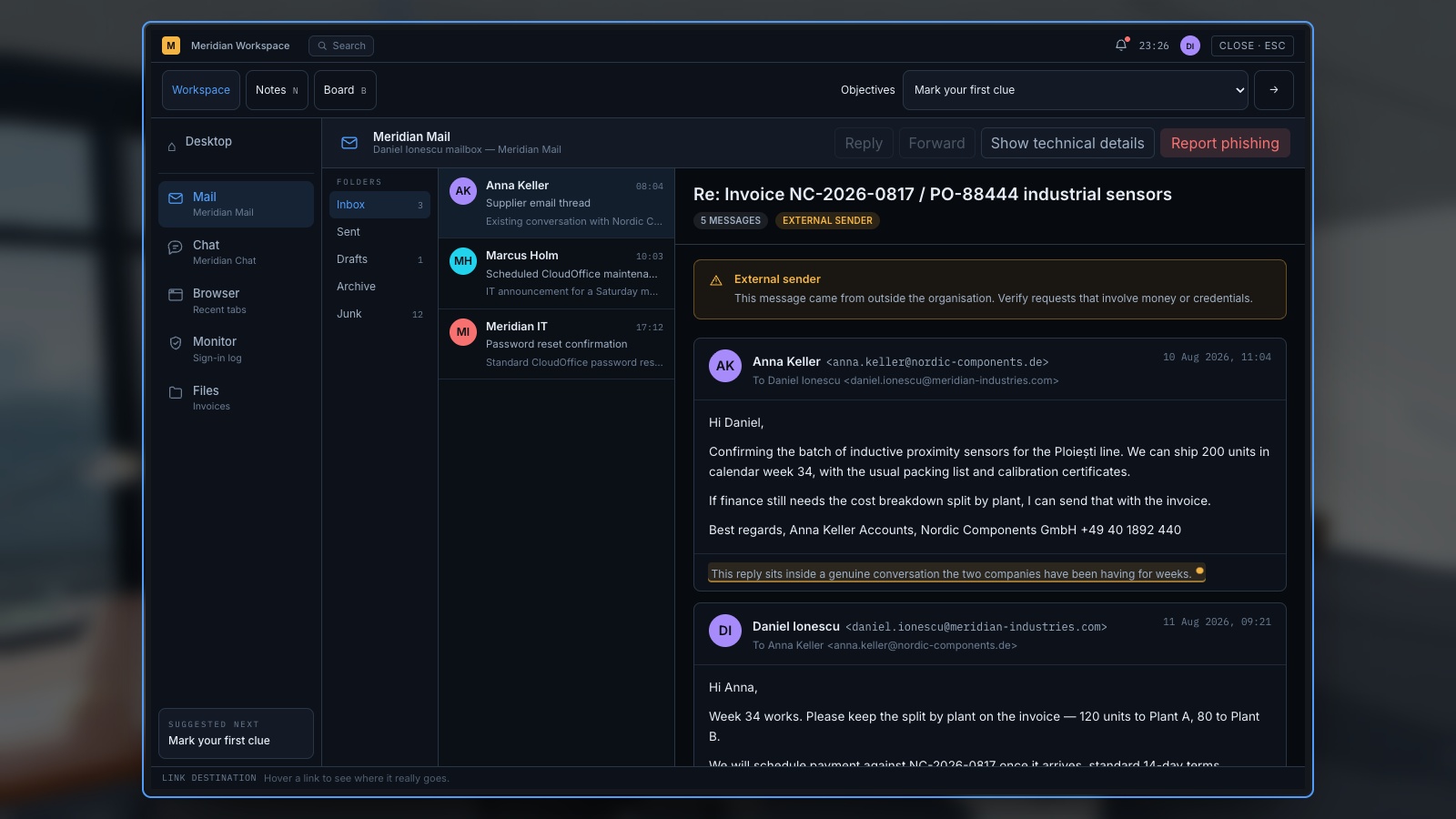
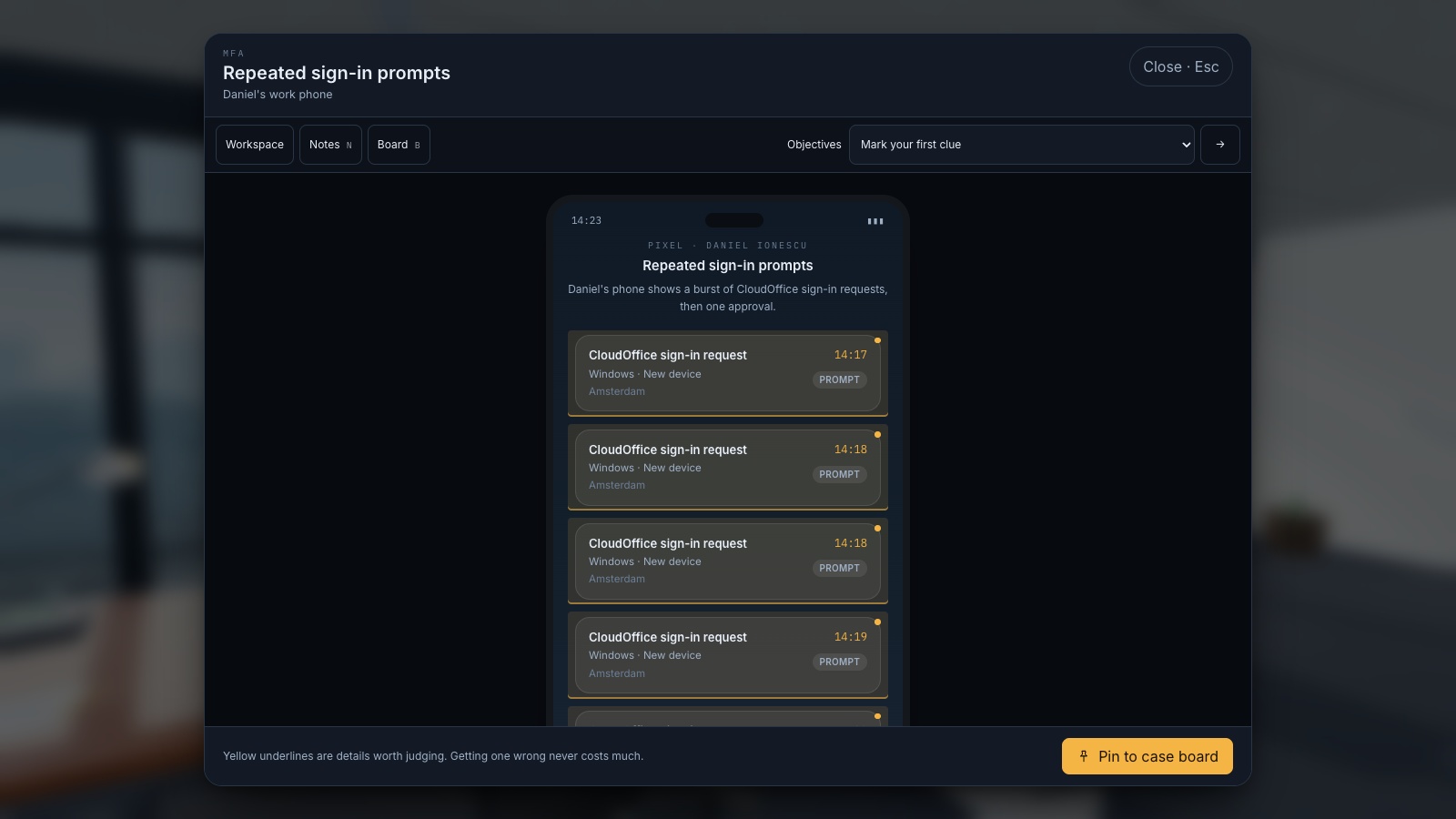
Sixteen pieces of evidence live in the world and on the workstation: the supplier mail thread, internal chat, a browser holding a lookalike domain, a security console with the sign-in log and a new inbox rule, two versions of the same invoice, an OAuth consent screen, MFA prompts, a QR poster, voicemail and the authentication log. Some of it is deliberately innocent — a legitimate MFA prompt, an approved app, a cafeteria QR code — because verifying something and clearing it is real work too.
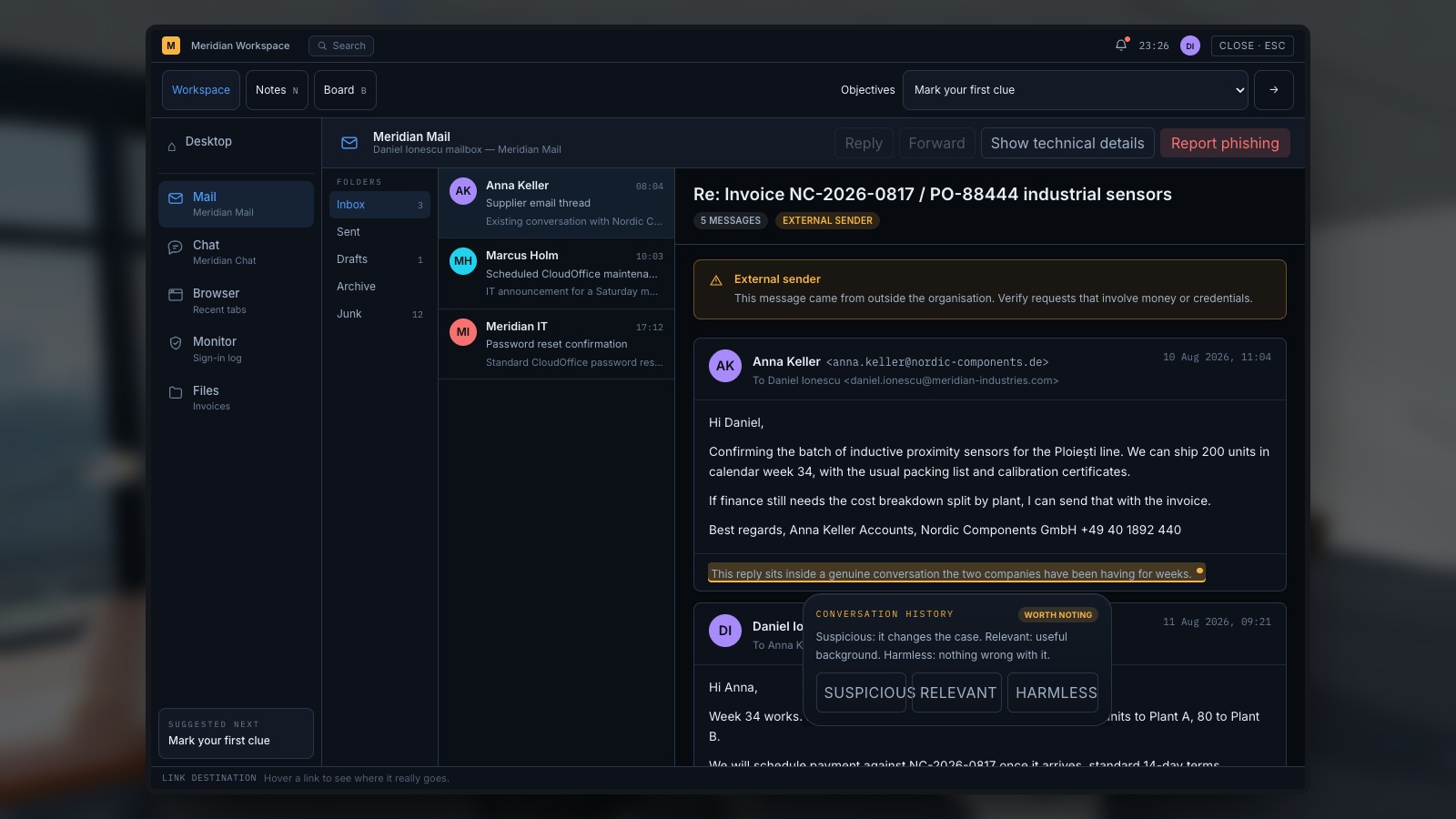
Text underlined in yellow is a detail worth judging: click it, call it suspicious, relevant or harmless, and you get the reasoning back either way. Pin what matters to the case board and record what caused what, then file the case when you can explain delivery, access, motive and response. Three help levels — guided, standard, expert — change whether hints are open, whether waypoints show, and what a wrong answer costs.
A training simulation. It never opens real phishing sites, never collects passwords, and uses .example / .invalid destinations only.
What you will learn
- A message from a legitimate account can still be malicious
- Inspect unexpected cloud application permissions
- Never approve unexpected MFA requests
- Verify changes to payment details using an independent trusted channel
- Treat QR codes as links whose destination must be inspected
- Urgency is especially dangerous when combined with unusual financial requests
How to play
- Walk to the desk and press E. Everything starts on the workstation, in Mail.
- Text highlighted in yellow is a detail worth judging. Click it, then choose suspicious, relevant or harmless.
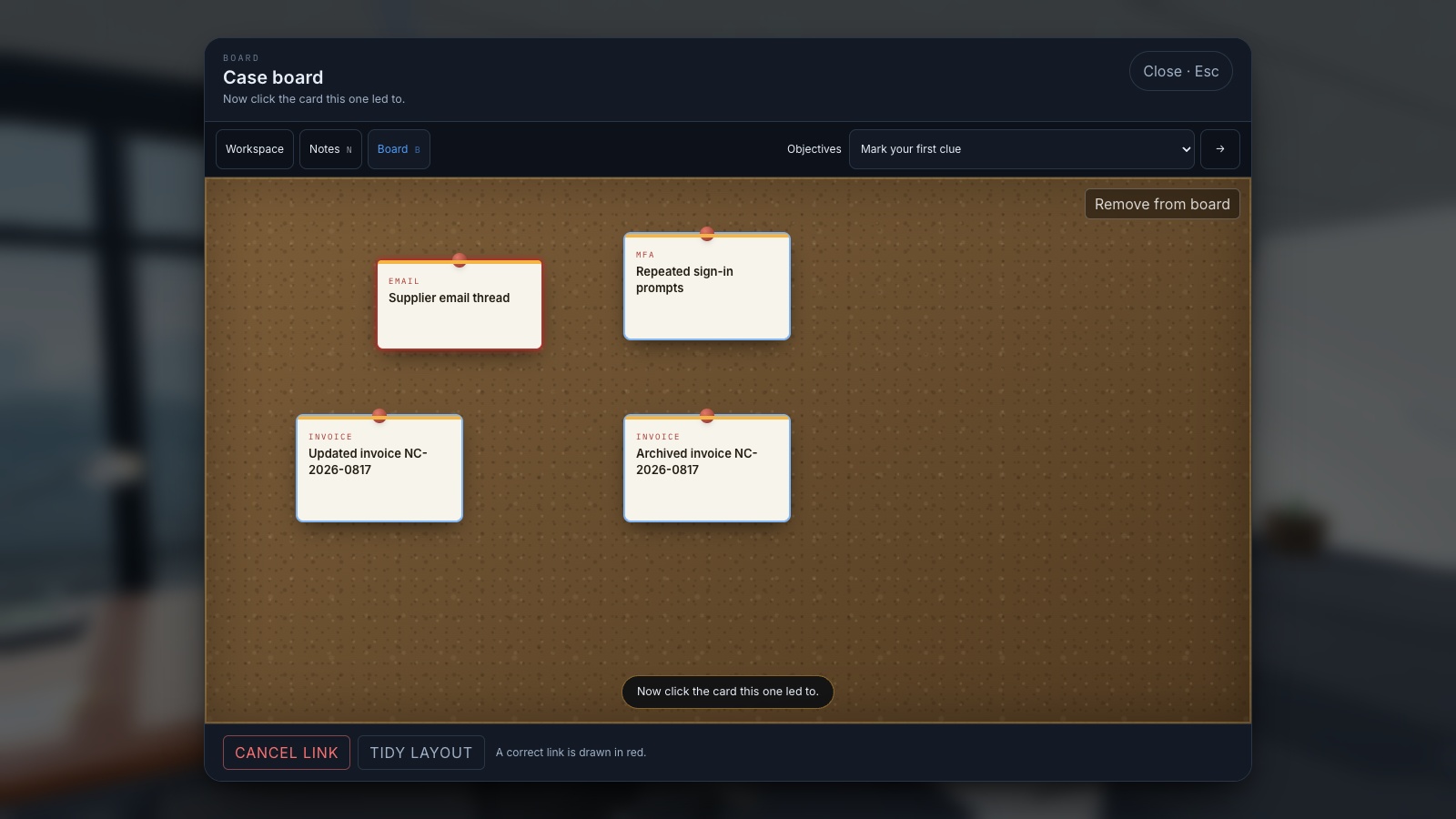
- Pin what matters to the case board, then click two cards to record that one led to the other.
- When the panel in the top-left says you have enough, file the case and answer five questions.
- Read the debrief: the attack chain in order, then the lessons.
Platforms and languages
- Platforms: Desktop
- Languages: English, Română, Français, Deutsch, Nederlands, Italiano, Español, Polski, Українська
Practise with these games
Game screenshots
Related cybersecurity topics
- Phishing Awareness Games
Practise spotting deceptive messages, suspicious sign-in pages and payment requests with free phishing awareness games.
- Social Engineering Awareness Games
Practise responding to impersonation, phone scams, suspicious requests and workplace manipulation in cybersecurity scenarios.