Wi-Fi Picker — Cybersecurity Game
Investigate, verify, and choose the safest connection. Six environments — coffee shop, airport, hotel, conference, corporate office and a four-leg final challenge — and sometimes the right answer is not to join Wi-Fi at all.

Wi-Fi Picker is a free browser-based cybersecurity game. Investigate, verify, and choose the safest connection. Six environments — coffee shop, airport, hotel, conference, corporate office and a four-leg final challenge — and sometimes the right answer is not to join Wi-Fi at all.
Difficulty: Intermediate. Estimated play time: 32 minutes.
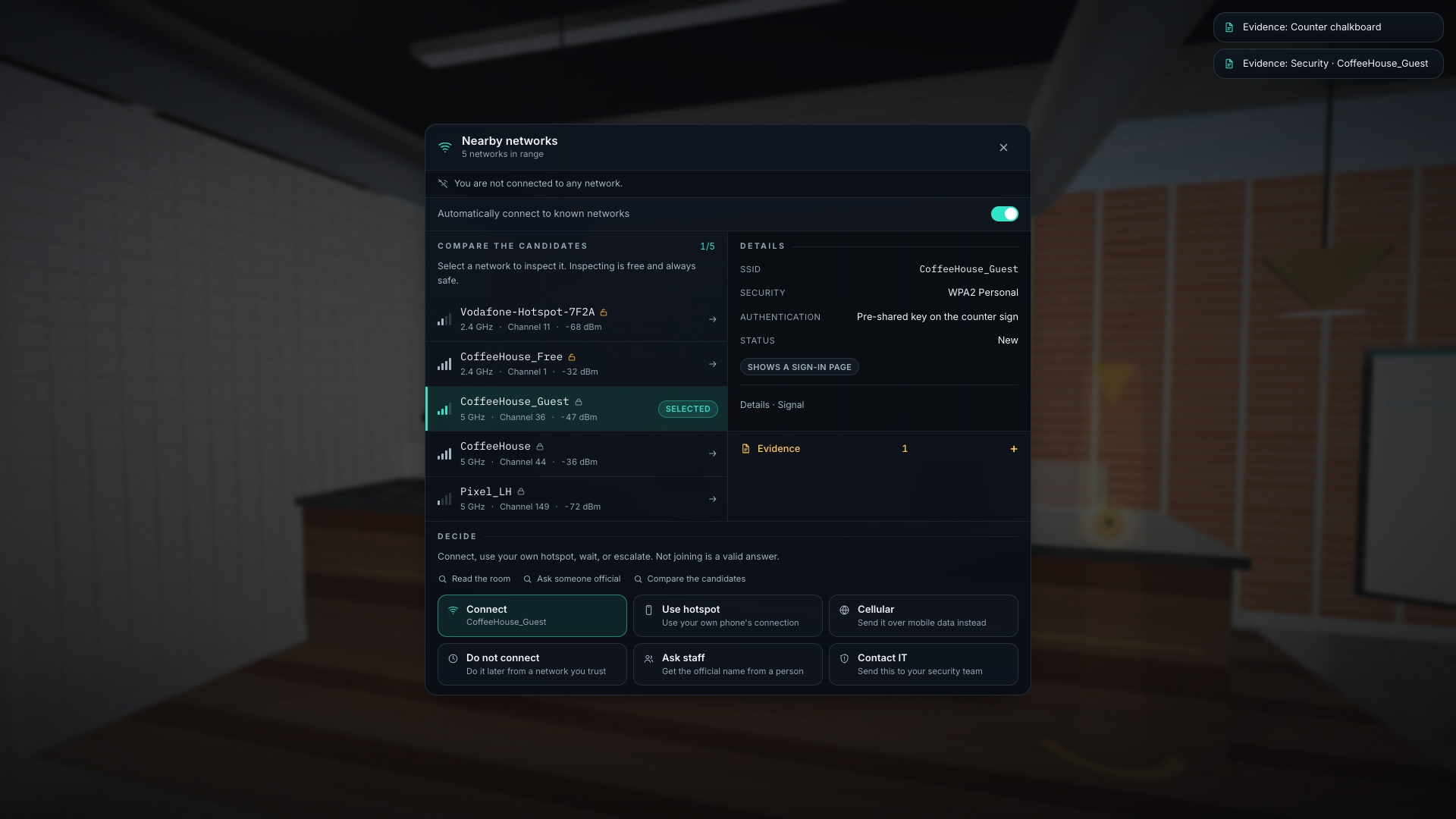
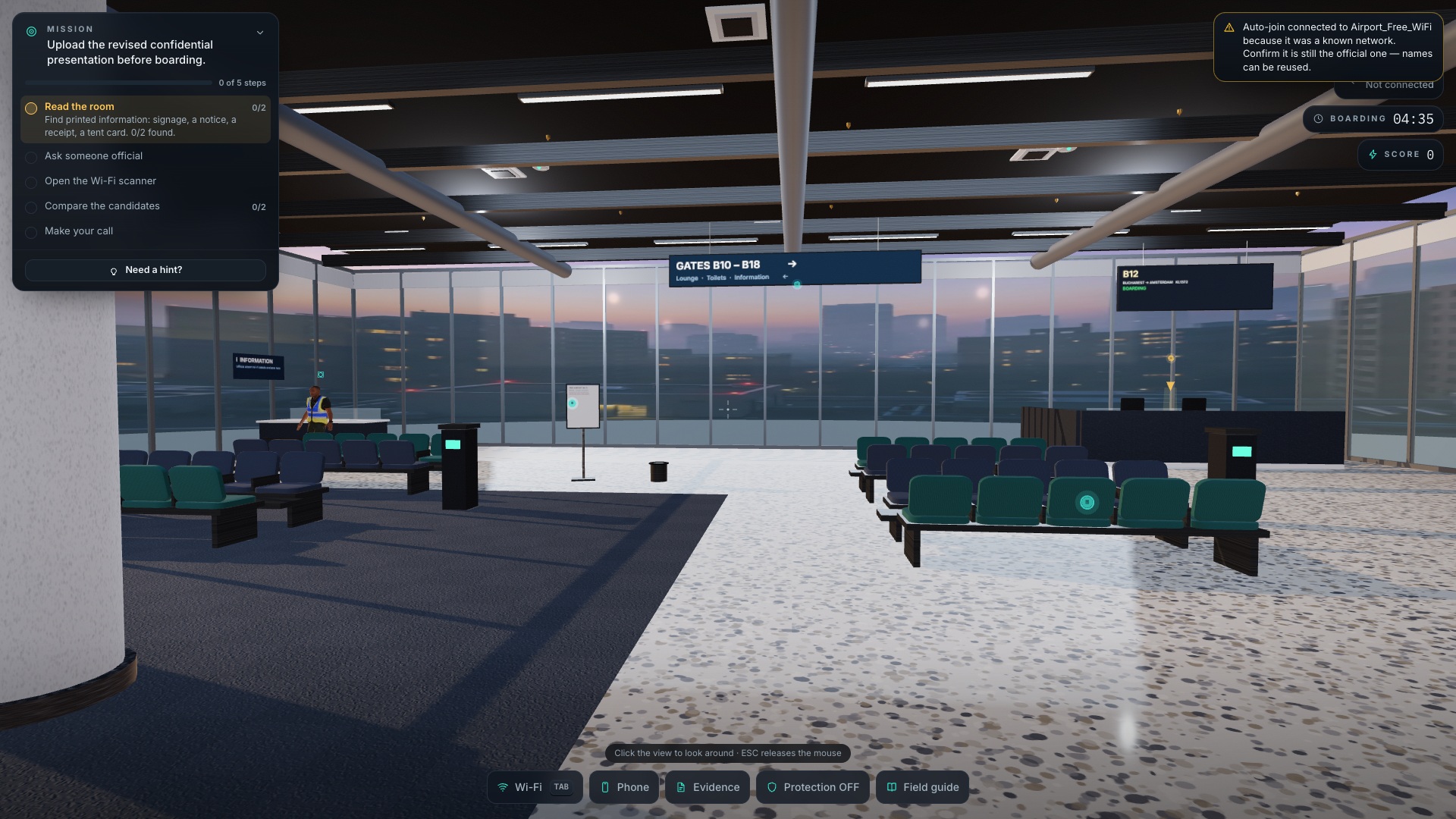
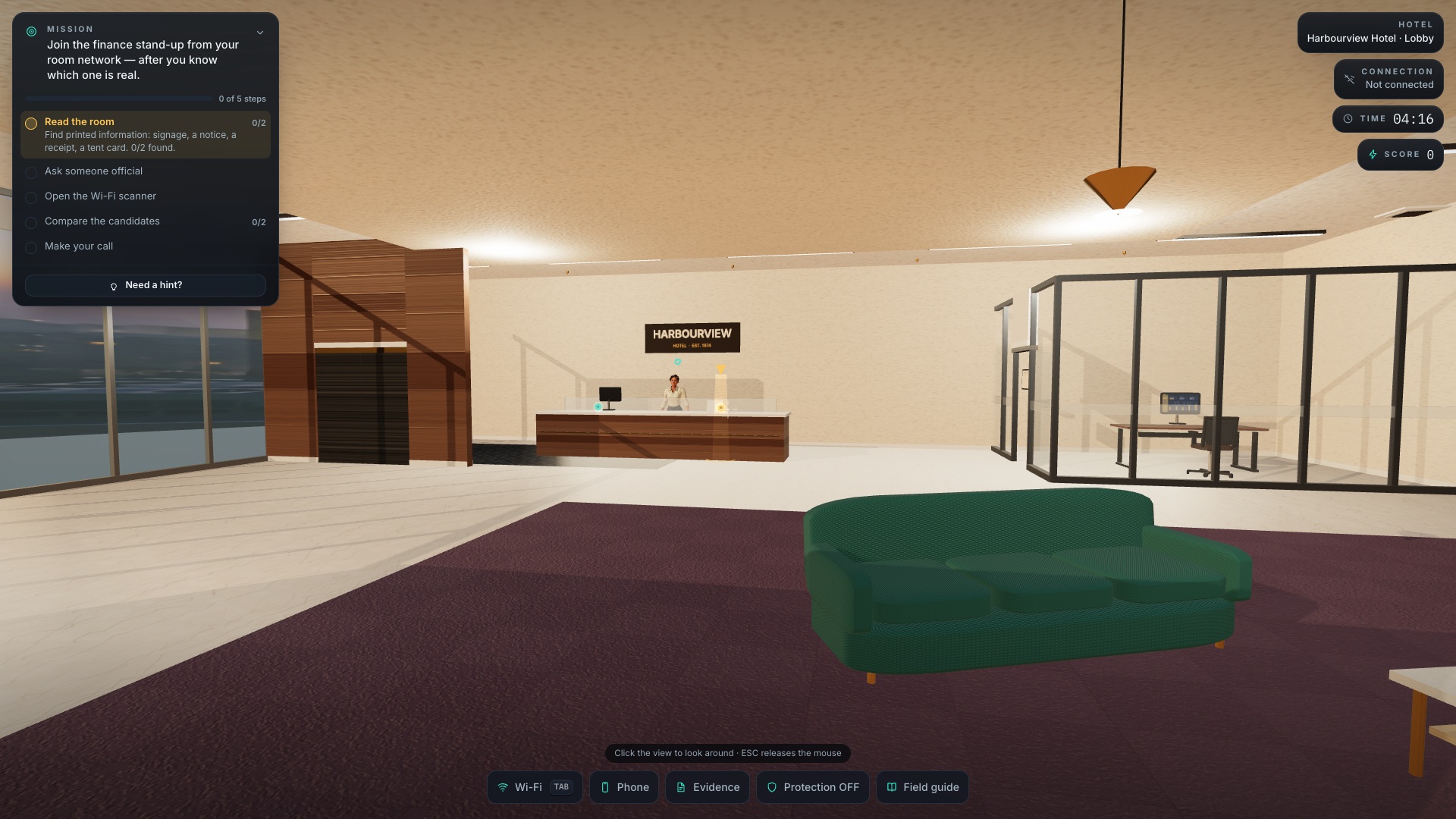
A first-person awareness game about choosing how to get online. You walk a coffee shop, an airport gate, a hotel lobby, a conference expo hall and a branch office, then decide how to send the thing you came to send. Network names are realistic, and the right answer is rarely the strongest signal.
Six scenarios: Coffee Shop (the tutorial), Airport, Hotel, Conference, Corporate Office, and a Final Challenge that runs airport → hotel → café → conference in four legs. Each of the first five is worth 1 500 points and the finale 2 500 — 10 000 across the campaign, with three stars at 82% of a level and two at 58%.
Every stage runs the same five-step loop — read the room, ask someone official, open the scanner, compare the candidates, make your call — with a world waypoint, an off-screen arrow and three escalating hints per step. Nothing is gated: you can decide at any moment and simply score less for skipping the legwork.
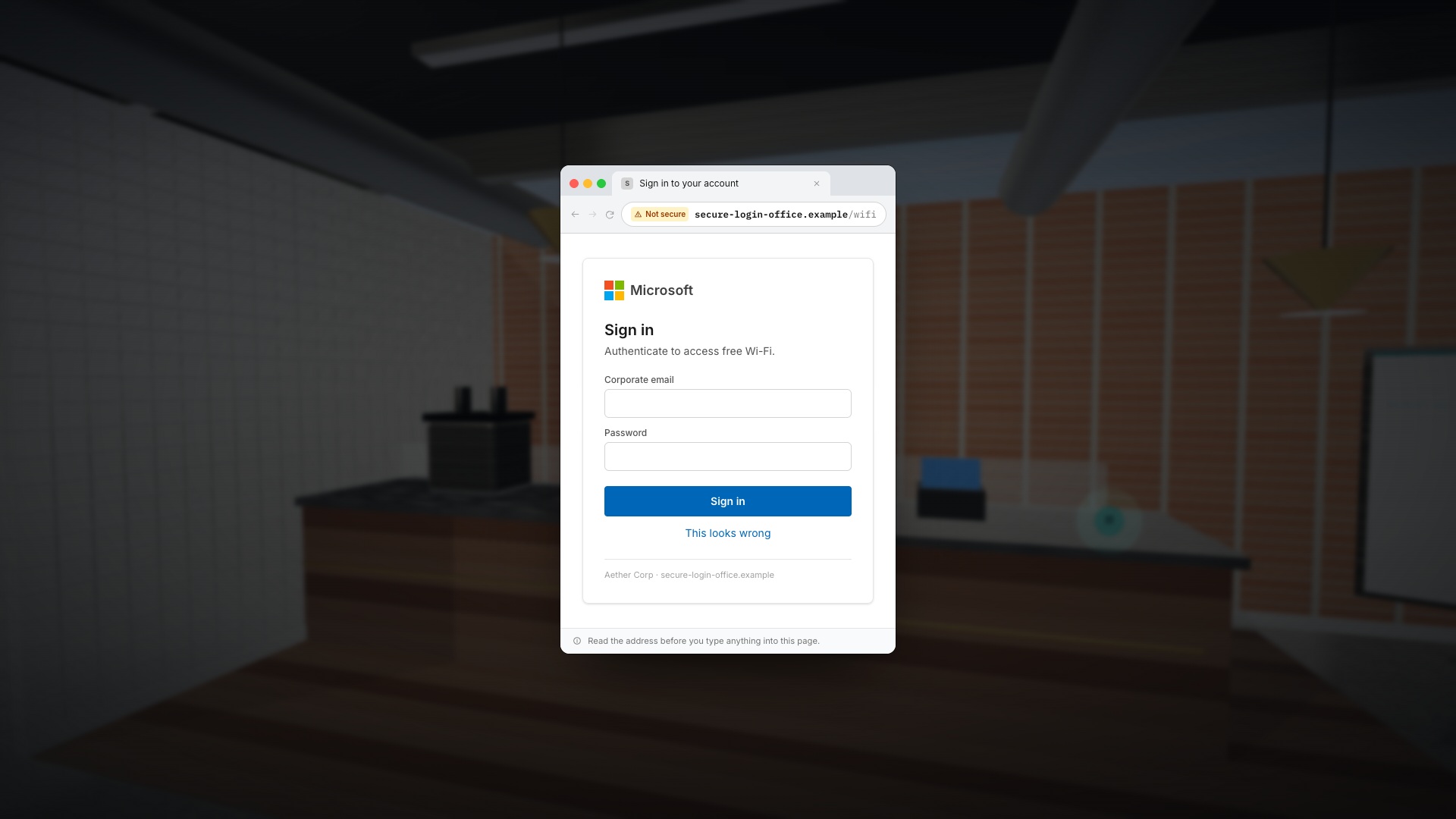
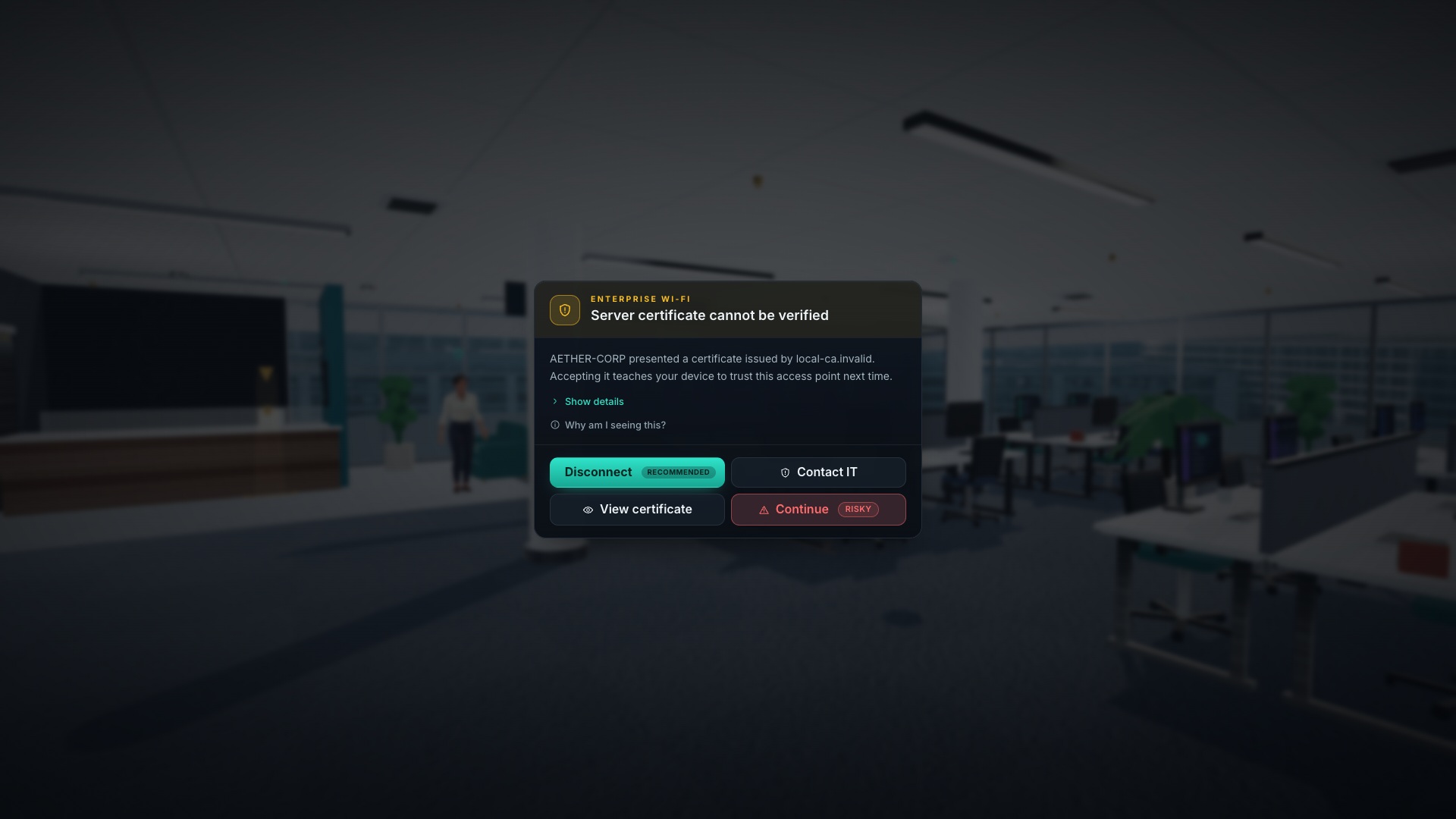
Six answers are always on the table: connect, use your hotspot, switch to cellular, do not connect, ask staff, or contact IT. Points come from the decision, the investigation behind it, the time left and the behaviour: rejecting a bad certificate is worth +280 and refusing a phishing portal +220, while typing a work password into one costs −800 and installing a configuration profile −1 000.
The game speaks all nine platform languages — English, Română, Français, Deutsch, Nederlands, Italiano, Español, Polski and Українська. On first launch you pick one and set a company name, which is then used on the office SSIDs, the IT tent cards and the certificate you are asked to trust. Network names, certificate issuers and portal addresses read identically in every language, because comparing them is the whole exercise.
A training simulation. It never joins real networks, never collects real passwords, and uses only .example destinations in simulated portals.
What you will learn
- Confirm the exact guest SSID with a sign or a person before joining
- Recognise an evil twin whose name differs by a hyphen, a capital, or nothing at all
- Refuse a Wi-Fi portal that wants a corporate password — a hotel asks for room, name and access code
- Trust the badge, the event app or an organiser over a confident volunteer and a strong open signal
- Never accept “cannot verify server certificate” on enterprise Wi-Fi — contact IT instead
- Fall back to a hotspot or cellular when nothing verifies, and disable auto-join for names you no longer need
How to play
- Pick your language and set the company name used on the office SSIDs, IT cards and certificates.
- Walk the environment and read the signage — hold the right mouse button to zoom in on distant signs.
- Press E to inspect a sign, notice, device or person; TAB opens the Wi-Fi scanner.
- Open at least two networks in the scanner and read their details before you choose.
- Pick one of the six answers and confirm — not connecting is a valid answer.
- Q opens the evidence log, G opens the field guide, ESC pauses.
Platforms and languages
- Platforms: Desktop, Tablet, Mobile
- Languages: English, Română, Français, Deutsch, Nederlands, Italiano, Español, Polski, Українська
Practise with these games
Game screenshots
Related cybersecurity topics
- Wi-Fi Security Awareness Games
Practise choosing a wireless network and responding to suspicious captive portals, lookalike access points and certificate warnings.