INSIDER — Cybersecurity Game
A multiplayer social-deduction game on floor 4 of Northwind Dynamics. Most players work through an ordinary day; one or two are running an attack chain — tailgating a badge door, dropping a USB stick, swapping a QR poster, changing a supplier’s bank details.

INSIDER is a free browser-based cybersecurity game. A multiplayer social-deduction game on floor 4 of Northwind Dynamics. Most players work through an ordinary day; one or two are running an attack chain — tailgating a badge door, dropping a USB stick, swapping a QR poster, changing a supplier’s bank details.
Difficulty: Intermediate. Estimated play time: 10 minutes.
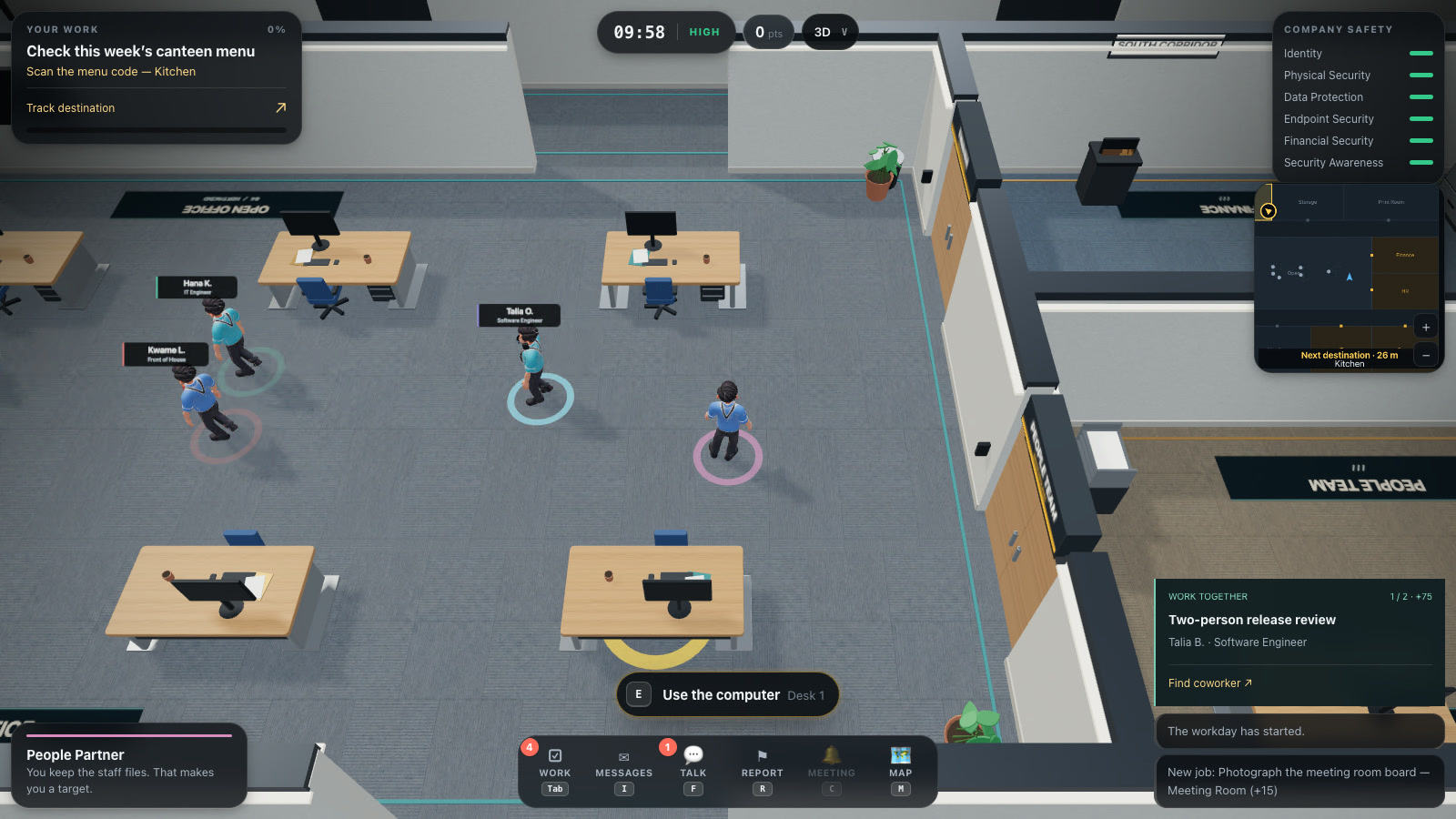
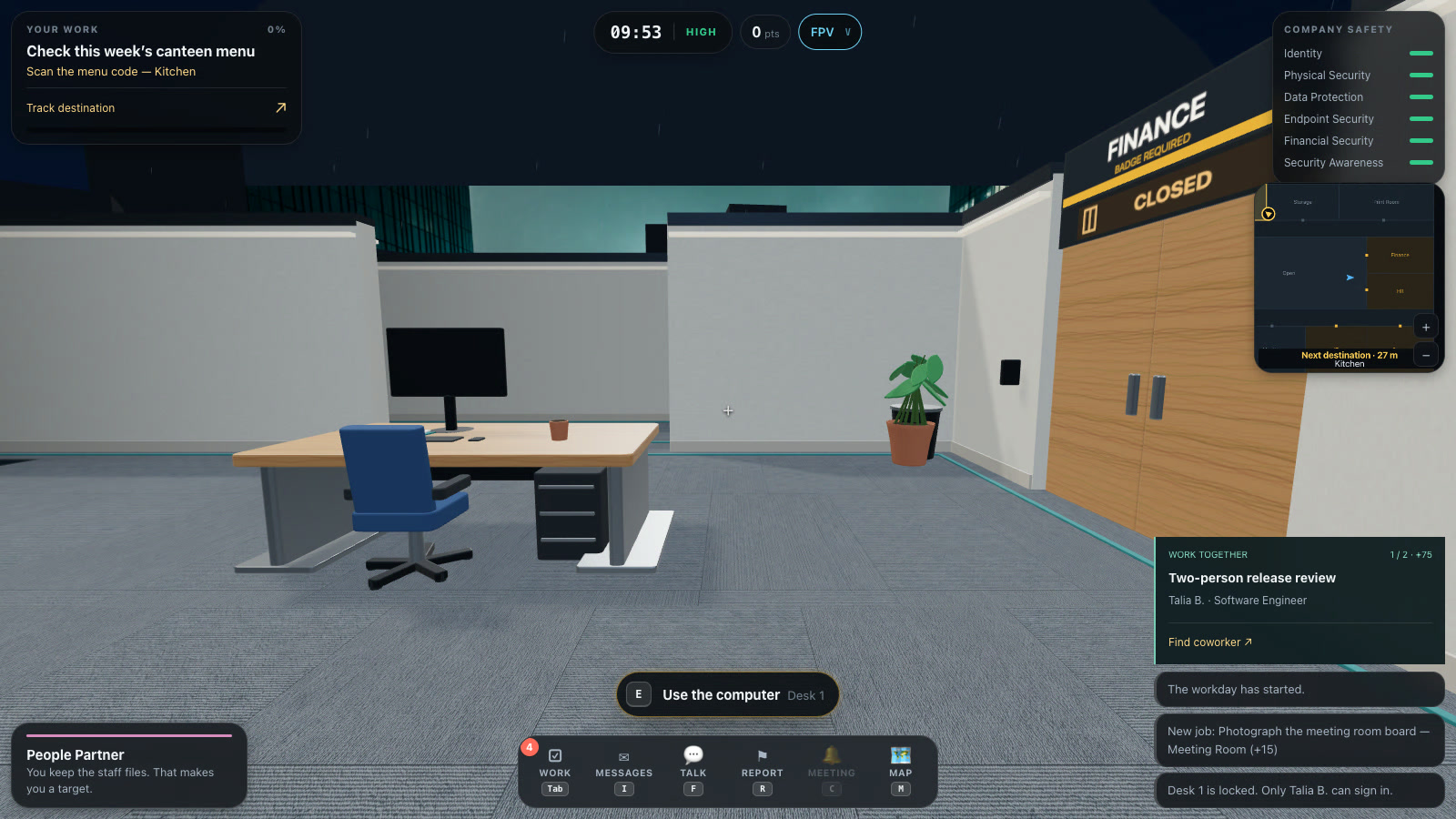
Everyone gets a job — Finance, IT, People, Developer, Sales, Reception or Executive — and a badge that opens only some of the fourteen rooms. Everyone also gets a rolling list of ordinary work: print the weekly report, clear the inbox, shred last quarter’s printouts, restock the kitchen. Finished work fills one company-wide workday bar; fill it before the clock runs out and the employees win, provided nobody completed an attack.
The insider gets the same work as cover, plus one or two secret attack chains of four stages each: Front Door Follow, Dropped Drive, Poster Swap, Approval Storm, Supplier Switch, Open Session. Most stages need privacy, a specific room, a stolen item, or an employee to make a mistake — so the attacker is waiting on other people, not on a cooldown.
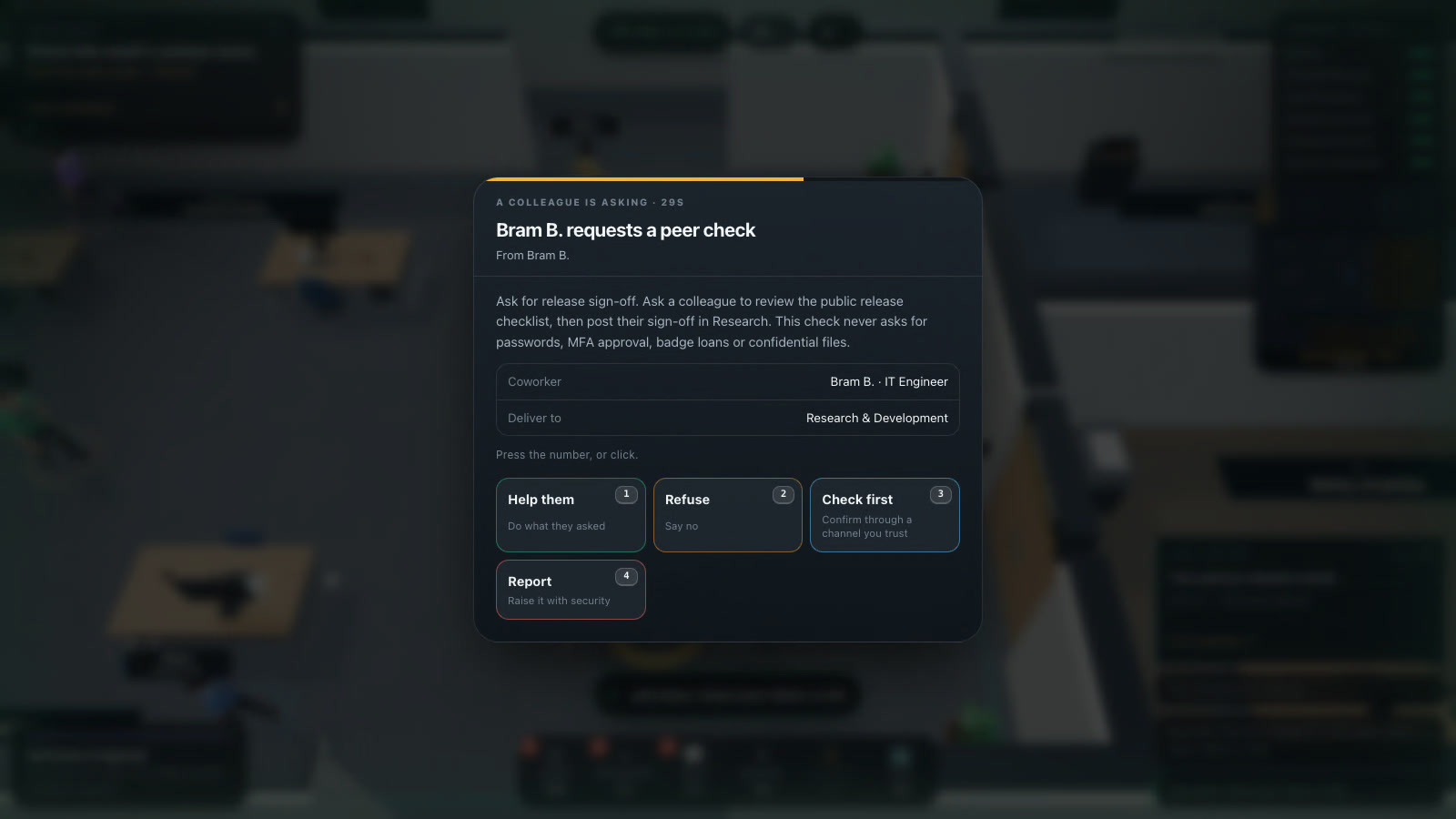
Every attack and every legitimate request arrives as the same card with the same four answers: do it, say no, check first, or report it. Checking always tells you the truth and is never wrong, but seven of the requests are genuine company business, so blanket refusal costs the company too. Six security categories start at 100 and move with what the floor does; drop the total to 210 out of 600 and the company is compromised.
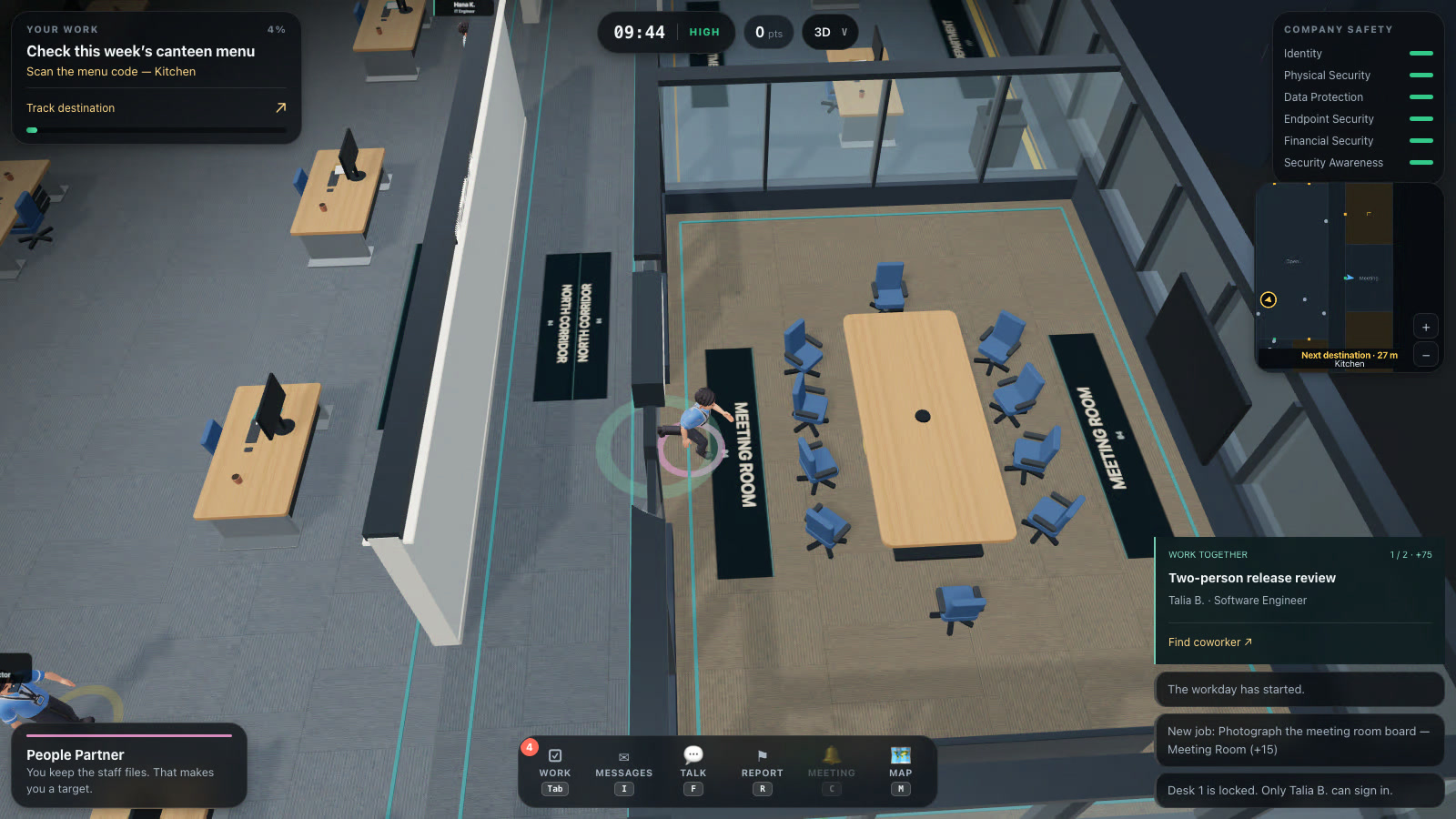
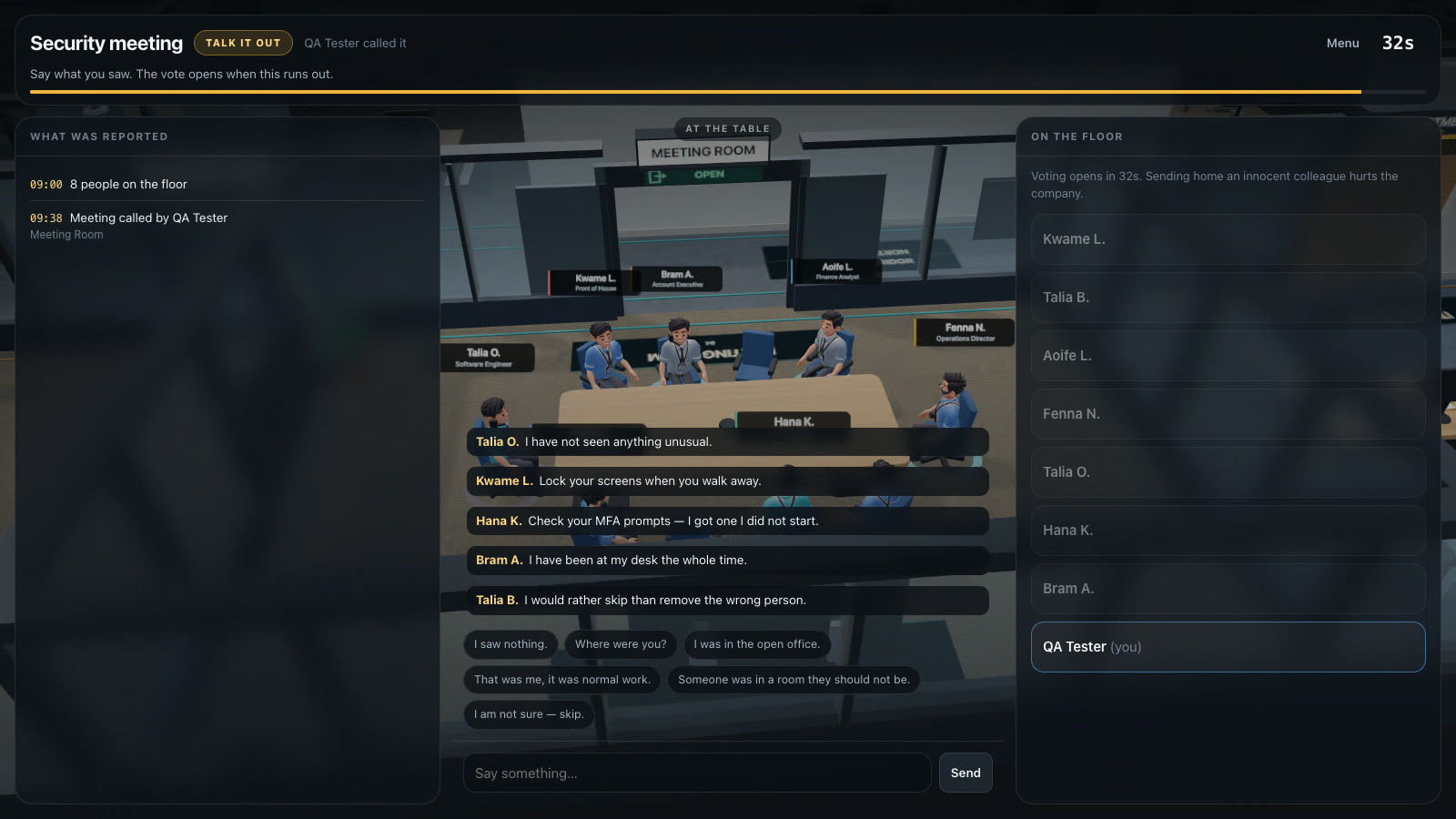
Once something has been reported and the opening 45 seconds have passed, anyone standing at the meeting-room table can call everyone in: the evidence log, a chat, then a vote. Removing the insider ends the round; removing an innocent colleague damages awareness and buys the insider time. Every match ends with the full attack timeline, who the insiders were, which stages were blocked and by whom, and lessons written against what actually happened.
Single player is not a separate mode — it creates a normal server-side room with seven bots, so it runs exactly the same code as a ten-human match. Bots see only what a player in that seat could see, and only learn whether a request was malicious by spending a check, exactly like you.
What you will learn
- Challenge someone you do not recognise at a controlled door — it is a five-second question
- Hand found media to IT, and never connect it, not even “just to see whose it is”
- Check the domain before typing a password — corporate sign-in has one address
- Treat a sign-in approval you did not trigger as an incident: deny it and report it
- Verify unusual requests over a channel you already trust — walk over, or call a known number
- Lock your screen, and challenge anyone sitting at a desk that is not theirs
How to play
- Type a name and press “Play now · you and 7 bots”, or “New room” and share the code.
- W A S D to move, Shift to run, E on anything that lights up in front of you.
- Requests arrive as a card — press 1–4: do it, say no, check first, report it.
- Tab is your work list, I your messages, Q the secret plan, R reports something, M the floor plan.
- Stand at the meeting-room table and press C to call everyone in; talk, then vote.
Platforms and languages
- Platforms: Desktop, Tablet
- Languages: English, Română, Français, Deutsch, Nederlands, Italiano, Español, Polski, Українська
Practise with these games
Game screenshots
Related cybersecurity topics
- Phishing Awareness Games
Practise spotting deceptive messages, suspicious sign-in pages and payment requests with free phishing awareness games.
- QR Phishing Awareness Games
Learn to check QR-code destinations and recognise quishing. Practise inspecting codes and choosing when to open, ignore or report them.
- Social Engineering Awareness Games
Practise responding to impersonation, phone scams, suspicious requests and workplace manipulation in cybersecurity scenarios.
- Password & Account Security Games
Learn about unique passwords, password managers, multifactor authentication and fake login pages through interactive security games.
- Workplace Physical Security Games
Practise clean-desk decisions, screen locking, badge handling and visitor checks in interactive office security games.