Backup or Lose It — Cybersecurity Game
Three timed scenarios on one workstation: protect the work that exists nowhere else, survive the ransomware event, then recover from the copies that actually survived. The training points are the consequences, not a quiz overlay.
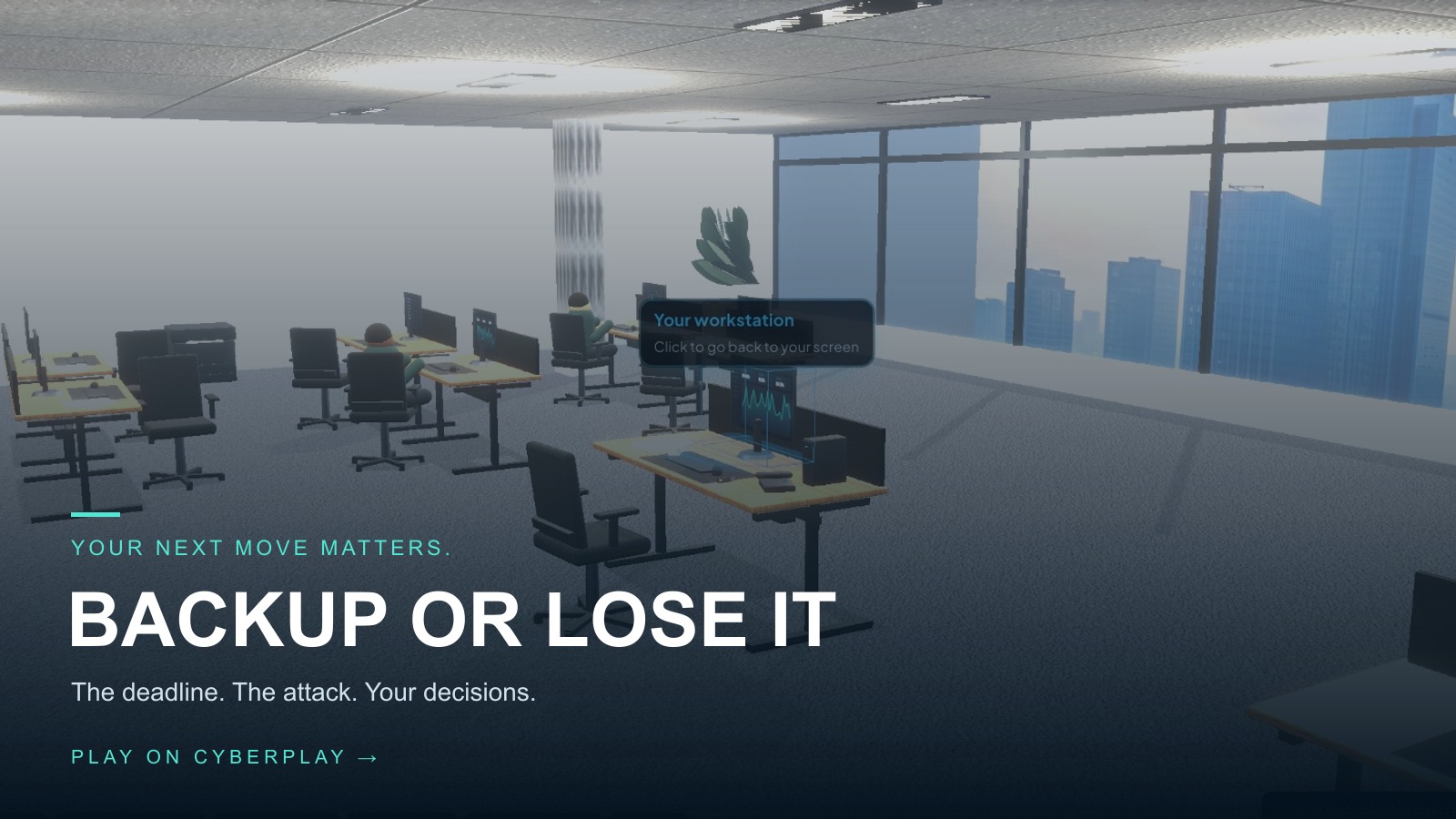
Backup or Lose It is a free browser-based cybersecurity game. Three timed scenarios on one workstation: protect the work that exists nowhere else, survive the ransomware event, then recover from the copies that actually survived. The training points are the consequences, not a quiz overlay.
Difficulty: Beginner. Estimated play time: 15 minutes.
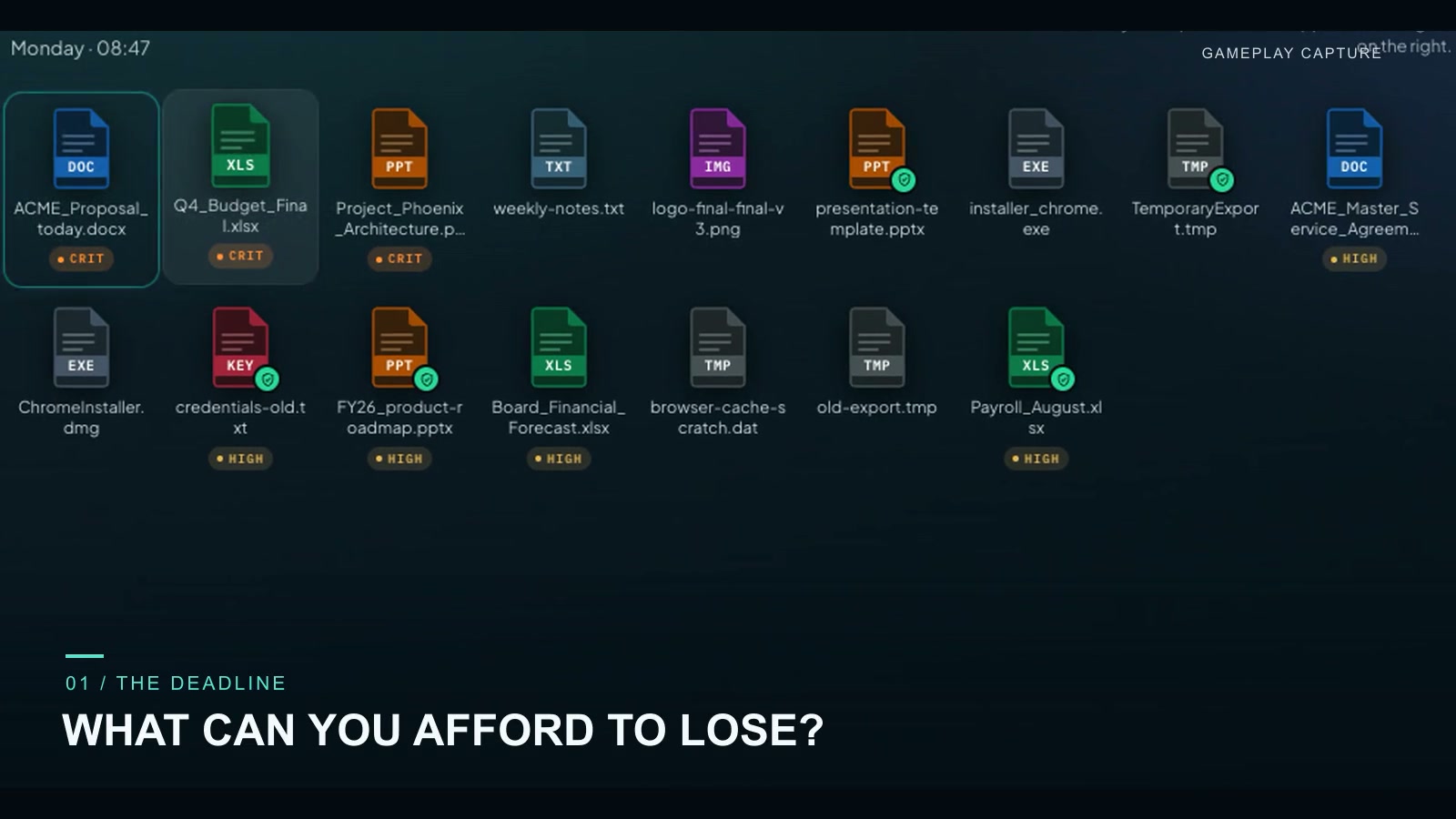
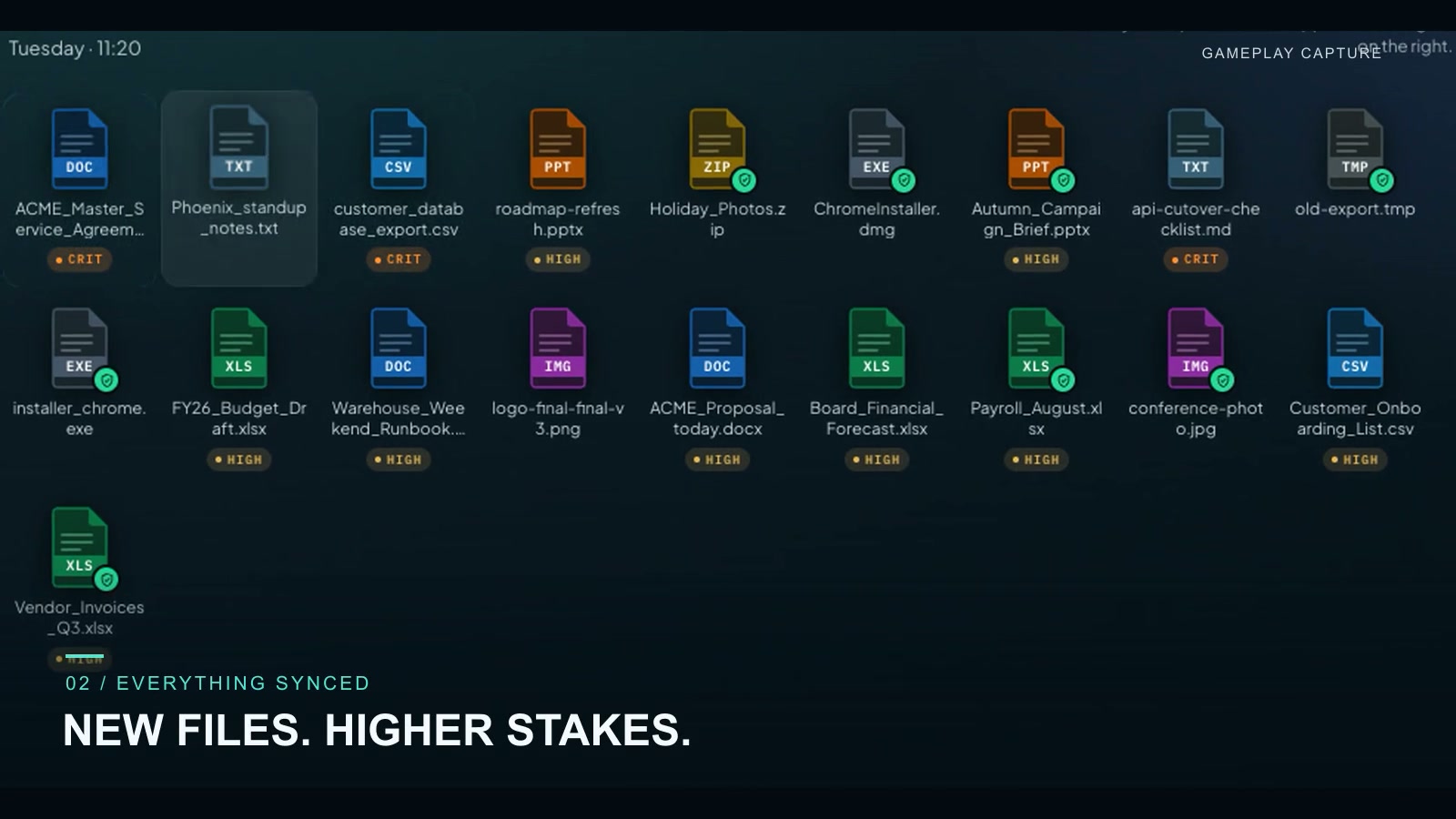
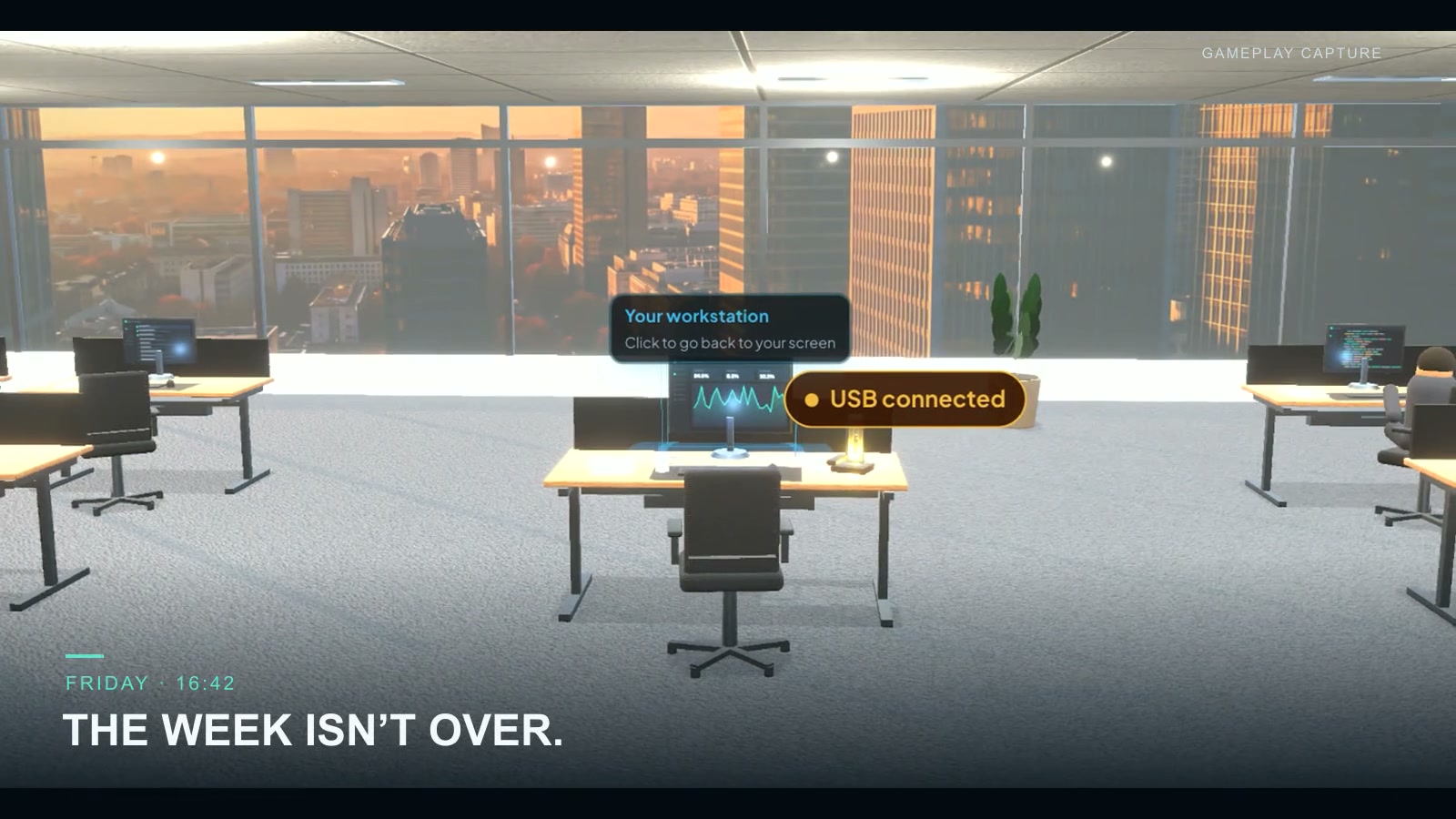
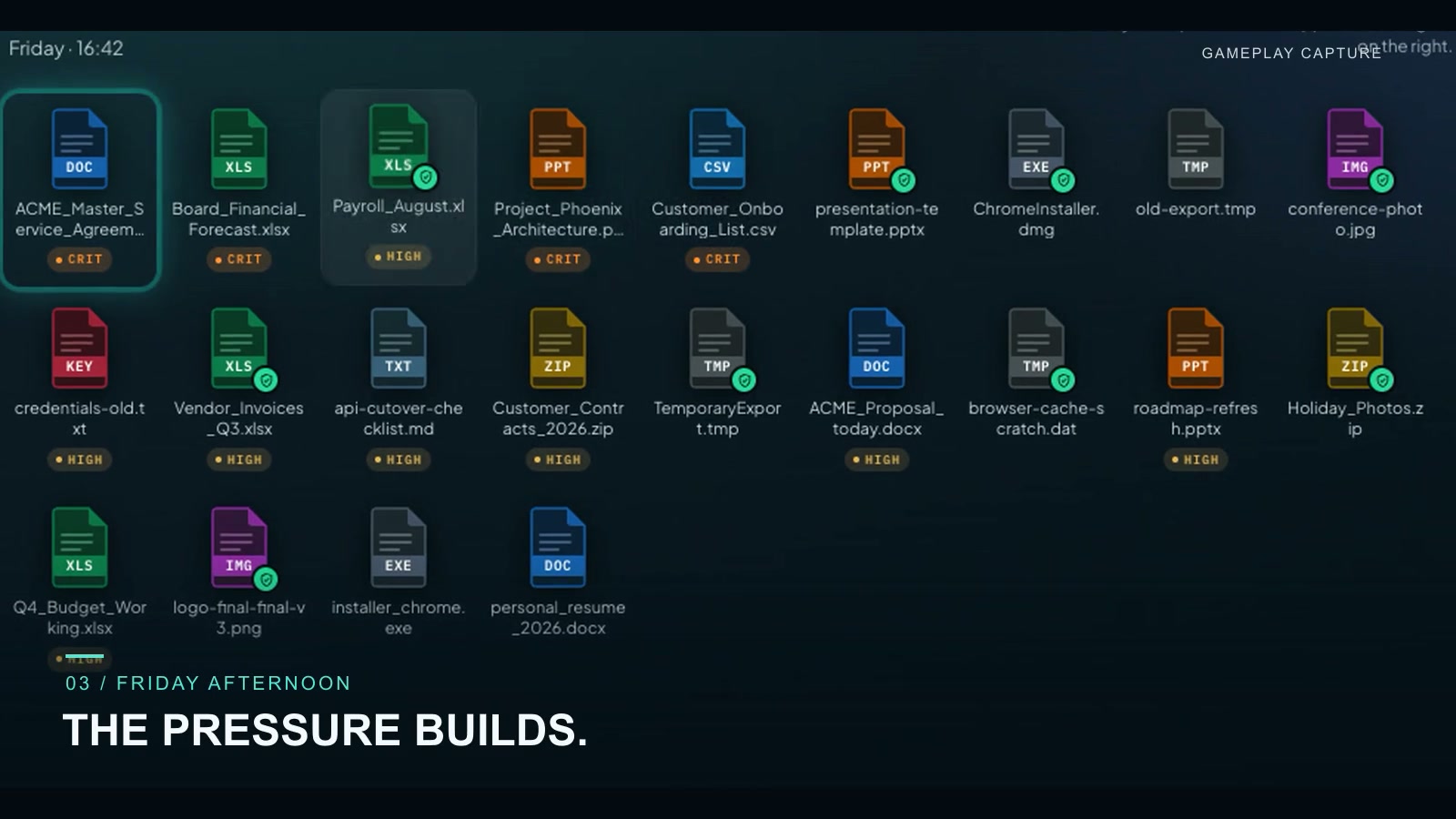
Three scenarios at Nexora Industries, each on the same desk at a different hour. Monday 08:47 — the overnight backup ran at 22:00, before any of today’s edits existed. Tuesday 11:20 — most of the folder is already in company sync, and it feels handled. Friday 16:42 — the board packet, a signed contract and today’s onboarding additions are all on this machine, and a USB drive has been plugged in since lunchtime.
Play is a three-pane workstation: folders, desktop, destinations. Pick a file, read whether it can be rebuilt from anywhere else, then choose where it goes. Nexora Drive keeps devices synchronised. SecureVault keeps versioned copies on separate infrastructure. PersonalBox is a personal account, unapproved for company files. The clock runs while you decide, and the encryption starts on its own timeline.
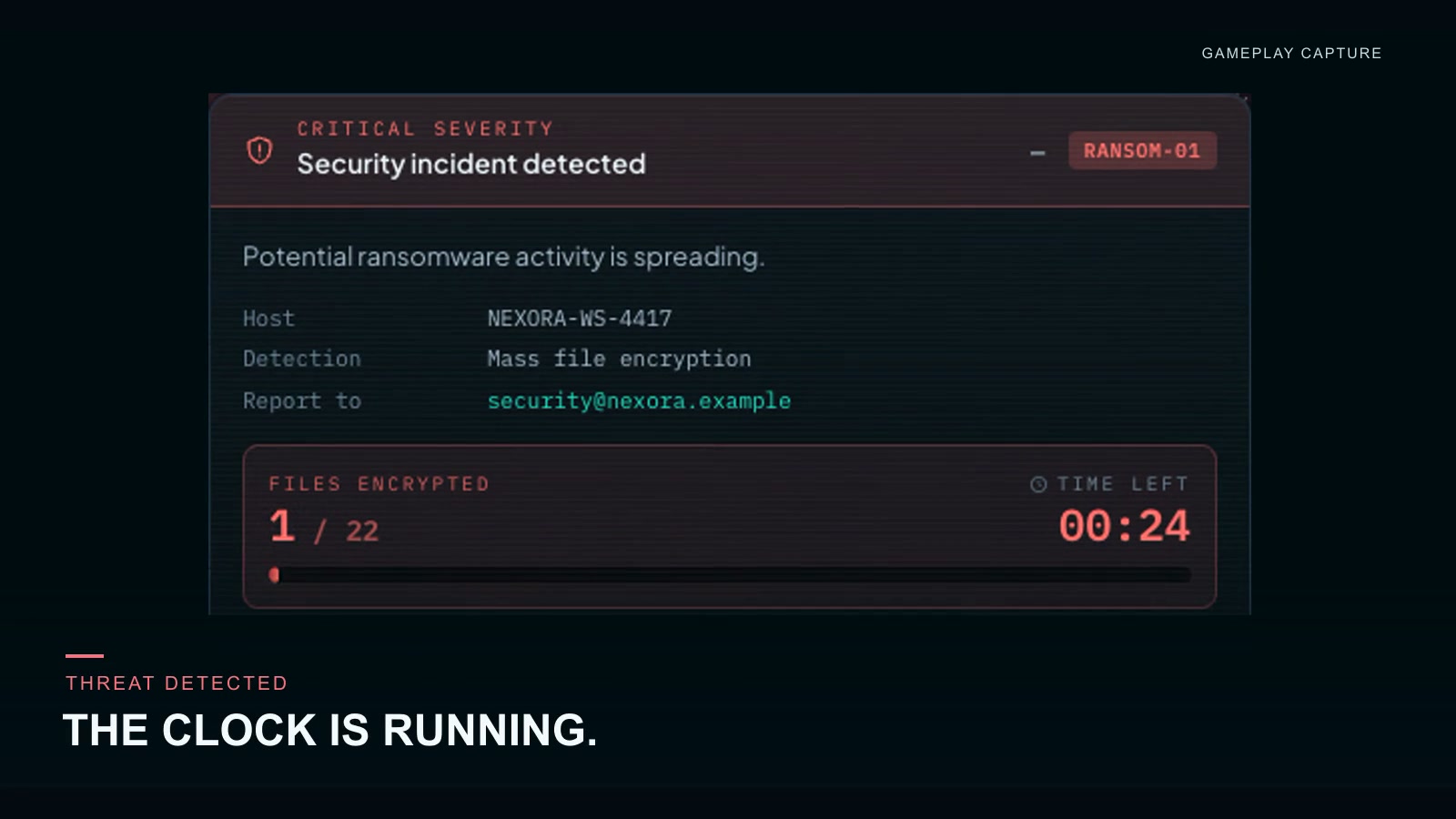
When the alert arrives, only one of the three responses limits the damage: disconnect and report. Continuing to work and restarting the computer do not. Recovery then hands back only what genuinely survived — one restore decision at a time, every copy labelled with its age and whether it is usable at all.
The debrief leads with what survived and what did not: each file that mattered, with a one-clause reason. Behind the workstation is a walkable 3D office, opened with V. It all runs in the browser, in any of nine languages — English, Romanian, French, German, Dutch, Italian, Spanish, Polish and Ukrainian — with the customer name carried through the OS, the notifications, the storage and the recovery console.
What you will learn
- Unique business files must exist outside the compromised workstation
- Synchronization and backup solve different problems
- Approved company storage matters; personal cloud is a policy issue
- A USB copy that stays plugged in is still in reach of the attack
- Isolated or protected copies are what recovery actually uses
- Employees save work in approved places — IT runs the backup infrastructure
How to play
- Choose the language and the company this session should represent.
- Read the scenario briefing: files on this PC, how many cannot be rebuilt, whether a USB drive is plugged in.
- Select a file, read whether it can be rebuilt, then pick a destination — the clock is running.
- When encryption activity appears, disconnect and report. Do not keep working and do not restart.
- Restore from the newest recoverable copy, then read what survived and what did not.
Platforms and languages
- Platforms: Desktop, Tablet, Mobile
- Languages: English, Română, Français, Deutsch, Nederlands, Italiano, Español, Polski, Українська
Practise with these games
Game screenshots
Related cybersecurity topics
- Backup & Recovery Awareness Games
Practise backup and recovery decisions. Explore the difference between synchronising files and maintaining recoverable copies.