Dangerous browser extensions
A useful‑looking add‑on can still read the pages you are signed into
“Dangerous browser extensions” is a CyberPlay video course of about 7 minutes, included with Individual Plus. A guide explains the topic and the video stops for five questions.
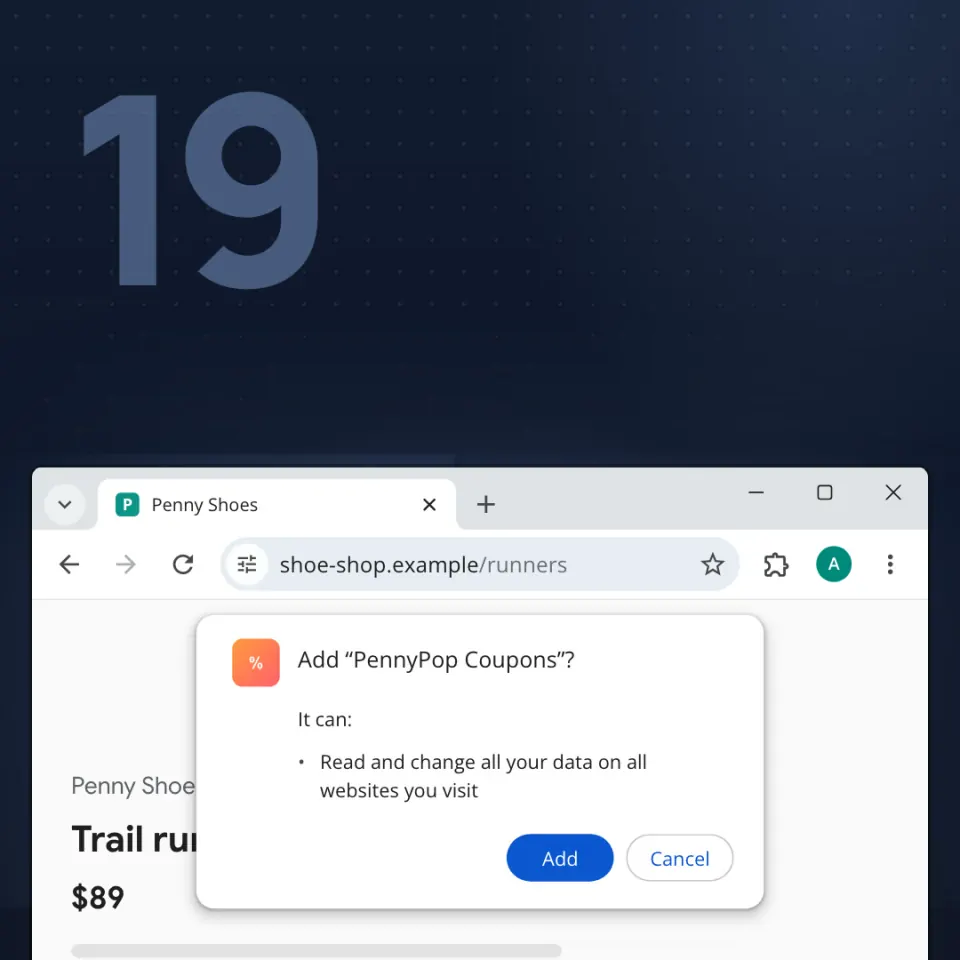
Learn how to judge a browser extension before you add it: whether you need it, what pages it can read, and where it came from. You will also know how to remove a bad one and protect your accounts.
Key facts
- Five checkpoint questions inside the video
- About 7 minutes
- Guides to choose from: 7
- Narrated in English and Romanian
- Included with Individual Plus (€25 a year, VAT included) and organisation plans
- Certificate of completion with Individual Plus or an organisation plan that includes certificates
- Up to 160 XP the first time you finish
What you will be able to do
- Only add what you need
- Every website means it can see signed‑in pages
- Store, or school or work. Never a file from a chat
Frequently asked questions
Is “Dangerous browser extensions” free?
“Dangerous browser extensions” is included with Individual Plus, which costs €25 a year for one person (VAT included), and with every active organisation plan. With a free CyberPlay account you can take 3 courses: Modern email phishing, Who gets your screen? and ClickFix: “Prove you’re human”.
How long does “Dangerous browser extensions” take?
About 7 minutes, including the five questions. The exact length depends on the guide and the language you choose.
Do I get a certificate for “Dangerous browser extensions”?
Yes, with Individual Plus or an organisation plan that includes certificates. Finish the course and answer all five questions, then claim a certificate of completion that shows your first-attempt score.
Which languages is “Dangerous browser extensions” available in?
The video is narrated in English and Romanian by a guide you choose (available: 7). The buttons and menus around it are available in nine languages.