Secure the Office — Cybersecurity Game
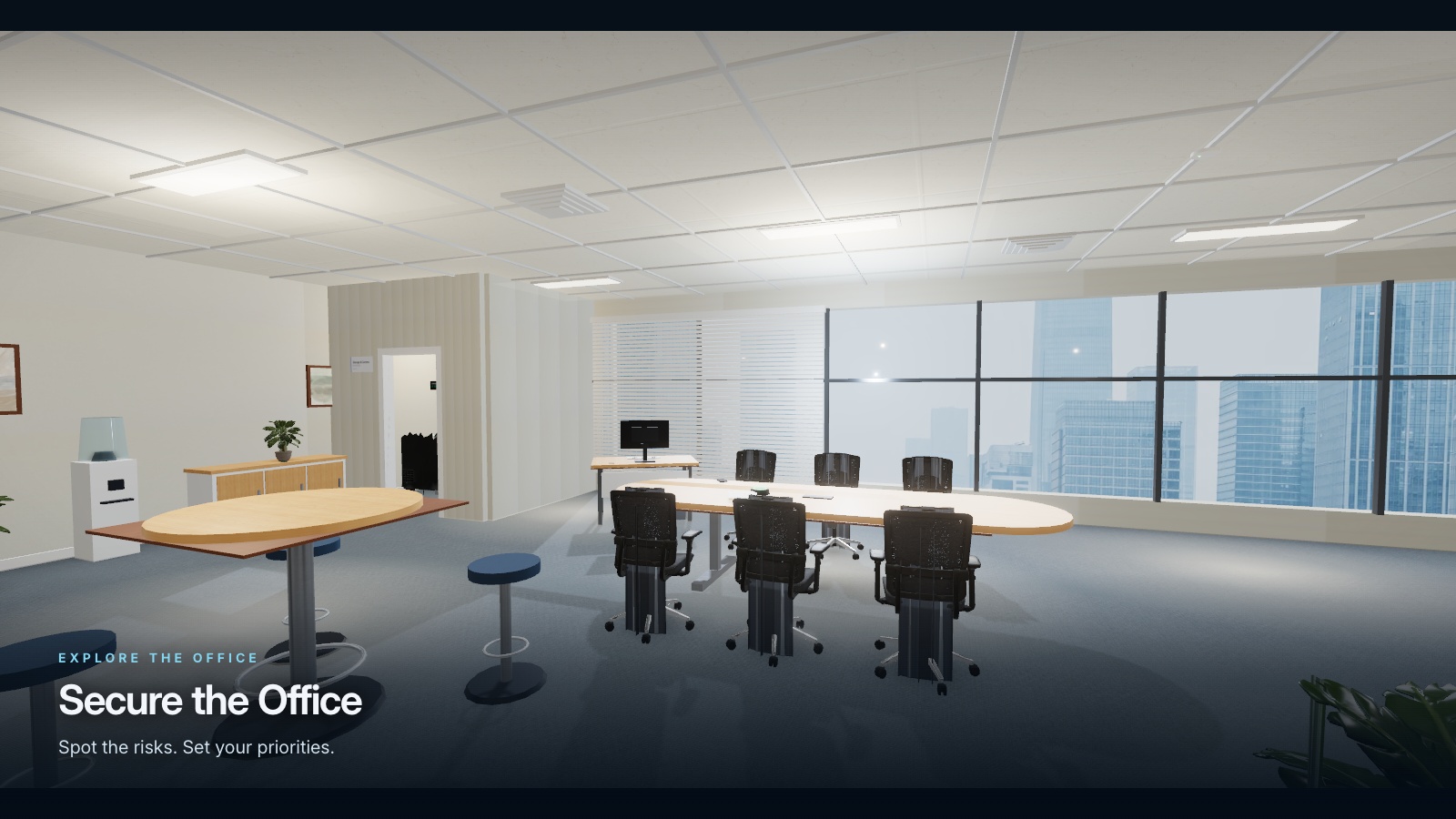
Take a short walk through a modern office floor. Find the real physical-security risks — a computer left unlocked, a password on a sticky note, a USB stick nobody owns, a storage room standing open — spend a hundred credits where they matter most, and send your report.
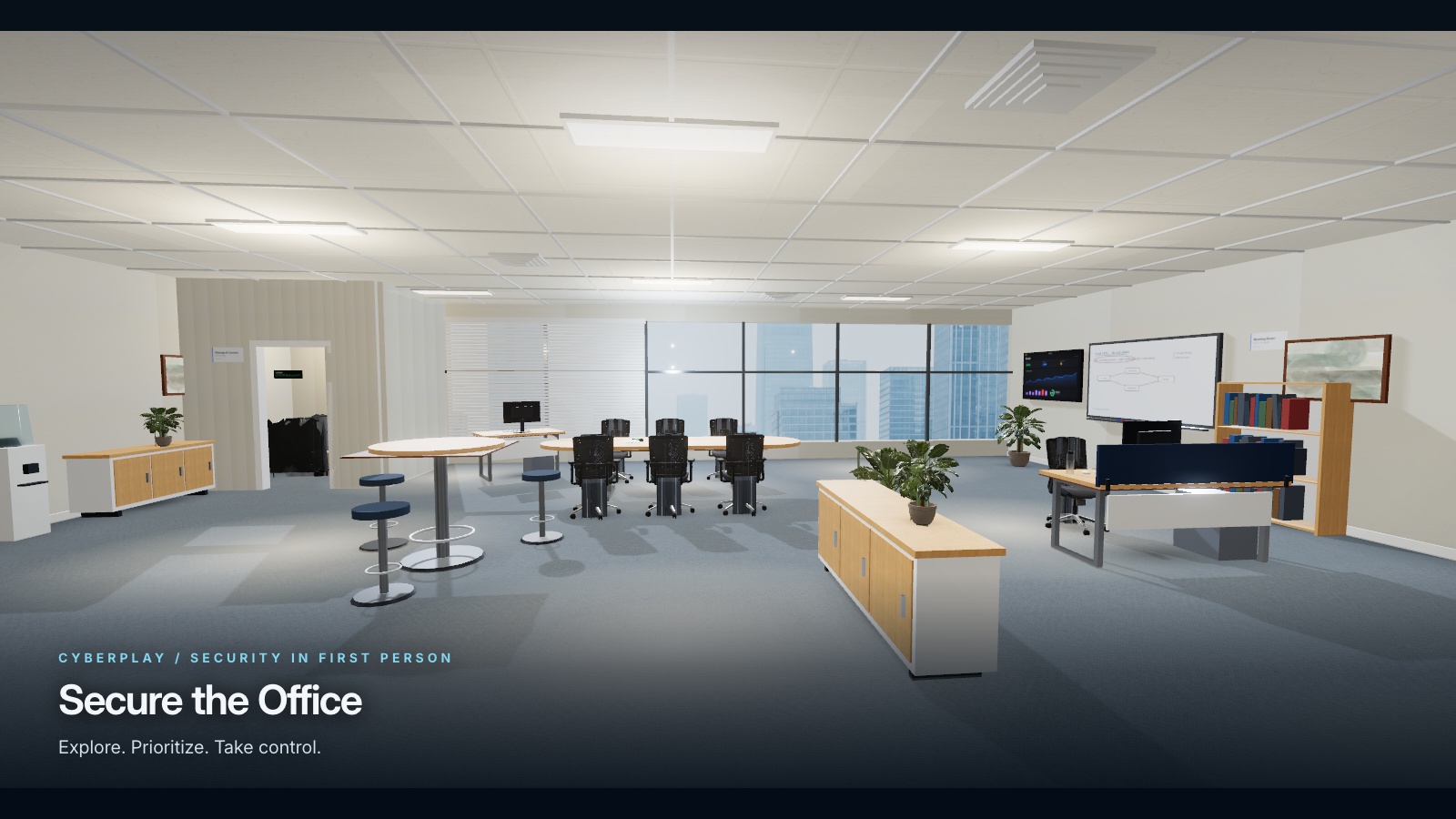
Secure the Office is a free browser-based cybersecurity game. Take a short walk through a modern office floor. Find the real physical-security risks — a computer left unlocked, a password on a sticky note, a USB stick nobody owns, a storage room standing open — spend a hundred credits where they matter most, and send your report.
Difficulty: Beginner. Estimated play time: 10 minutes.
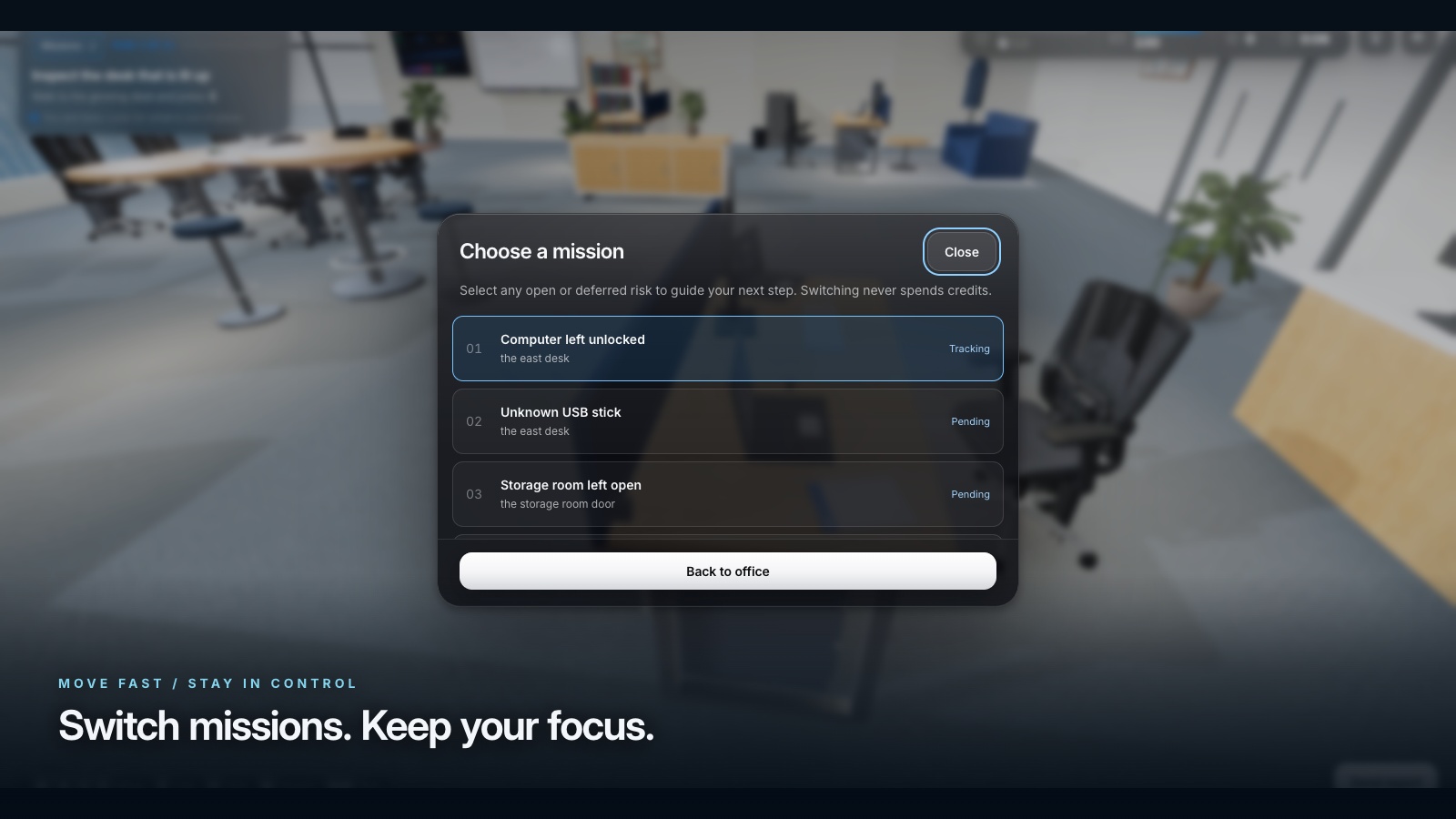
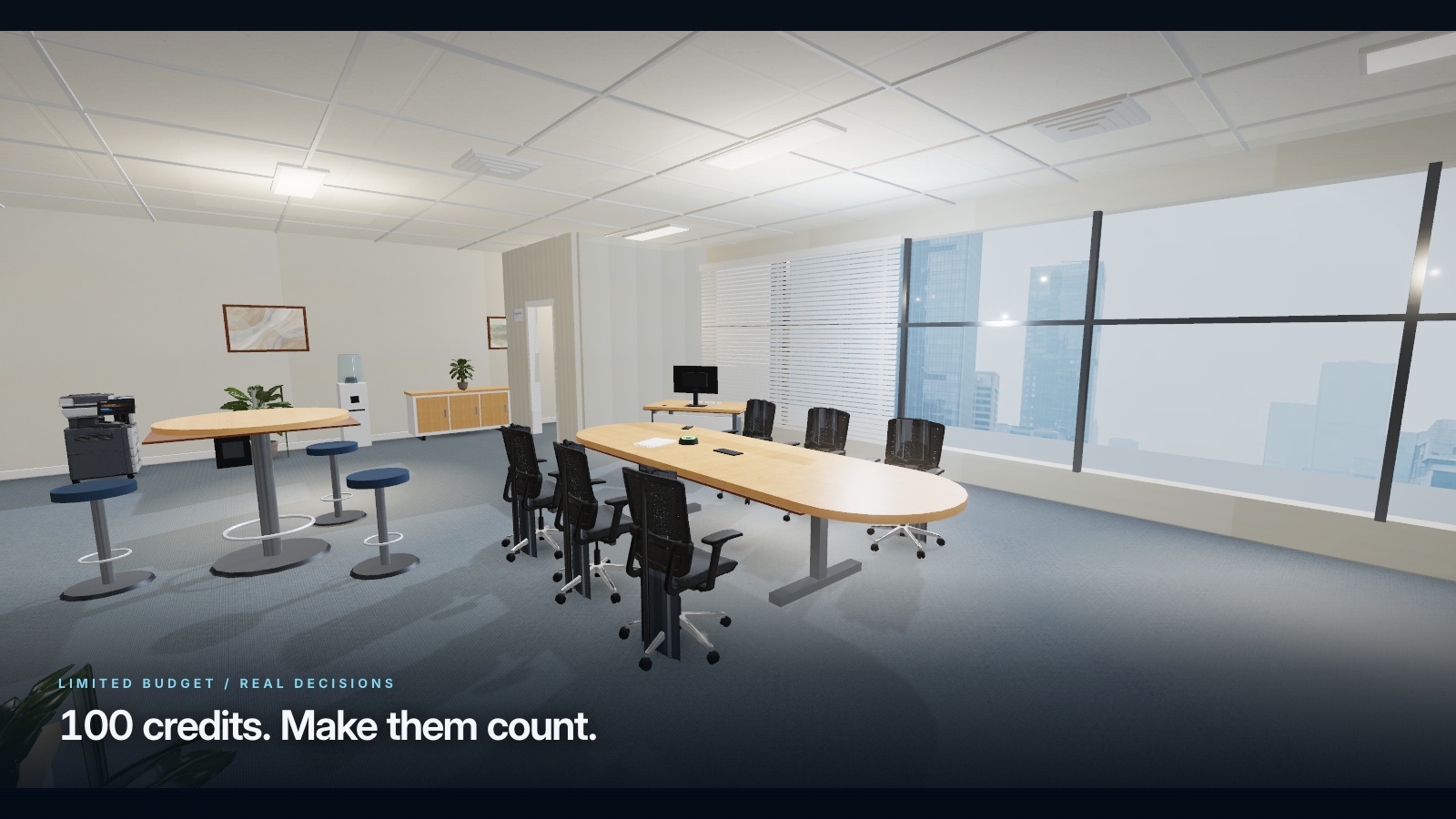
One floor, ten risks and one report. Every round draws ten risks from a set of thirteen and spreads them over the east, north and south desks, the meeting area, the reception desk, the printer corner, the filing cabinets, the bins, the window and the storage-room door, so the same problem is rarely twice in the same place.
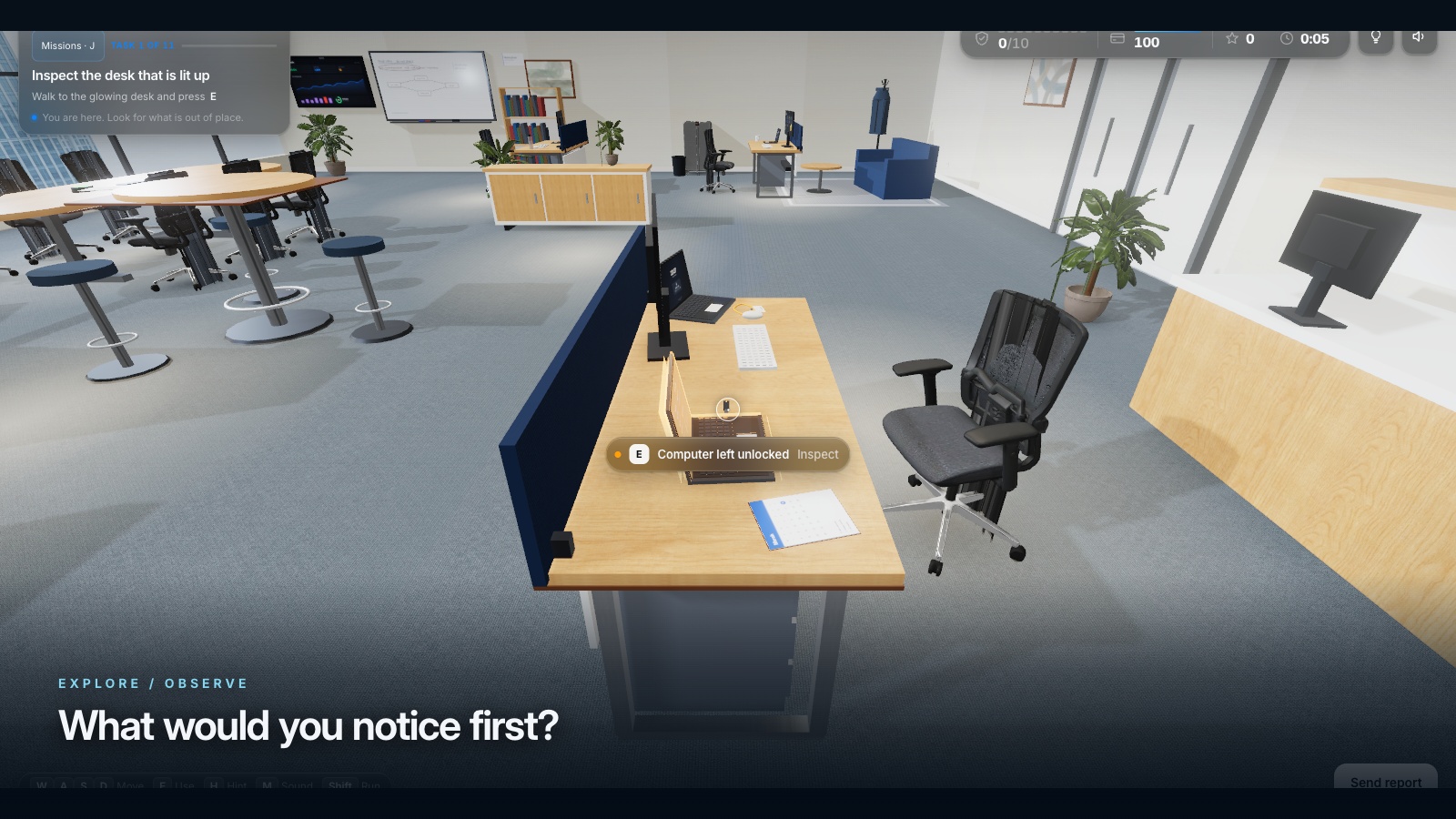
You are never asked to hunt blind. The task card names the zone, a waypoint marks the spot on the floor and an off-screen compass points at it when you look away. H buys a hint for 12 points, and the game gives one away free if you have made no progress for 26 seconds. Walking away from a risk still retires the task — refusing to spend is a decision the game accepts.
Discovering a risk is +15; fixing it pays that risk’s own reward, from 36 for a screen visible through the glass to 140 for the open storage room, against a fix cost of 8 to 24 credits. Clear every critical risk and your leftover credits convert to bonus points at double value, up to 80. Eleven kinds of harmless object share the floor — a mug, a plant, an already-locked laptop, a wiped whiteboard — and flagging one costs 35 points and an explanation.
Three.js on a procedural office shell, with four graphics tiers and auto-detection, all nine platform languages throughout, and the company name themed into badges, lock screens, documents and the whiteboard. The debrief grades the run A–F out of 1000 and lists every risk you left behind with the correct action for each.
What you will learn
- Lock your computer every time you leave the desk, even for a minute
- Keep passwords out of sight and in a password manager
- Hand an unknown USB stick to IT instead of plugging it in
- Treat badges, printouts and an open storage door as access, not clutter
- Spend a limited security budget on the risks that carry the most impact
How to play
- Pick one of nine languages, set the company name and a graphics tier, then continue.
- Use WASD to move and the mouse to look. The task card always tells you where to go.
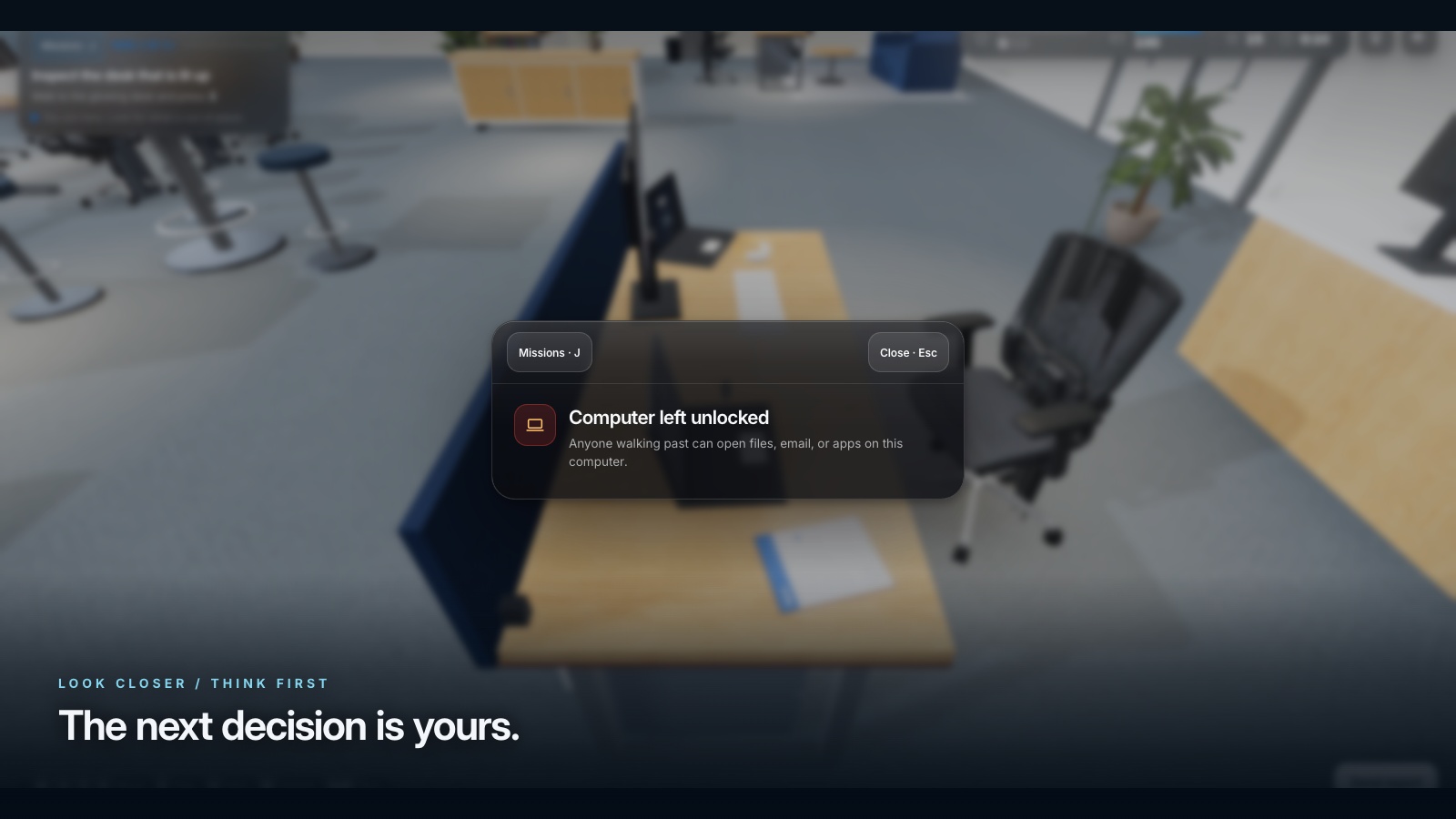
- Look at an object and press E. You will see what it is and if it is a risk.
- You have 100 credits. Critical risks are worth far more than small ones.
- Every fix explains the lesson behind it. There are no trick questions.
- Press Enter, or Send report, once every task is handled.
Platforms and languages
- Platforms: Desktop, Tablet, Mobile
- Languages: English, Română, Français, Deutsch, Nederlands, Italiano, Español, Polski, Українська
Practise with these games
Game screenshots
Related cybersecurity topics
- Workplace Physical Security Games
Practise clean-desk decisions, screen locking, badge handling and visitor checks in interactive office security games.