QR Hunt — Cybersecurity Game
Scanning a QR code is like clicking a link you cannot read first. Walk a modern office, check twelve codes across six rooms, and decide for each one: open it, ignore it, or report it.

QR Hunt is a free browser-based cybersecurity game. Scanning a QR code is like clicking a link you cannot read first. Walk a modern office, check twelve codes across six rooms, and decide for each one: open it, ignore it, or report it.
Difficulty: Beginner. Estimated play time: 8 minutes.
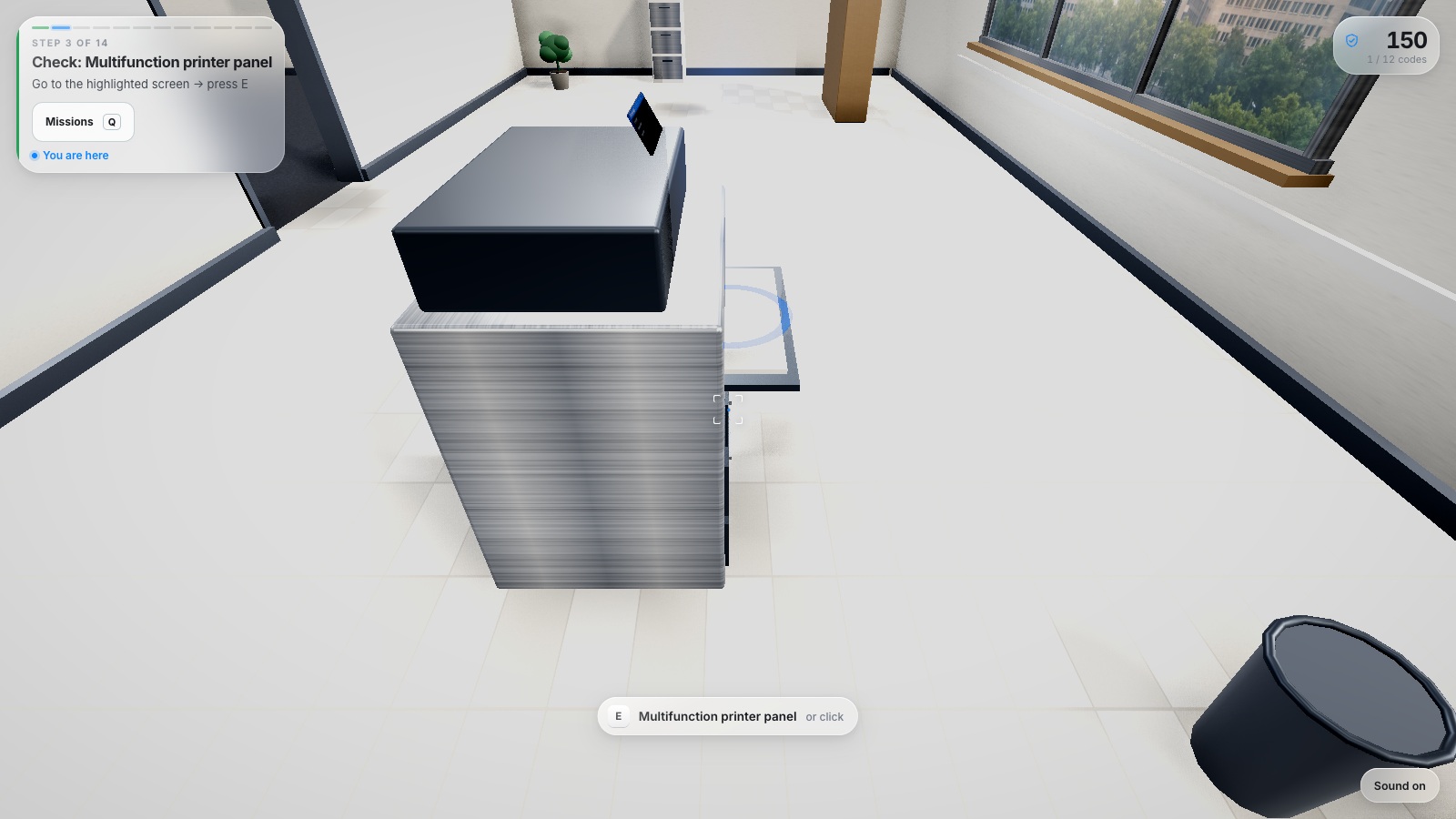
The game never asks you to "go find some QR codes". It gives you one small objective at a time, and the HUD always answers four questions: what to do, where it is, how far away it is, and which key to press.
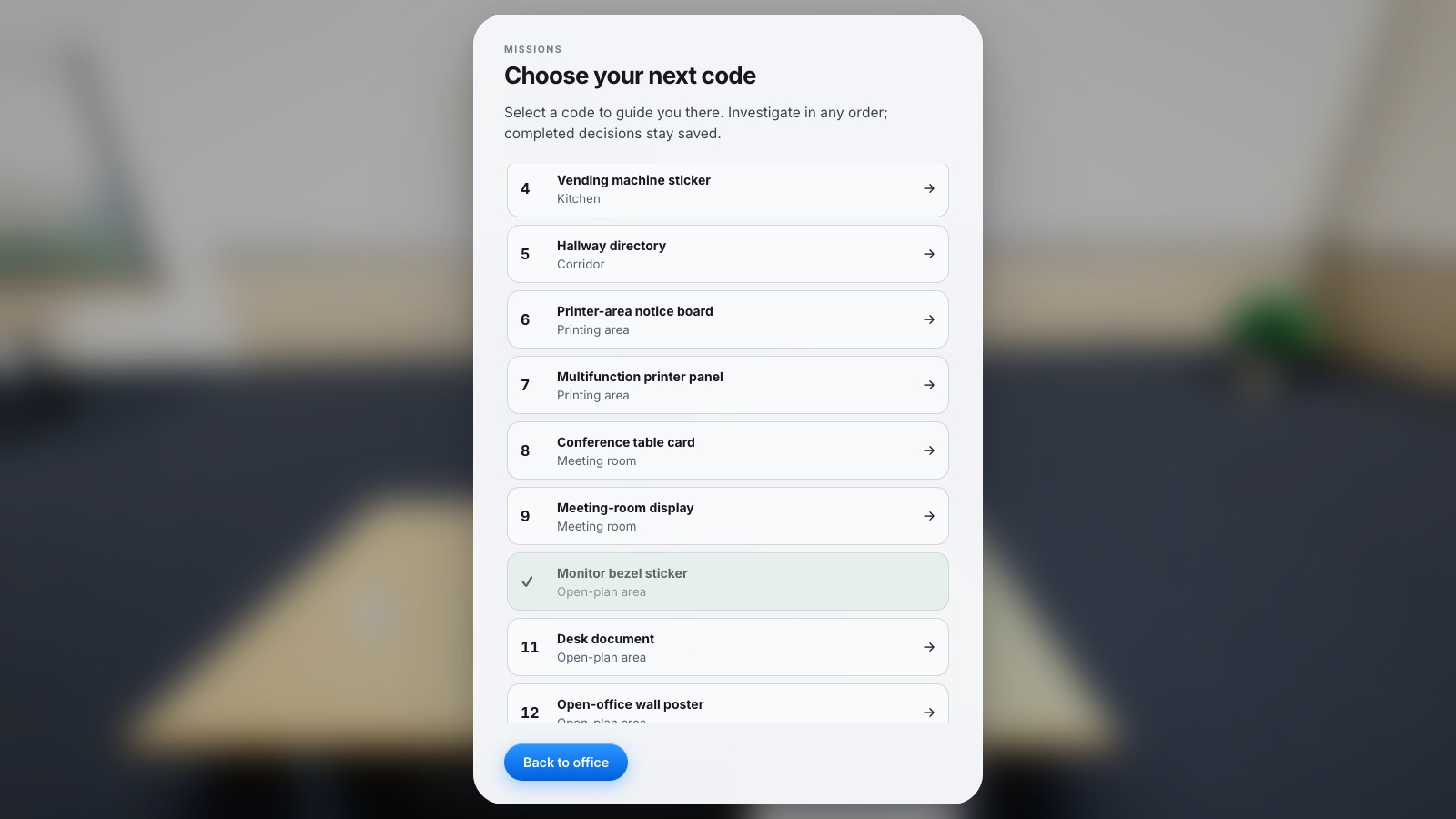
A run is fourteen steps: learn the controls, twelve inspection steps ordered as a walking loop through reception, kitchen, corridor, print room, meeting room and open plan, and finally the security report filed at the reception console.
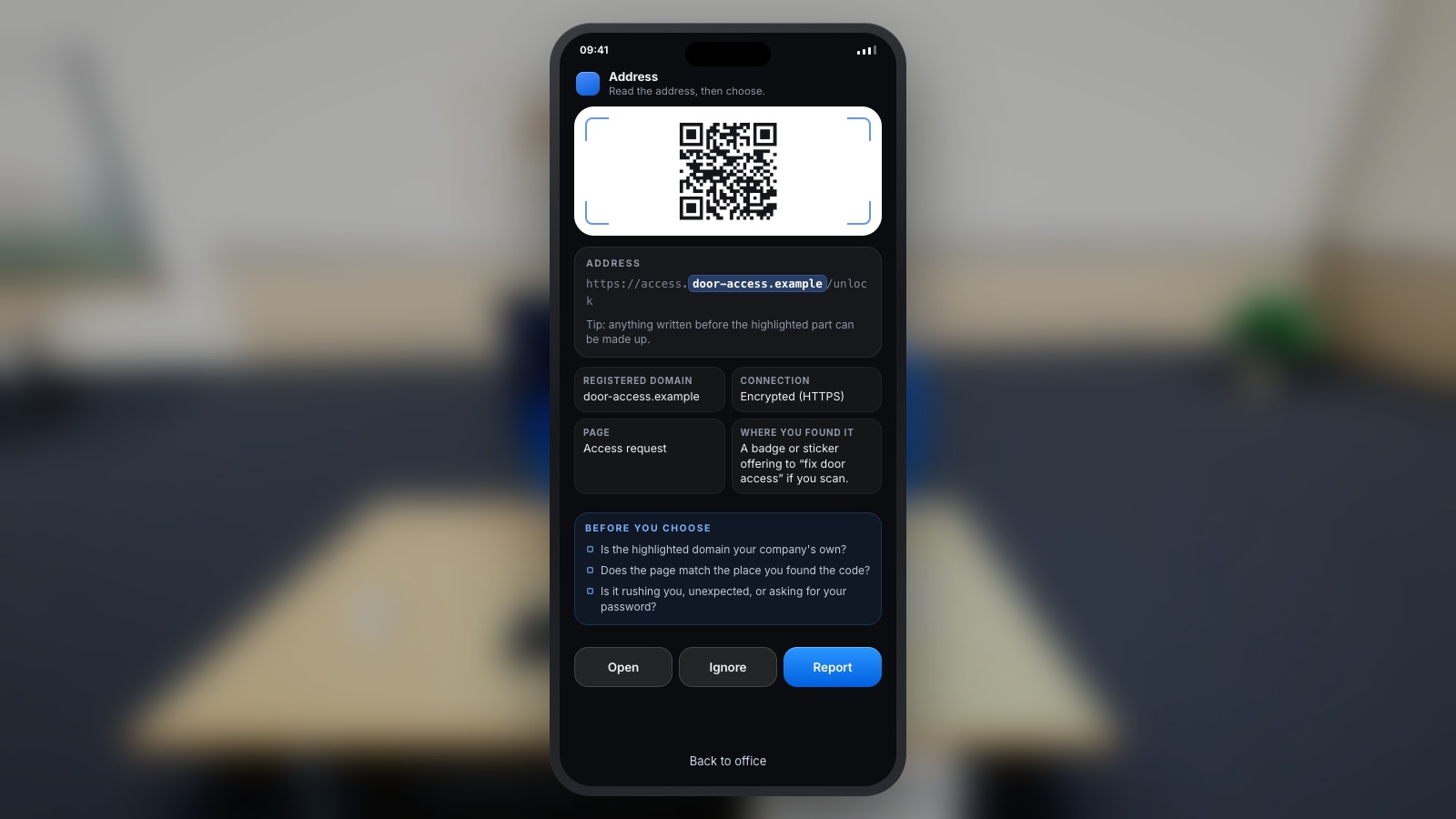
Each scan opens a phone: the full web address with the registered domain highlighted, whether the connection is encrypted, what the page claims to be, and where you found the code — plus three checks to run before you choose Open, Ignore or Report. Every decision is answered with the risk, the better move and a one-line lesson.
The company name you type on the opening screen flows through the official QR destinations, the wall signage, the training copy and the enterprise software shown on the in-world monitors. All nine platform languages are first-class — English, Română, Français, Deutsch, Nederlands, Italiano, Español, Polski and Українська — and three graphics tiers (with an adaptive Auto) keep it playable on an ordinary work laptop.
Nineteen workplace lures and nineteen physical mounts are drawn on at random, so each run changes which codes are malicious, where some of them sit and which URL variant appears. Every destination is a reserved .example or .test address — the game never opens a real site and never asks for a password.
What you will learn
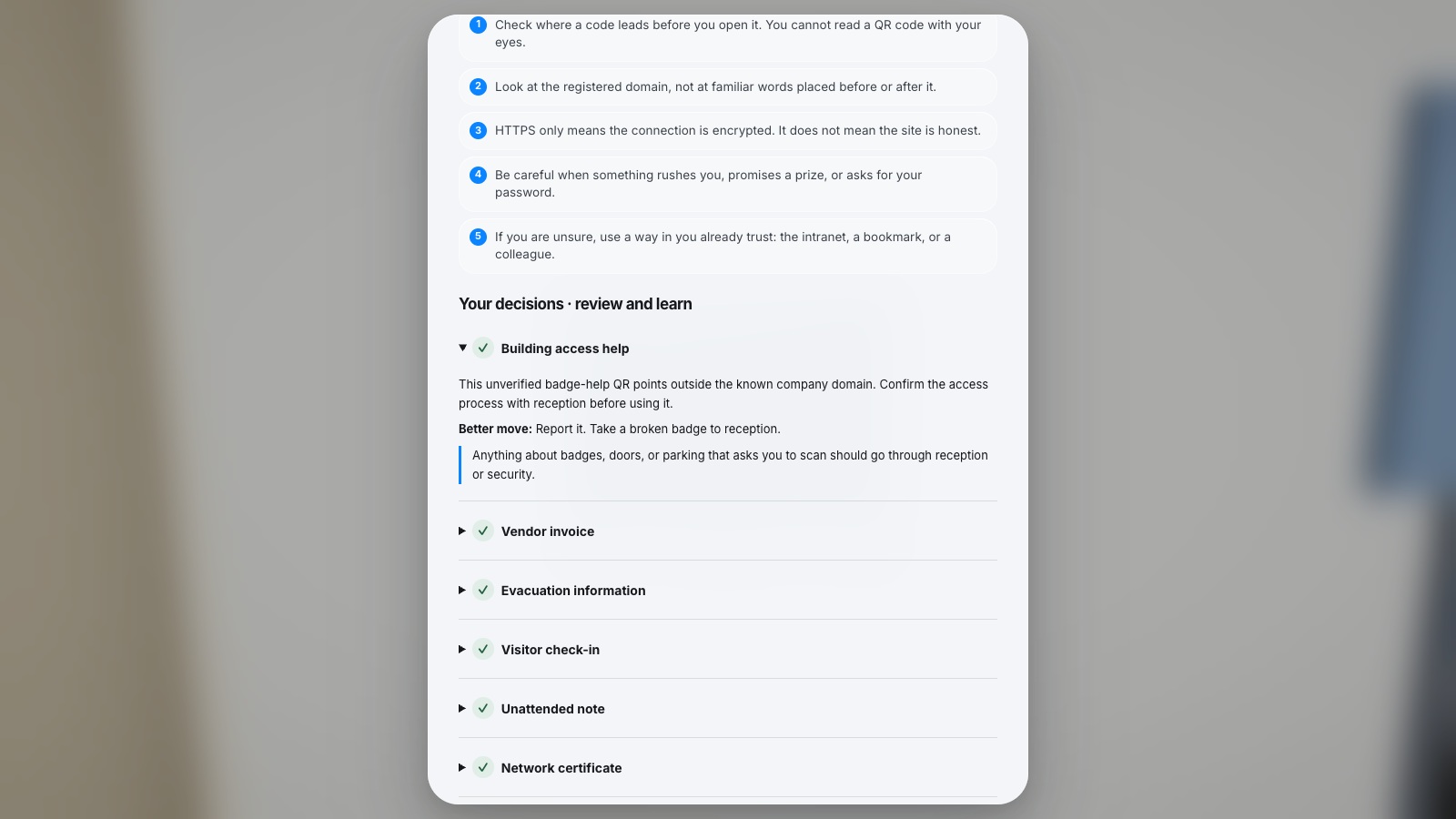
- Check where a code leads before you open it — you cannot read a QR code with your eyes
- Look at the registered domain, not at familiar words placed before or after it
- HTTPS only means the connection is encrypted; it does not mean the site is honest
- Be careful when something rushes you, promises a prize, or asks for your password
- If you are unsure, use a way in you already trust: the intranet, a bookmark, or a colleague
How to play
- Pick one of nine languages, set your company name, and choose a graphics tier.
- Click the picture once to take control of the mouse, then take a few steps.
- Walk to the highlighted object and press E, or left click it.
- Read the highlighted part of the address — that is the real owner of the site.
- Choose Open, Ignore or Report, then return to the reception console and send the report.
Platforms and languages
- Platforms: Desktop
- Languages: English, Română, Français, Deutsch, Nederlands, Italiano, Español, Polski, Українська
Practise with these games
Game screenshots

Related cybersecurity topics
- QR Phishing Awareness Games
Learn to check QR-code destinations and recognise quishing. Practise inspecting codes and choosing when to open, ignore or report them.
- Social Engineering Awareness Games
Practise responding to impersonation, phone scams, suspicious requests and workplace manipulation in cybersecurity scenarios.