Do not pay for a private picture
Save the chat. Tell someone.
“Do not pay for a private picture” is a CyberPlay video course of about 6 minutes, included with Individual Plus. A guide explains the topic and the video stops for five questions.
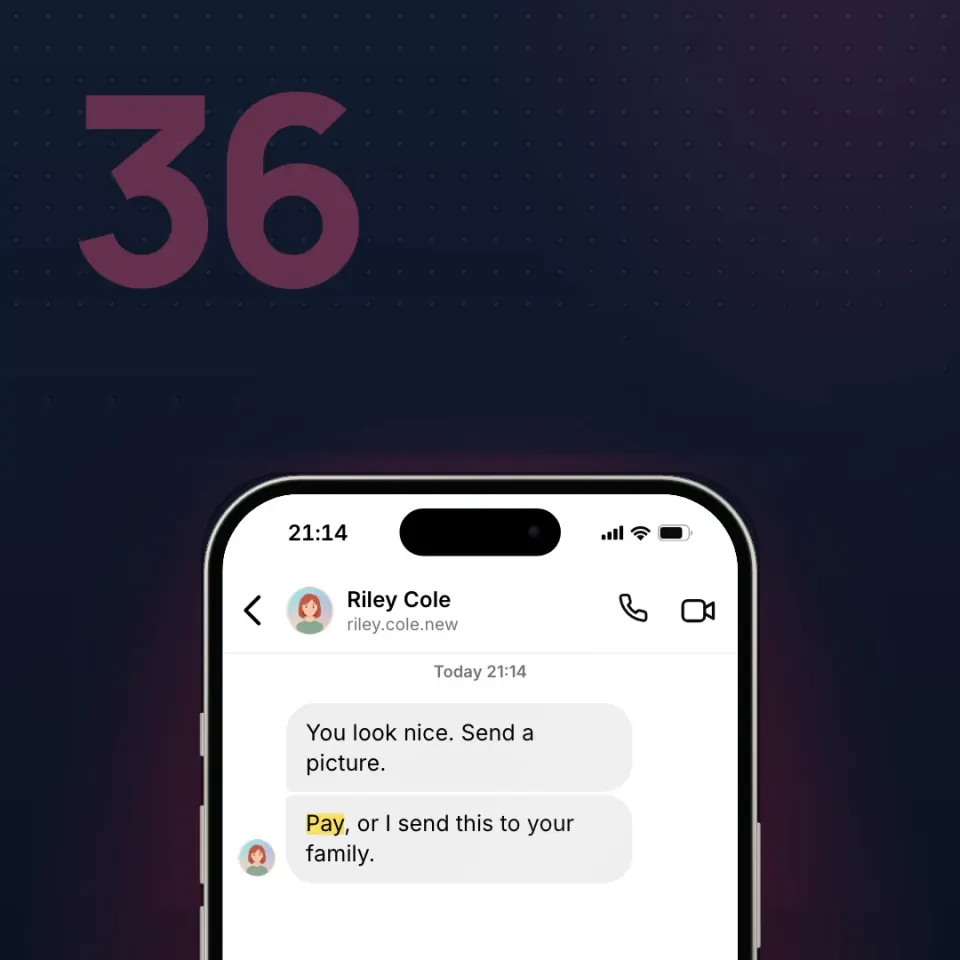
Learn what to do if someone threatens to share a private picture, real or fake, unless you pay or send more. You will know why not to pay, how to save the chat, who to tell, and where to report in Romania.
Key facts
- Five checkpoint questions inside the video
- About 6 minutes
- Guides to choose from: 7
- Narrated in English and Romanian
- Included with Individual Plus (€25 a year, VAT included) and organisation plans
- Certificate of completion with Individual Plus or an organisation plan that includes certificates
- Up to 160 XP the first time you finish
What you will be able to do
- Do not pay, and do not send another picture.
- Save the chat. Tell a person you already trust.
- If it already happened, you can still report it today.
Frequently asked questions
Is “Do not pay for a private picture” free?
“Do not pay for a private picture” is included with Individual Plus, which costs €25 a year for one person (VAT included), and with every active organisation plan. With a free CyberPlay account you can take 3 courses: Modern email phishing, Who gets your screen? and ClickFix: “Prove you’re human”.
How long does “Do not pay for a private picture” take?
About 6 minutes, including the five questions. The exact length depends on the guide and the language you choose.
Do I get a certificate for “Do not pay for a private picture”?
Yes, with Individual Plus or an organisation plan that includes certificates. Finish the course and answer all five questions, then claim a certificate of completion that shows your first-attempt score.
Which languages is “Do not pay for a private picture” available in?
The video is narrated in English and Romanian by a guide you choose (available: 7). The buttons and menus around it are available in nine languages.