Real updates and security warnings
Install the real update. Do not click past a real warning
„Real updates and security warnings“ ist ein CyberPlay-Videokurs von etwa 6 Minuten, enthalten in Individual Plus. Ein Guide erklärt das Thema, und das Video hält für fünf Fragen an.
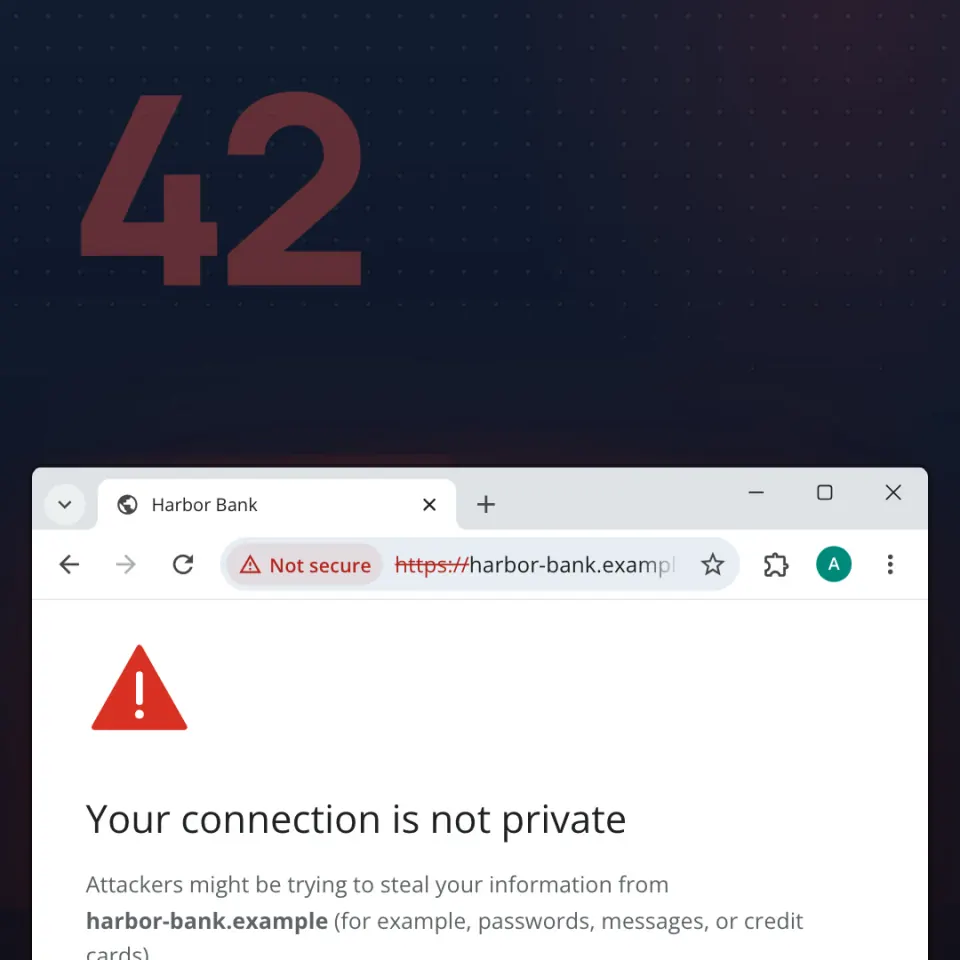
Learn to tell a real update from a fake Update button, and a real browser or Windows warning from a trick. You will know to install updates from the app or system you opened, restart, and go back instead of clicking past a warning.
Die Kurse sind auf Englisch oder Rumänisch vertont; Schaltflächen und Menüs erscheinen in Ihrer Sprache.
Auf einen Blick
- Fünf Kontrollfragen im Video
- Etwa 6 Minuten
- Guides zur Auswahl: 7
- Vertont auf Englisch und Rumänisch
- Enthalten in Individual Plus (25 € pro Jahr inkl. MwSt.) und in den Organisationstarifen
- Abschlusszertifikat mit Individual Plus oder einem Organisationstarif mit Zertifikaten
- Bis zu 160 XP beim ersten Abschluss
Was Sie danach können
- Install updates from the app or the system, and restart
- Do not click past a real security warning
- If support has ended, do not keep going on hope
Häufige Fragen
Ist „Real updates and security warnings“ kostenlos?
„Real updates and security warnings“ ist in Individual Plus enthalten, das 25 € pro Jahr für eine Person kostet (inkl. MwSt.), sowie in jedem aktiven Organisationstarif. Mit einem kostenlosen CyberPlay-Konto können Sie 3 Kurse ansehen: Modern email phishing, Who gets your screen? und ClickFix: “Prove you’re human”.
Wie lange dauert „Real updates and security warnings“?
Etwa 6 Minuten, einschließlich der fünf Fragen. Die genaue Dauer hängt vom gewählten Guide und von der Sprache ab.
Gibt es für „Real updates and security warnings“ ein Zertifikat?
Ja, mit Individual Plus oder einem Organisationstarif mit Zertifikaten. Schließen Sie den Kurs ab, beantworten Sie alle fünf Fragen und fordern Sie dann ein Abschlusszertifikat mit Ihrer Punktzahl im ersten Versuch an.
In welchen Sprachen gibt es „Real updates and security warnings“?
Das Video ist auf Englisch und Rumänisch vertont und wird von einem Guide Ihrer Wahl präsentiert (verfügbar: 7). Schaltflächen und Menüs gibt es in neun Sprachen.