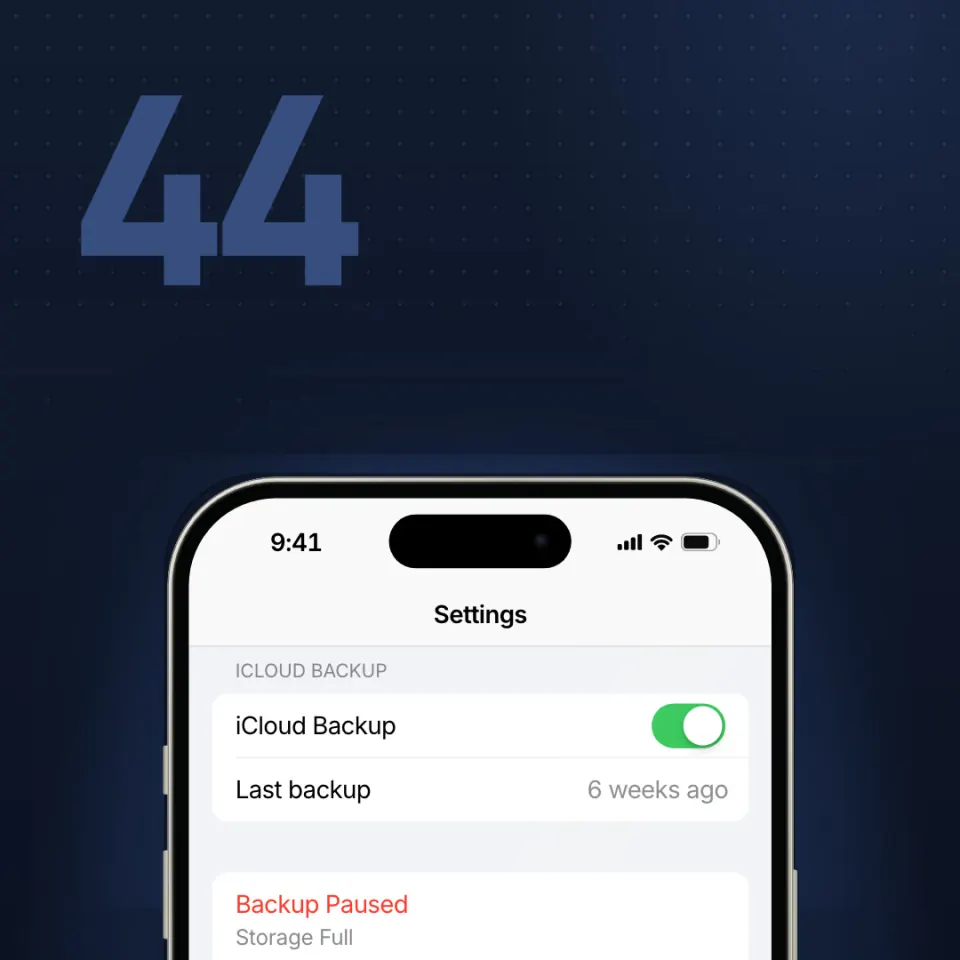
A cloud icon is not a backup
Know what it covers. Use the place you were told. Open one file before you need it.
„A cloud icon is not a backup“ ist ein CyberPlay-Videokurs von etwa 7 Minuten, enthalten in Individual Plus. Ein Guide erklärt das Thema, und das Video hält für fünf Fragen an.
Learn the difference between a synced cloud icon and a real backup, and how to check what your copy covers. You will keep one copy offline, use the place you were told to use, and open one file from it before you need it.
Die Kurse sind auf Englisch oder Rumänisch vertont; Schaltflächen und Menüs erscheinen in Ihrer Sprache.
Auf einen Blick
- Fünf Kontrollfragen im Video
- Etwa 7 Minuten
- Guides zur Auswahl: 7
- Vertont auf Englisch und Rumänisch
- Enthalten in Individual Plus (25 € pro Jahr inkl. MwSt.) und in den Organisationstarifen
- Abschlusszertifikat mit Individual Plus oder einem Organisationstarif mit Zertifikaten
- Bis zu 160 XP beim ersten Abschluss
Was Sie danach können
- Know what the copy actually covers.
- Use the place you were told. Keep one copy unplugged.
- Open one file from it before you need it.
Häufige Fragen
Ist „A cloud icon is not a backup“ kostenlos?
„A cloud icon is not a backup“ ist in Individual Plus enthalten, das 25 € pro Jahr für eine Person kostet (inkl. MwSt.), sowie in jedem aktiven Organisationstarif. Mit einem kostenlosen CyberPlay-Konto können Sie 3 Kurse ansehen: Modern email phishing, Who gets your screen? und ClickFix: “Prove you’re human”.
Wie lange dauert „A cloud icon is not a backup“?
Etwa 7 Minuten, einschließlich der fünf Fragen. Die genaue Dauer hängt vom gewählten Guide und von der Sprache ab.
Gibt es für „A cloud icon is not a backup“ ein Zertifikat?
Ja, mit Individual Plus oder einem Organisationstarif mit Zertifikaten. Schließen Sie den Kurs ab, beantworten Sie alle fünf Fragen und fordern Sie dann ein Abschlusszertifikat mit Ihrer Punktzahl im ersten Versuch an.
In welchen Sprachen gibt es „A cloud icon is not a backup“?
Das Video ist auf Englisch und Rumänisch vertont und wird von einem Guide Ihrer Wahl präsentiert (verfügbar: 7). Schaltflächen und Menüs gibt es in neun Sprachen.